

Answered
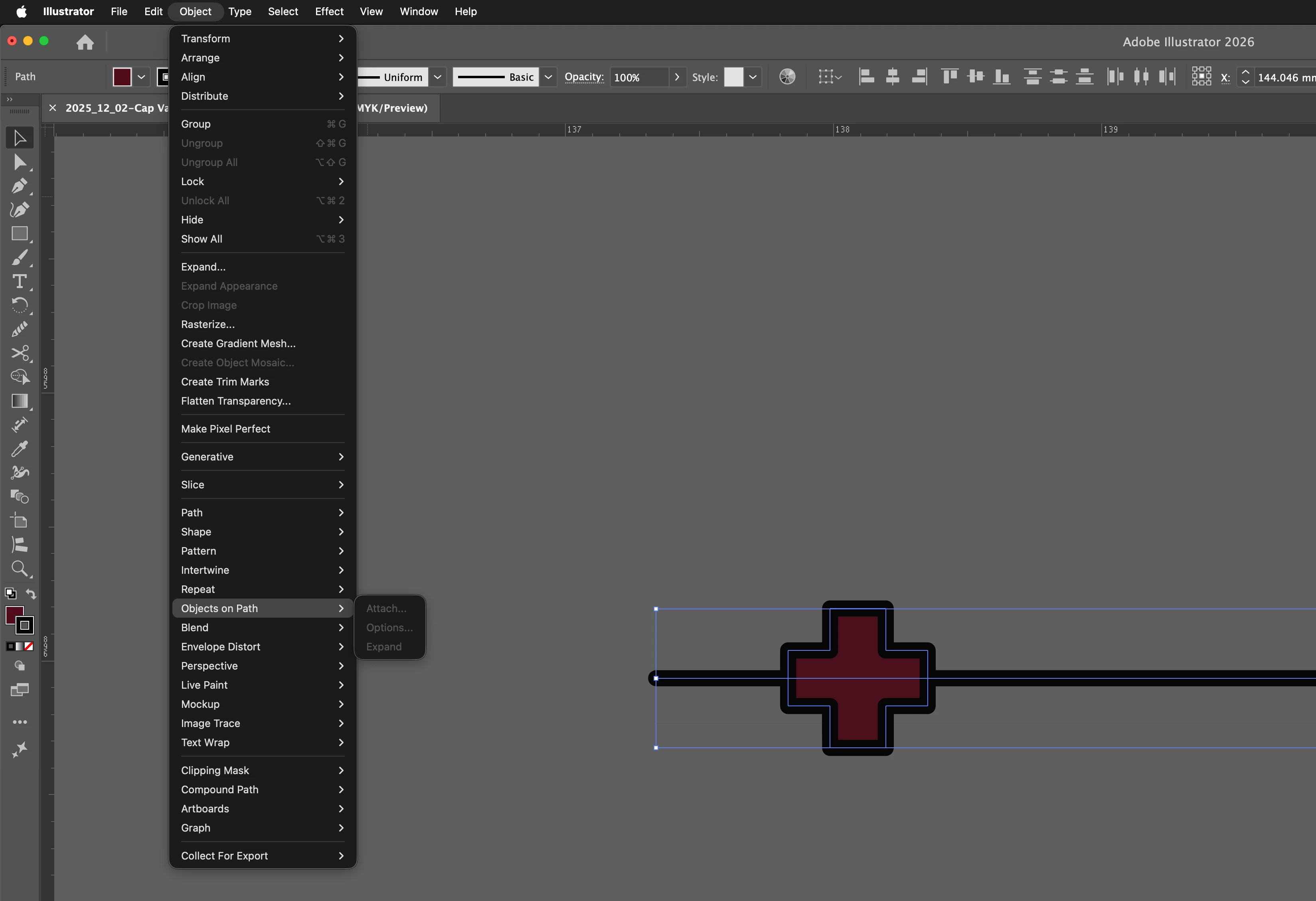
"Object on Path" does not work (greyed out)
Why is the object on Path greyed out?
Since update nothing works in Illustrator, very frustrating.
MacBook Pro M1 Max / 64 GB / Tahoe 26.1
Illustrator 30
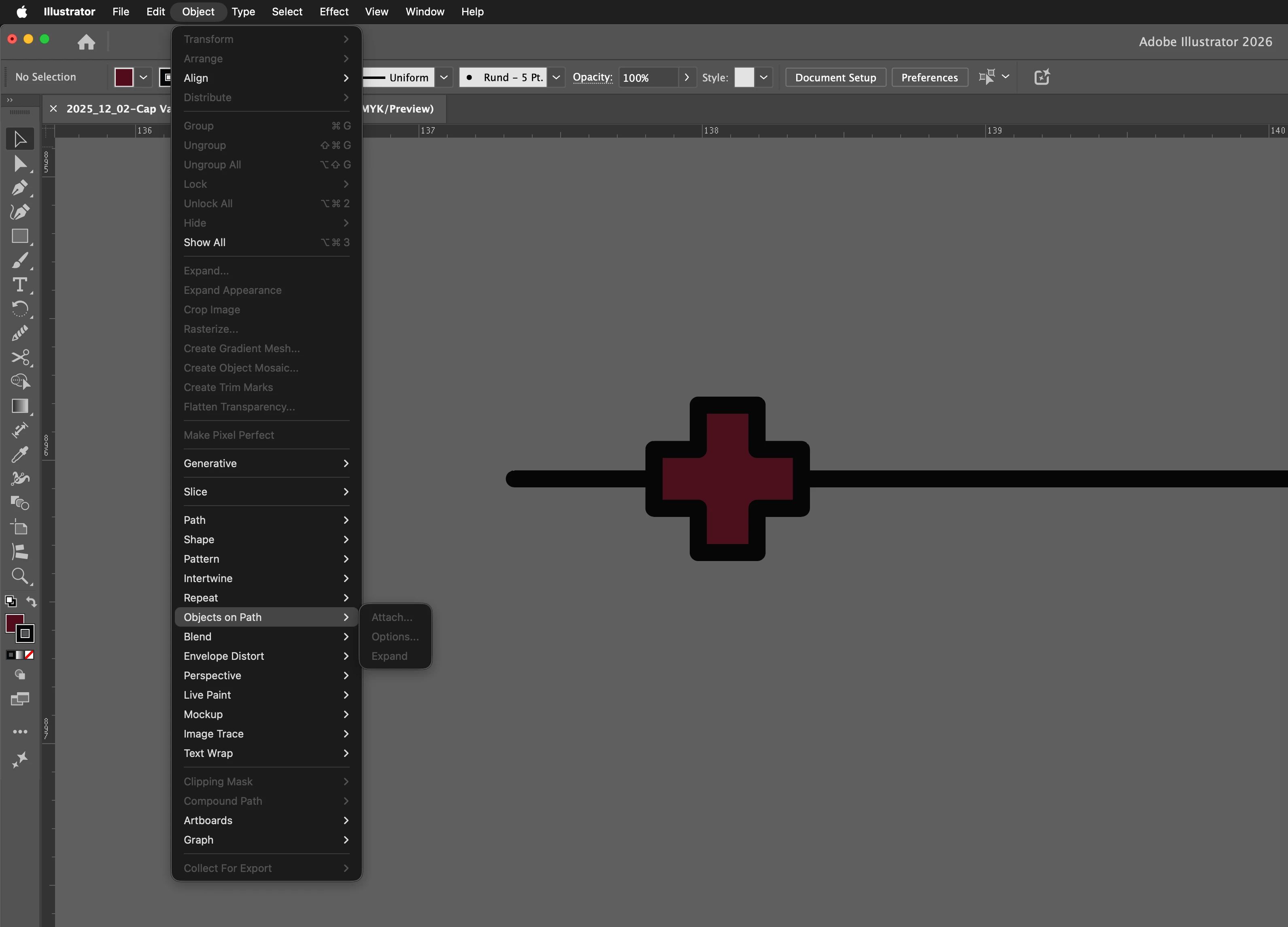

Why is the object on Path greyed out?
Since update nothing works in Illustrator, very frustrating.
MacBook Pro M1 Max / 64 GB / Tahoe 26.1
Illustrator 30
Already have an account? Login
Enter your E-mail address. We'll send you an e-mail with instructions to reset your password.

 AdChoices