
Participant
November 22, 2016
Question

Object seems to be locked, but isn't

  • November 22, 2016
  • 1 reply
  • 386 views

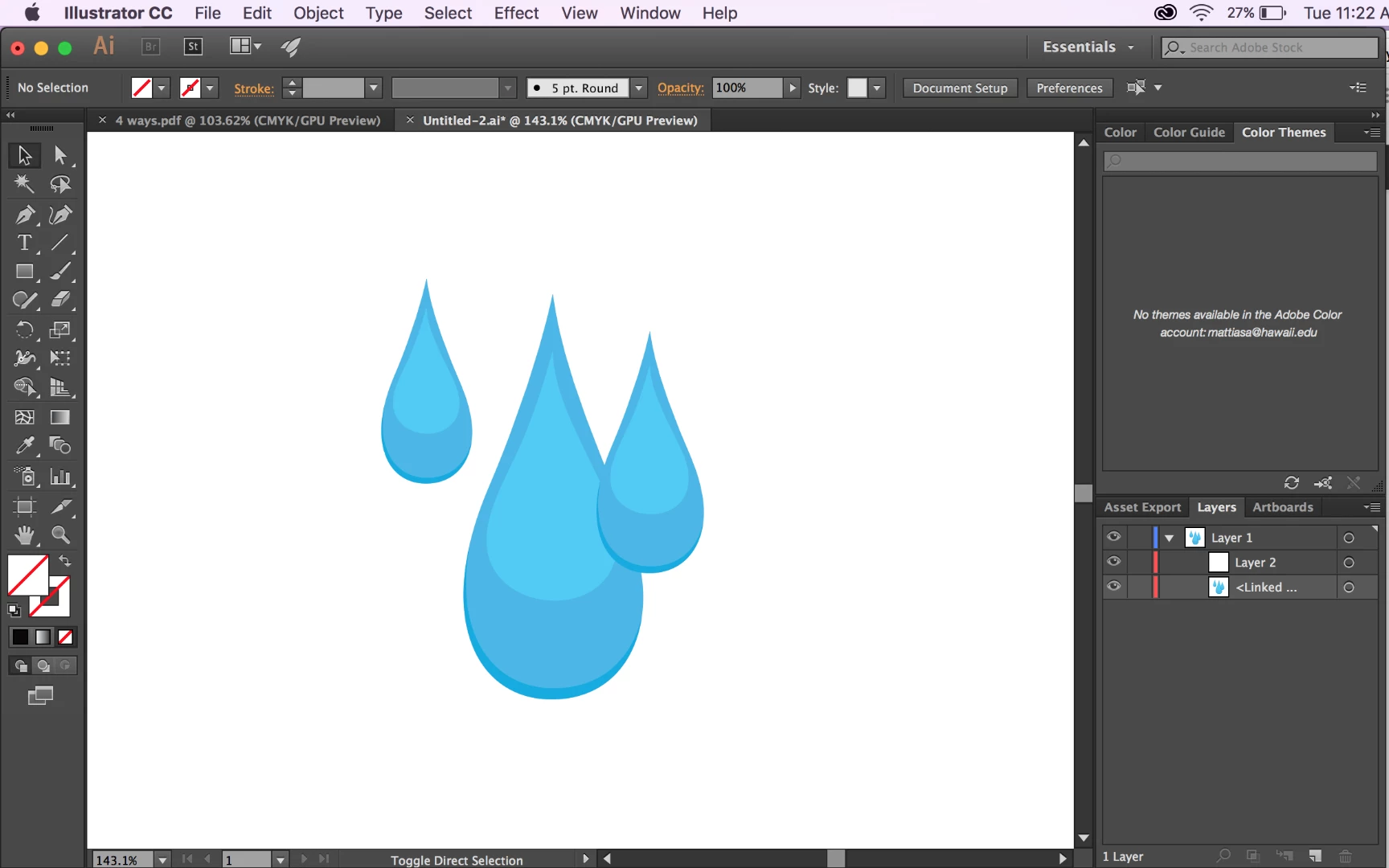
My object seems to be locked, as I can't edit it, but it isn't locked on the layers panel. Whenever I hit edit original, it brings me to the pdf file in preview. There's not a clipping mask that needs to be released either, so I'm very confused as to why this is happening! Any advice would be appreciated. Screenshot of illustrator shown below.
This topic has been closed for replies.

1 reply

Ton Frederiks
Community Expert
Community Expert
November 22, 2016

It says Linked in the layers panel, that is the reason.

How did you get the object on the artboard?

If you got it from a CC Library, hold down the Alt key when dragging from the library.

If you placed it, don't check the Link option during placing.

In both cases you can go to your Links panel and embed the object.