
Question
Object with gradient changes based on background color
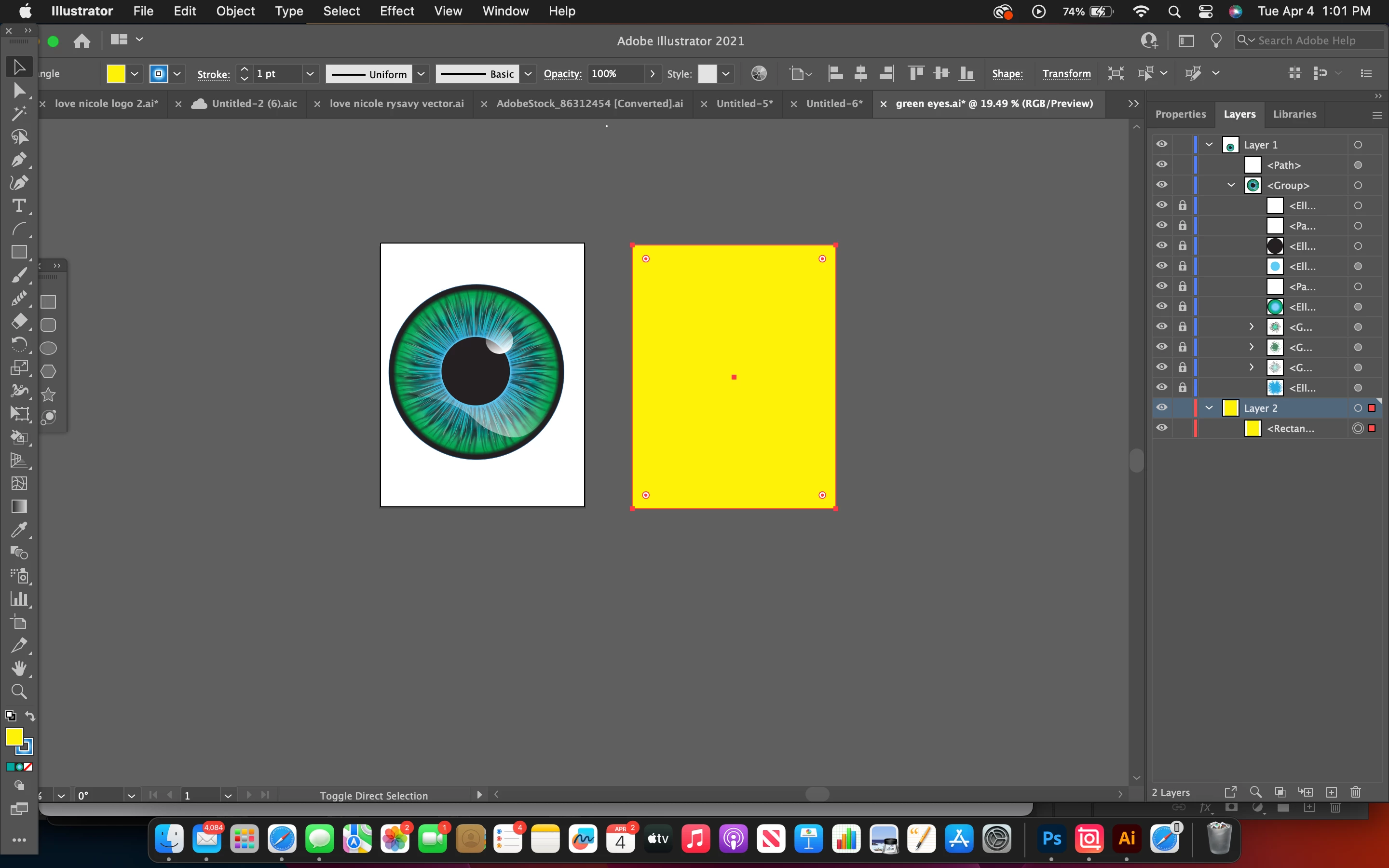
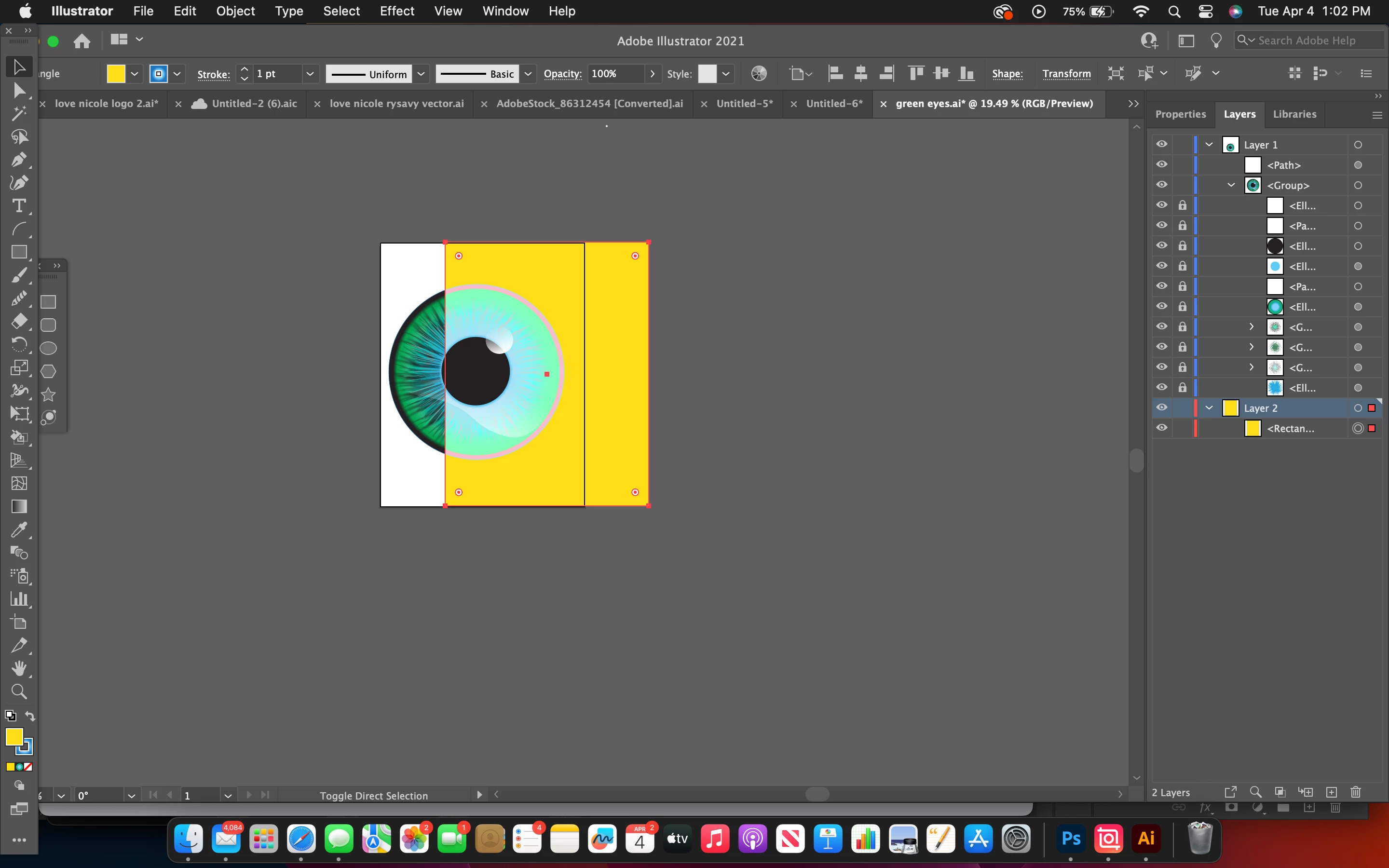
I recently created my first complex/realistic eye that I am using for a logo design. My problem occurs when I change the background of my design and place the eye on top of it: The overall appearance and color of the actual eye changes with every color put behind it besides white. I grouped all of the layers of the eye together so that I could easily transfer it to another document so I don't know if that has something to do with it. The eye changes even if I put the background color in a separate layer underneath all of the eye elements. It has something to do with the gradient. Please help! I'm extremely frustrated.
 AdChoices