


Participant
February 8, 2024
Answered

Objects moving when exporting from Artboard to SVG

  • February 8, 2024
  • 3 replies
  • 306 views

Hi, I am very new to Illustrator and am using it to make scientific figures for my thesis. When I exported my artboard to SVG and placed it in Word, objects on the artboard started moving. I haven't had this problem until now and I did change the artboard size for this figure. I saw a post that said to make sure the x and y values for the artboard were whole numbers, which I did and it's still happening! Any ideas, please?


Images below, with sensitive information redacted by black boxes.


How it looks on the artboard:
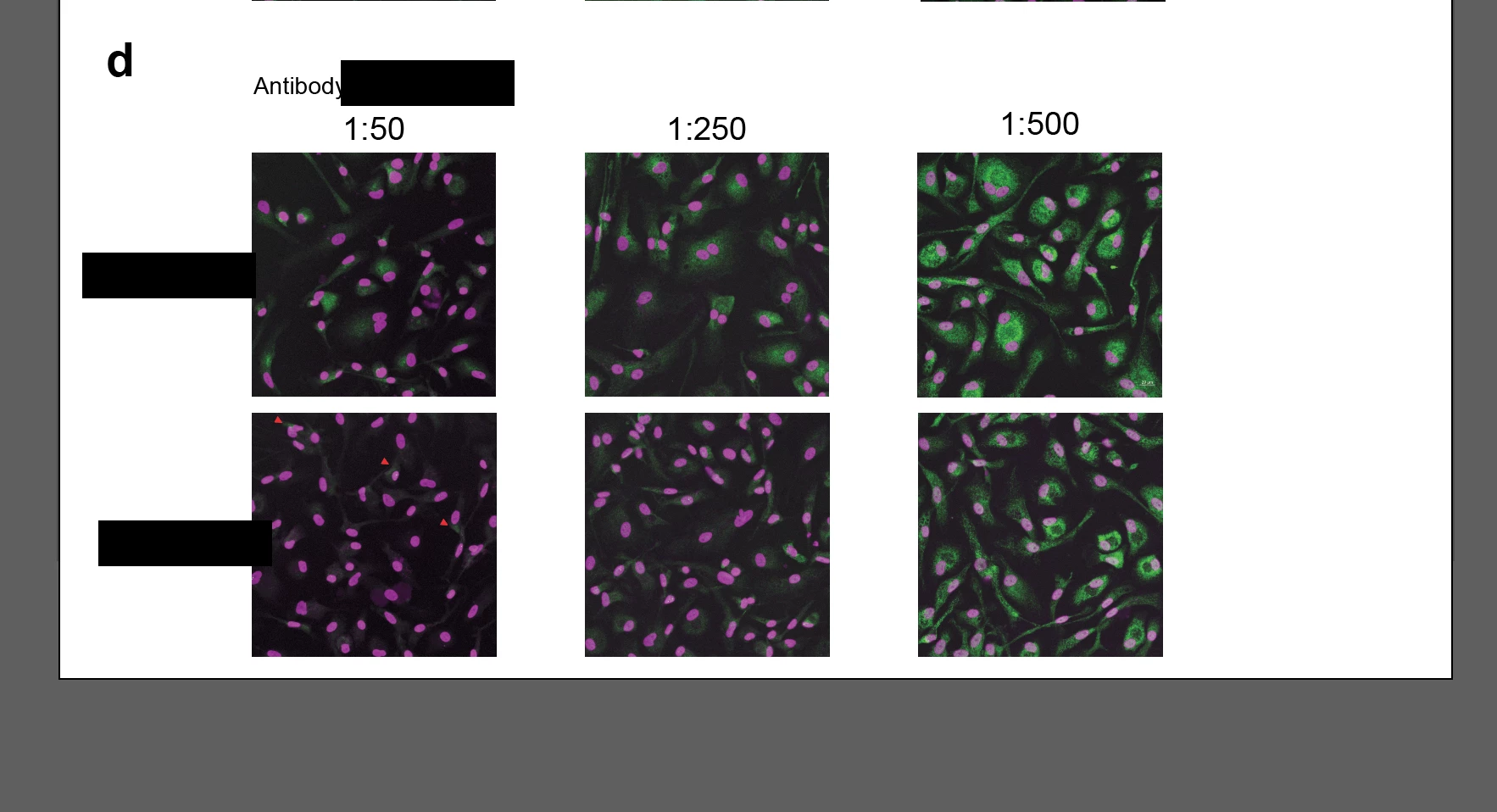
 

 How it looks in Word as SVG - note how there is no longer a gap between the top and bottom panels:


 

This topic is closed to new replies. Start a new post to keep the conversation going.
Correct answer Monika Gause

Those are raster images inside that SVG? Why do you first wrap them in an SVG and then place that in Word? I don't think I fully understand that workflow.


Apart from that: when exporting, try a higher decimals setting. That will give you more precision.

3 replies

Monika Gause
Community Expert
Monika GauseCommunity ExpertCorrect answer
Community Expert
February 8, 2024

Those are raster images inside that SVG? Why do you first wrap them in an SVG and then place that in Word? I don't think I fully understand that workflow.


Apart from that: when exporting, try a higher decimals setting. That will give you more precision.

Participant
February 8, 2024

Thanks very much, increasing the decimal in the export settings from 2 to 4 has worked!


Yes, they are raster images taken with a microscope but there are vector images (i.e. schematics and annotations) within the same full-page A4 figure (multiple panels within one figure, shown above is just one panel), which is standard for scientific figures, so I need to export the whole figure as a vector. If I use TIFF and put this into word, they're blurry. I hope that makes sense.

Monika Gause
Community Expert
Community Expert
February 8, 2024

It does make sense, thank you for the explanation.


Glad you could solve it.