

Odd results with Patfinder "Crop" or "Intersection"?
I am trying to setup a demonstration for my students to achieve a "halftone" effect like this:
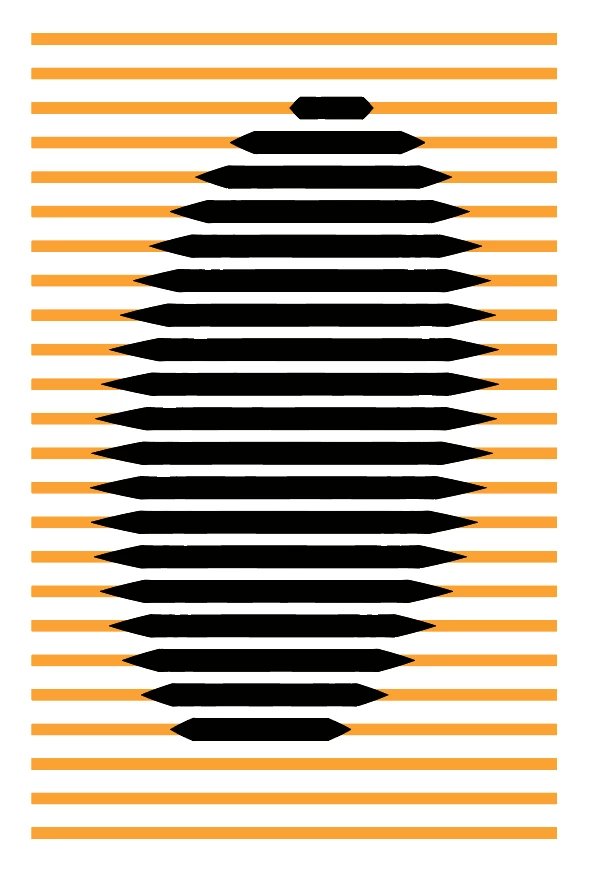
I have seen this from a guy on YouTube (I should give hism credit but I don't know his name... I'll have to look it up). It's two series of "lines", A) one thicker (behind) than the other (in front), B) using "Profiles" for the front lines (created with the Width tool). It is a very neat technique.
So I drew two Black Strokes, 30pts, and then Blended with 21 Steps in between.
Here's a link to the Illustrator document if you're interested to see where I'm starting from:
30 pts Strokes.ai
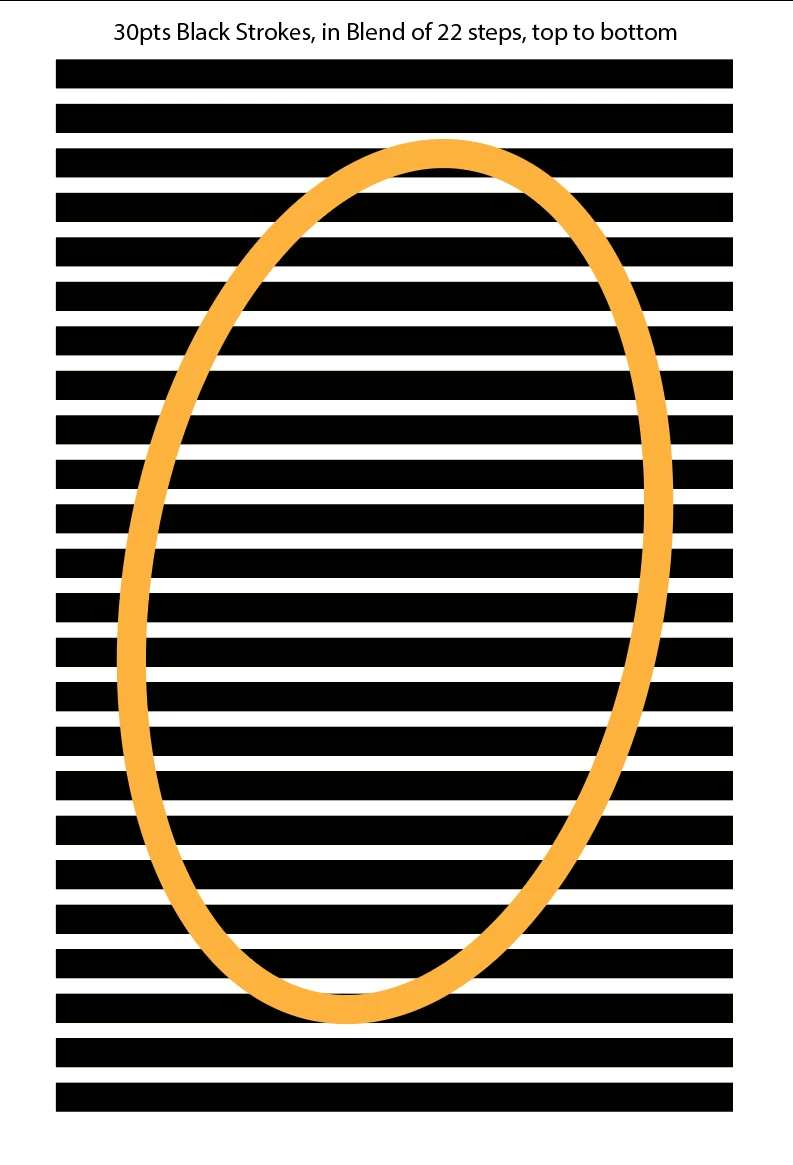
Now, I need to somehow "crop" the strokes to some shape and this is where I'm having diffioculty. To experiment, I drew an orange ellipse. At this point, I "should", in an ideal world, be able to select both the Blend and the Ellipse and Crop the Strokes to the shape of the ellipse but it's not working.
I tried different things to no avail. Pathfinder > Crop, Pathfinder > Intersect.
I sort of have the hunch that "open shapes" such as line are ignored by the Pathfinder filters.
I tried Expanding the Stroke to "Surfaces" by "Convert Outlines" and, at that point, Pathfinder > Intersect will not give me what I want, which is odd, but Pathfinder > Crop will work.
Still, once the lines have been converted to "shapes", forget using my neat little "Profile" technique...
Always "something" with Illustrator.
I'm sure it's related to a Pathfinder "rule" I never figured out completely, because, on the face of it, this kind of manipulation does not seem that hard.


 AdChoices