Participant
May 20, 2018
Answered

Offset Not Working

  • May 20, 2018
  • 1 reply
  • 1977 views

Hi! Im trying to draw a rainbow in illustrator. I'm following the steps exactly as is shown in this tutorial: How To Draw A Simple Rainbow In Adobe Illustrator - YouTube

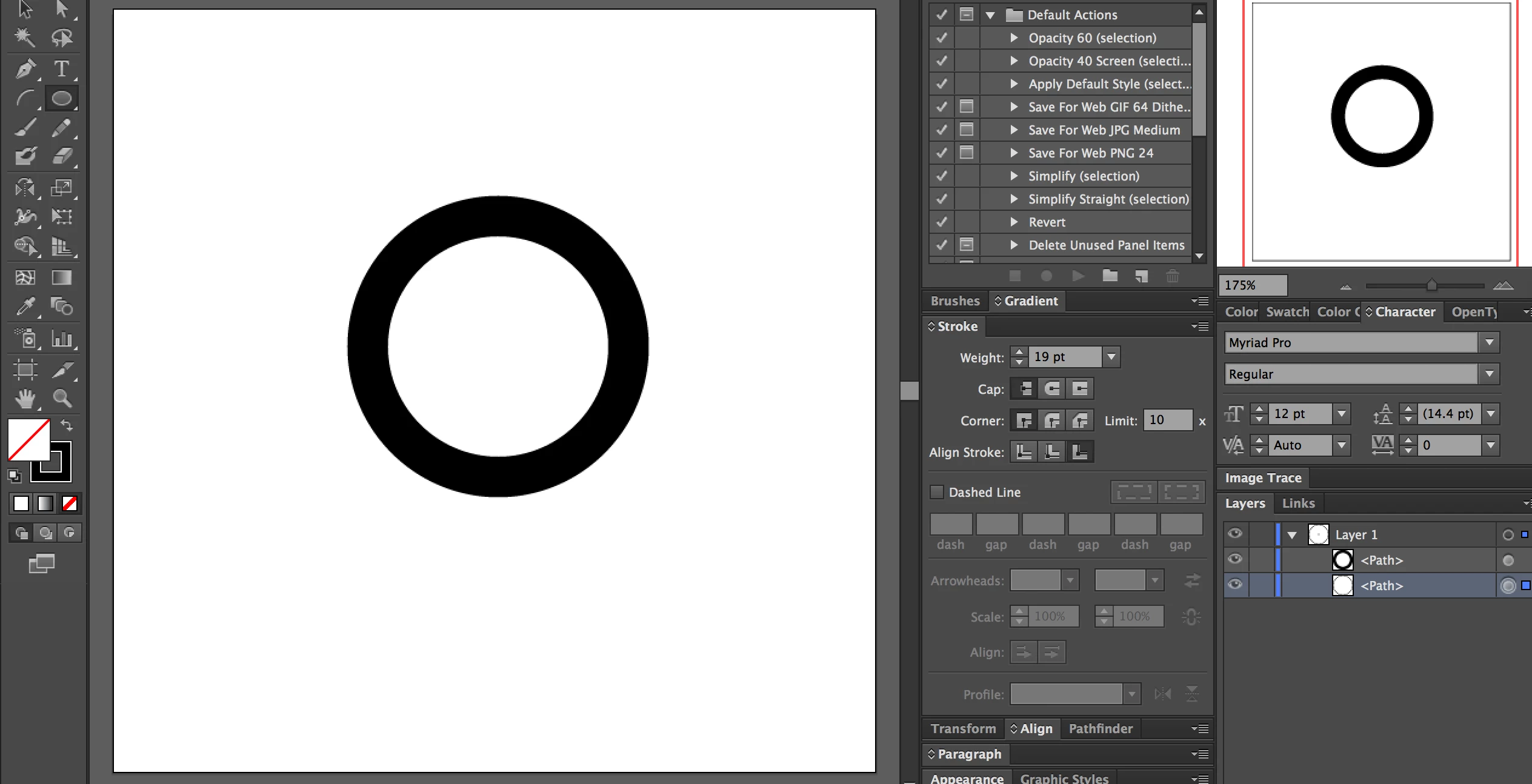
However, whenever I create a new offset path, a new Path is created. However, it is invisible. Screenshot attached.

I've tried increasing the stroke, etc but the new path is nowhere to be found. Please help!

This topic has been closed for replies.
Correct answer Jacob Bugge

Alex,

As I said you have a (far too) large Offset value, which gives you the giant circle as the offset path, and as Carlos said you have probably used inches instead of pixels, and as Monika said pixels are used as the unit in the video, implying that you should too.

Most likely, you have set the document unit to inches instead of pixels (pixels being identical to points as units go, by the way), and here is the strange thing: you must have followed the instructions for the original circle and used pixels instead of the document unit (by specifying pixels instead of the default inches), and then you have overlooked the fact that the default Offset value is also in inches and therefore also should be changed to pixels.

So either you should keep changing the unit to pixels consistently, or as the safer/easier solution change the unit to pixels/points.

1 reply

Jacob Bugge
Community Expert
Community Expert
May 20, 2018

Alex,

Judging by the screenshot, it looks like an Offset Path with a large (positive) value so the new path is simply outside the part of the Artboard/Workspace shown (with only the original shown). What happens if you Zoom out?

Participant
May 20, 2018

Aha! Looks like a giant circle was made outside the artboard. How in the world do I fix this, and why did this happen?

Thank you so much Jacob!

carlosgarro
Community Expert
Community Expert
May 21, 2018

Maybe you use inches instead of pixels!