Participating Frequently
May 4, 2024
Answered

Offset Path is not working

  • May 4, 2024
  • 2 replies
  • 1072 views

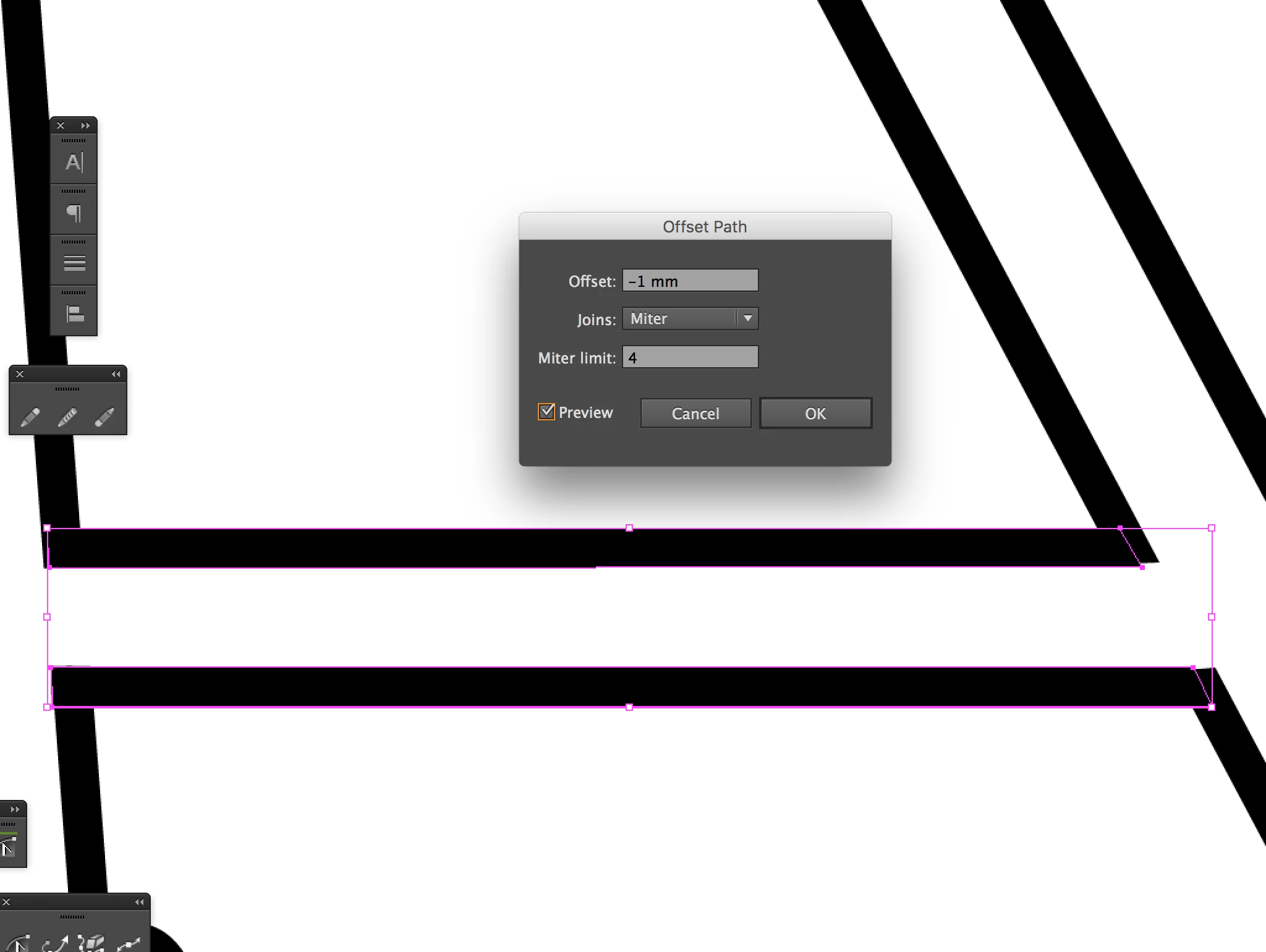
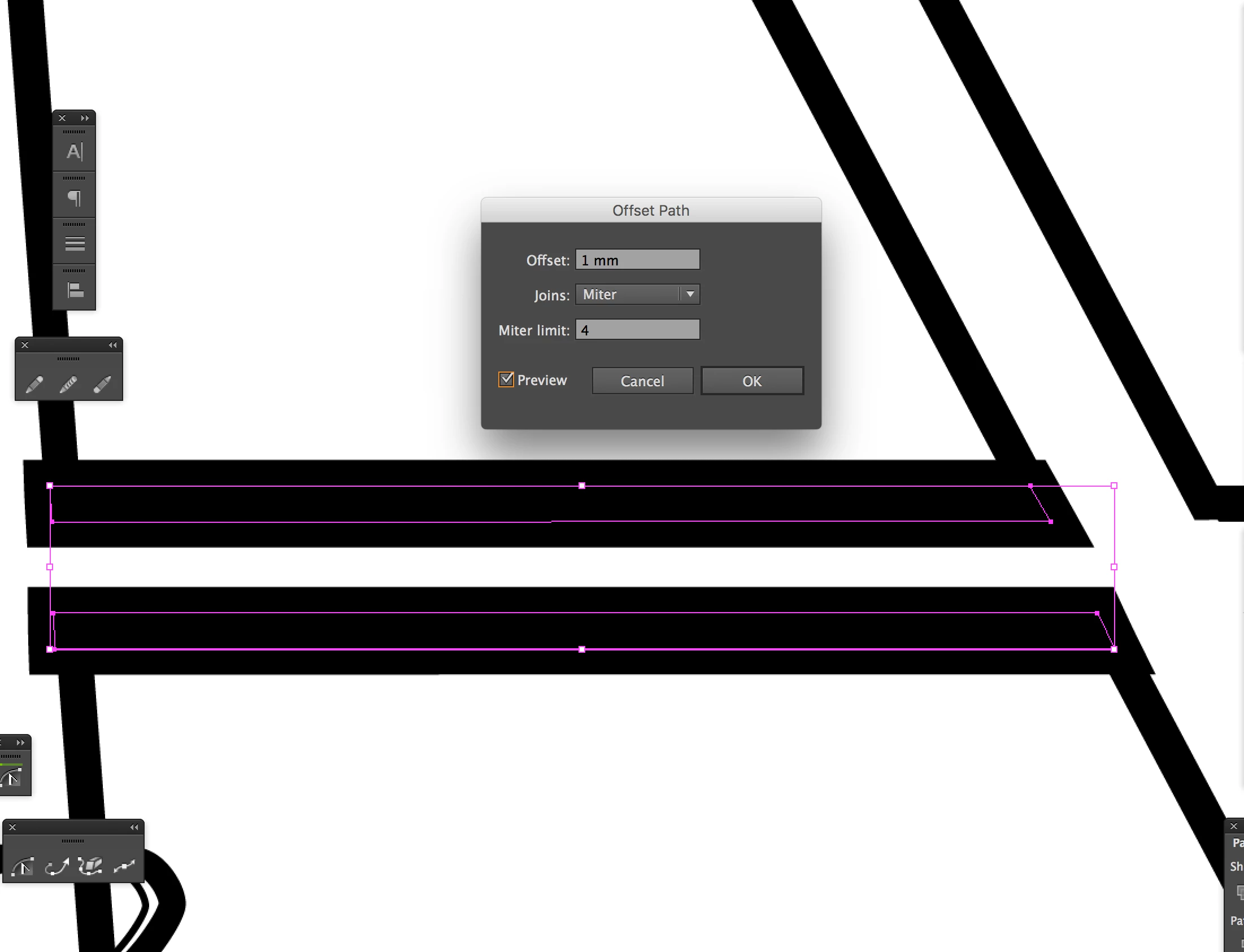
It happens quite often (not always) but when I use the Offset Path in Illustrator, the negative value doesn't work despite the positive value. Does anyone know how to solve this?


This is the negative value⬇︎


This is the positive value⬇︎
This topic has been closed for replies.
Correct answer Mohammad.Harb

Try dividing the number by /4  or 2 or any number

for example, if the value is 1

type / then add a numberfor exmaple 4,   Then press tab , make aure preview is always on. 
once you get a result press ok. 

2 replies

Mohammad.Harb
Community Expert
Mohammad.HarbCommunity ExpertCorrect answer
Community Expert
May 5, 2024

Try dividing the number by /4  or 2 or any number

for example, if the value is 1

type / then add a numberfor exmaple 4,   Then press tab , make aure preview is always on. 
once you get a result press ok. 

Participating Frequently
May 5, 2024

Worked!! That's crazy but you solved my long-term worry.

Thank you 🙂

Monika Gause
Community Expert
Community Expert
May 4, 2024

Try lower numbers. If the path offset would cause the object to vanish, then it won't be applied.

Participating Frequently
May 4, 2024

I've tried small numbers, but still nothing..