
Participant
February 15, 2024
Answered

Okay, One more question. Clipping masks...

  • February 15, 2024
  • 3 replies
  • 625 views

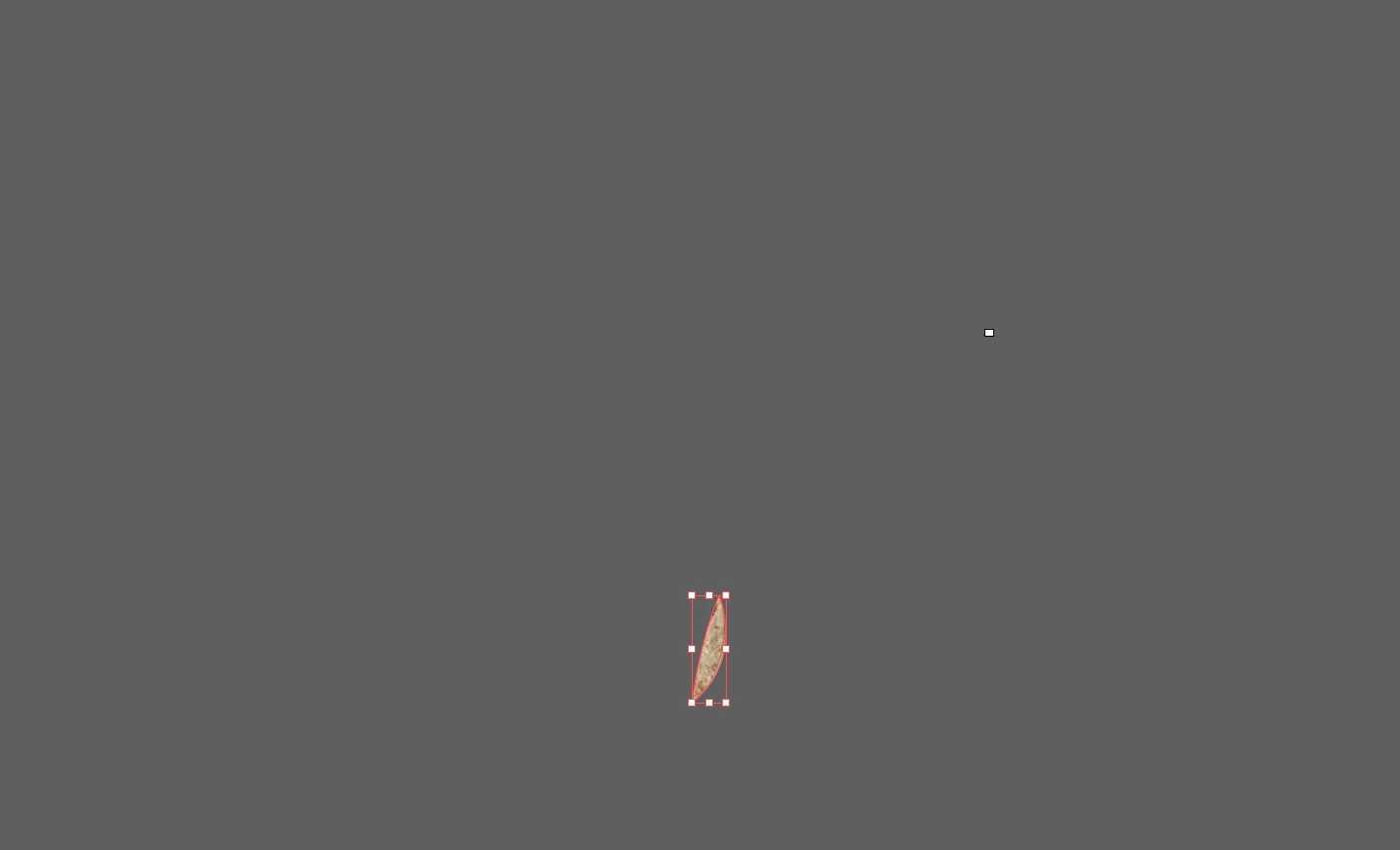
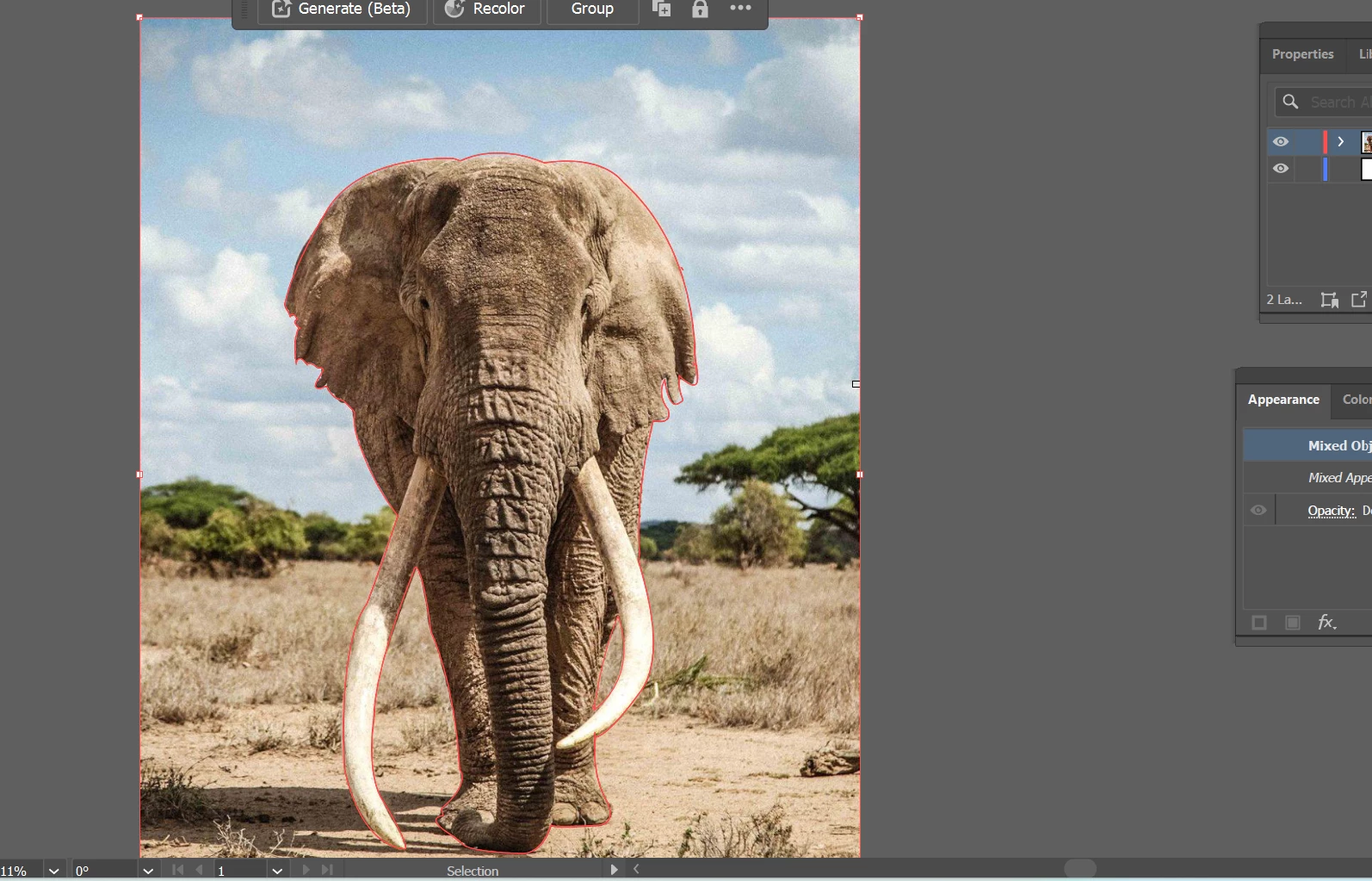
So, bare with me; I'm still in school trynna figure this out. Lol. So I created a path around an object I wanted to do a clipping mask on. And when I do it, Only a certain part shows up. 

But when I create it it comes out like this...Second picture.
This topic has been closed for replies.
Correct answer Monika Gause

So you have the outline of the elephant and you have that part between the leg and the tusk?

Select those two and Object > Compound path > Make

Only after that make the clipping mask

3 replies

Inspiring
February 15, 2024

secondo me il problema nasce dal fatto che tu hai fatto due tracciati:

- un tracciato esterno attorno all'elefante

- un altro tracciato tra la zanna e la gamba dell'elefante.

devi unire i due tracciati creando un tracciato composito (⌘+8).

poi ti assicuri che il tracciato sia in primo piano rispetto all'elefante,
selezioni tracciato composito + elefante e crei la maschera di ritaglio (⌘+7)


p.s: ...come aveva scritto Monika  😄

questo è tutto ragazzi
😄


Jacob Bugge
Community Expert
Community Expert
February 15, 2024

Marissa,


If the suggestion by Monika fails to give the desired cutout, you can Undo back to releasing the Compound Path and using Pathfinder Minus front or Minus back instead, then make the Clipping Mask (you can also work with reversing the direction of either path).


Monika Gause
Community Expert
Monika GauseCommunity ExpertCorrect answer
Community Expert
February 15, 2024

So you have the outline of the elephant and you have that part between the leg and the tusk?

Select those two and Object > Compound path > Make

Only after that make the clipping mask

Participant
February 15, 2024

Thank you so much!