


Participant
November 30, 2021
Question

One letter not exporting to Adobe PDF

  • November 30, 2021
  • 7 replies
  • 2296 views

I have been trying for three days to resolve this issue. I have a font downloaded and installed on my computer that I'm using in an Illustrator file. When I go to save it as a PDF, everything works except the letter i for this specific font (Playfair Display). I have re-installed the font several times, updated both Illustrator and Adobe and searched for why just one specific letter in the font family won't load to no avail. I have used this font before and had no issues with exporting, but now if I go back and try again, the same letter is no longer working. 

 Adobe file screenshot

Illustrator file screenshot
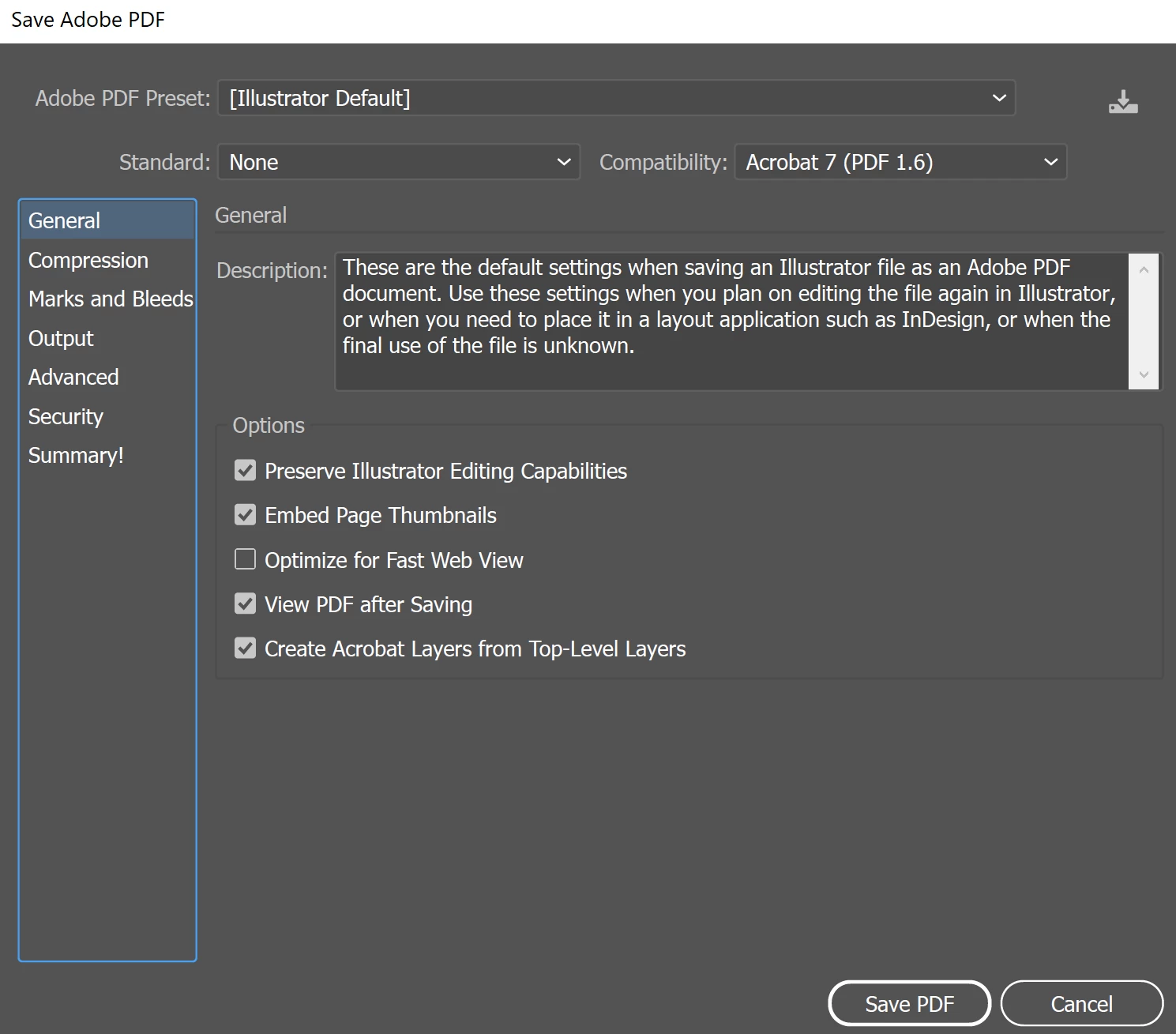
Adobe save settings -- I am not changing anything here

7 replies

Participant
October 26, 2025

Create outlines from the text and it should work.

Brad @ Roaring Mouse
Community Expert
Community Expert
January 19, 2022

I've noticed a version difference between the Playfair served by Adobe and the ones that Google offers directly.

Adobe is serving version 1.200 (v1.6) and Google's direct version has be upgraded to 1.203 (v1.83).

Maybe try deactivating the Adobe fonts version and download the Google set and see if that resolves your issue.

Worth a shot.

Brad @ Roaring Mouse
Community Expert
Community Expert
January 19, 2022

I've come to the conclusion that Playfair is badly constructed and it's not an Adobe issue.

I decided to look at the outlines of the Playfair served by Adobe and Google and found that they are very weirdly constructed by the designer, so I suspect a flaw in the lower case "i" outline

So I switced to the version Google has as of today and found it's even more weird. The designer hasn't made the outline compound paths to create proper counters, instead relying on overlapping shapes. This is a recipe for disaster. See attached: (Google's outlines are the lower two rows)


sharp-creative
Participant
February 14, 2022

I came across this thread trying to solve the same problem.  Here's what worked for me:

  1. Save your file and quit Illustrator
  2. Remove Playfair using FontBook
  3. Open your file in Illustrator
  4. Allow Adobe to auto-install Playfair


This corrects the "i" issue when saving to PDF, and the font is cleanly constructed when converted to outlines.  The current version on Google Fonts still has both of these issues.


Adobe version 2/14/22

Google version 2/14/22

Luke Jennings3
Community Expert
Community Expert
January 19, 2022

Are you using the same Playfair Display font? Is it also the letter "I" that is missing?

If not, please describe your issue in detail.

This is just a guess, but try turning off standard ligatures as a test, Window> Type> Open Type> Standard ligatures.

Are the fonts in the saved PDF properly embedded? From Acrobat, go to File> Properties> Fonts, all should say embedded subset, if they are not embedded, it's possible your font does not allow embedding (not unusual for "free" fonts).

If you are on a Mac, you may see an improvement if you clear your font cache. There are several ways to do this, a google search should show you some options.

Met1
Legend
January 19, 2022

If you save as an .eps and then distill or open in Acrobat is it still m ss ng?

If so you probably have a font conflict, you need to remove / turn off all non-essential fonts.

Google are not font experts, or the people they are using aren't, a few of their typefaces have whacky metrics.

Is there a close alternative? Basing your corporate ID on a free font is not ideal. Cheap, but prone to complications that no one at Google will be too cared to address.

Participant
January 19, 2022

I am also having this problem. Pretty unacceptable as this is the client's designated font in their branding guide.


Have tried deactivating/reactiving font a couple of times, made sure I uninstalled the one I had previously downloaded from Google & installed on my system.


Still no good.

Monika Gause
Community Expert
Community Expert
January 19, 2022

Playfair Display as well?

There seem to bee several issues with that font.


https://www.google.com/search?client=firefox-b-e&q=%22playfair+display%22+font+issues

Participant
January 14, 2022

Hi,

I have the exact same problem, letter i with Playfair Display.


Have you figured something out by now?


Regards 


Robin

Ton Frederiks
Community Expert
Community Expert
December 1, 2021

Did you install it from Adobe Fonts?
