
Question
Open or Save to my computer is not an option in Illustrator for PC
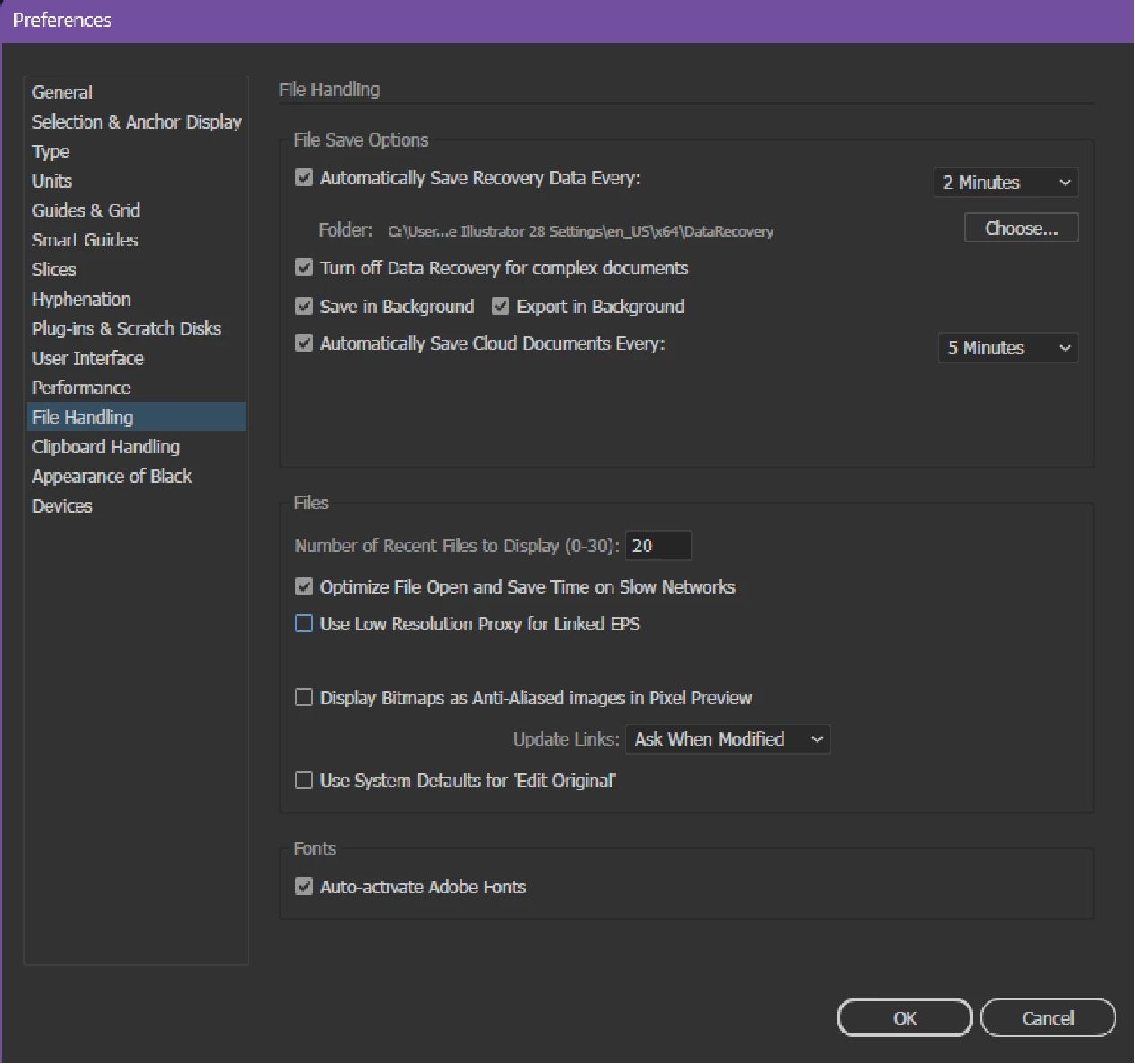
Last week, I was able to access, open and save files from Illustrator to my computer, but now "save to my computer" is not an option. When I try to open a file it only shows "Your Files - Open from Creative Cloud" Or "Shared with you. Why can't I access files on my PC. I am running Windows 11 current OS. I have gone to preferences to file handling to change where my files are saved to and there is no longer an option to make any changes. Please help.
 AdChoices