
Question
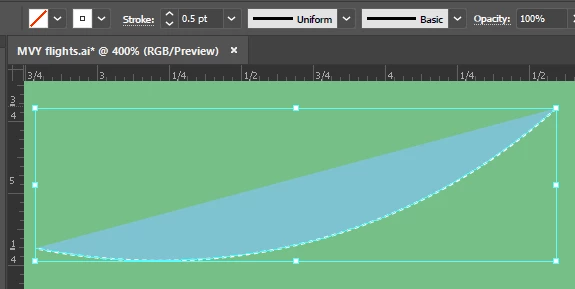
Open path is showing fill color even though None is selected
Hi - I created open paths with the pen tool, starting out with the Fill set to None. But it's still showing a fill color, and I can't get rid of it. If I click on a different swatch it changes to that color. But if I click on None, it changes back to the original color (in this case, blue).
If I create an open path in a new file, it is not filled. But if I then copy/paste it into the file I want it in, it suddenly has that color! Stumped.
Well - I just copied all the layers into a new document, and the problem went away. Maybe a file corruption. But I'm leaving the question up in case that solution helps anyone or a better one is offered.
 AdChoices