Participant
November 21, 2019
Answered

Opening older files with blank window in Illustrator 24.0

  • November 21, 2019
  • 1 reply
  • 285 views

Since the update to 2020, opening older (pre AI 24.0) ai files always welcomes me with this blank modal window.
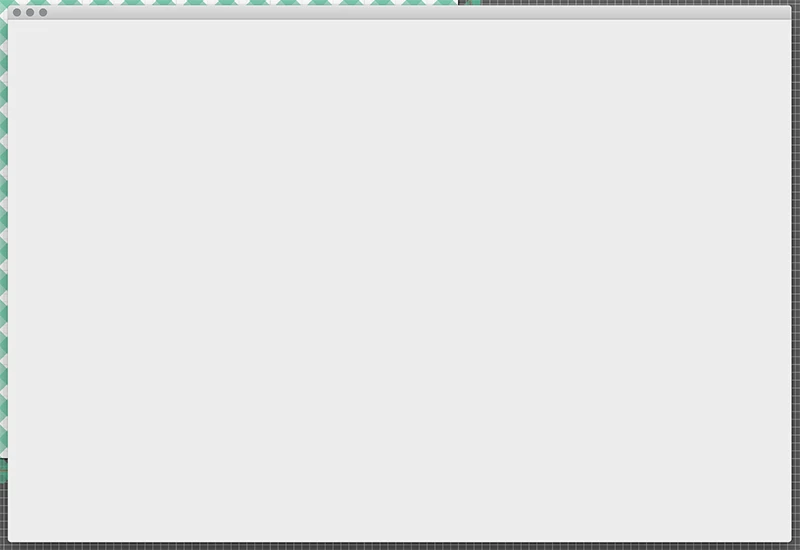
I encounter this treat of an extra step so many times a day it has become quite annoying. Does anybody know what is causing this?


{renamed by MOD}

This topic has been closed for replies.
Correct answer Ashutosh_Mishra

Hi there,


Thanks for reaching out. Would you mind sharing the version of OS?
Also, I'd recommend you to reset the preferences once. You may follow the steps below:

  • Close all Adobe applications. 
  • Go to locations 
  • ~/Library/Caches 
  • ~/Library/Application Support/Adobe 
  • ~/Library/Preferences 
  • Rename  Adobe Illustrator, com.adobe.illustrator and Adobe Illustrator 24 Settings folders to   Adobe Illustrator.old, com.adobe.illustrator.old and Adobe Illustrator 24 Settings.old 
  • Launch Illustrator from the Creative Cloud. 


Let us know how it goes.


Regards,

Ashutosh

1 reply

Ashutosh_Mishra
Ashutosh_MishraCorrect answer
Inspiring
November 22, 2019

Hi there,


Thanks for reaching out. Would you mind sharing the version of OS?
Also, I'd recommend you to reset the preferences once. You may follow the steps below:

  • Close all Adobe applications. 
  • Go to locations 
  • ~/Library/Caches 
  • ~/Library/Application Support/Adobe 
  • ~/Library/Preferences 
  • Rename  Adobe Illustrator, com.adobe.illustrator and Adobe Illustrator 24 Settings folders to   Adobe Illustrator.old, com.adobe.illustrator.old and Adobe Illustrator 24 Settings.old 
  • Launch Illustrator from the Creative Cloud. 


Let us know how it goes.


Regards,

Ashutosh

BenWigenAuthor
Participant
November 25, 2019

Reset the preferences twice but the window has not returned. Fingers crossed. Thank you for your help.