
Outline problem in illustrator
Hello everyone,
I’ve recently encountered an issue with Illustrator 2024 that I haven’t experienced in a long time.
Quite frequently, I need to adjust my artboard to fit a path (mainly with a stroke). When I performed this action in previous versions of Illustrator (like the 2023 version, for example), my artboard would perfectly fit the path (don’t worry, I’m getting to the issue). However, now that I’m working with the 2024 version, my artboard no longer fits the path itself but rather the stroke applied to the path. This might seem like a minor issue depending on your field, but when you need to work with precision, it becomes extremely concerning.
I’m reaching out to you because I know it’s possible to disable this option. I’m sure of it because I encountered this problem back in 2022, but unfortunately, I can’t remember where to disable it.
If you can help me, you could potentially save me a few precious seconds of work.
Picture to illustrate my point :
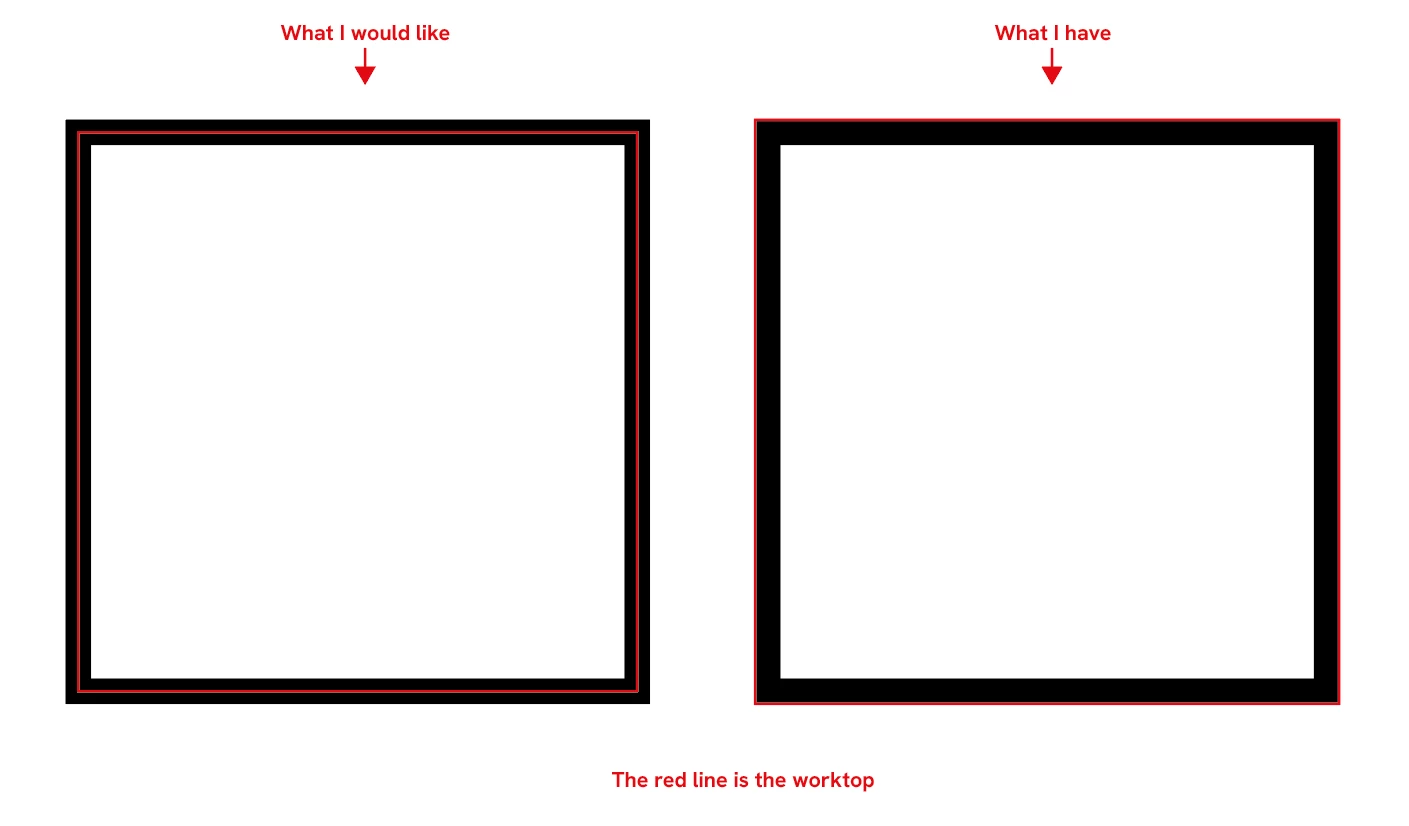
Thank you, and keep up the good work! 🙂


 AdChoices