Known Participant
April 5, 2026
Answered

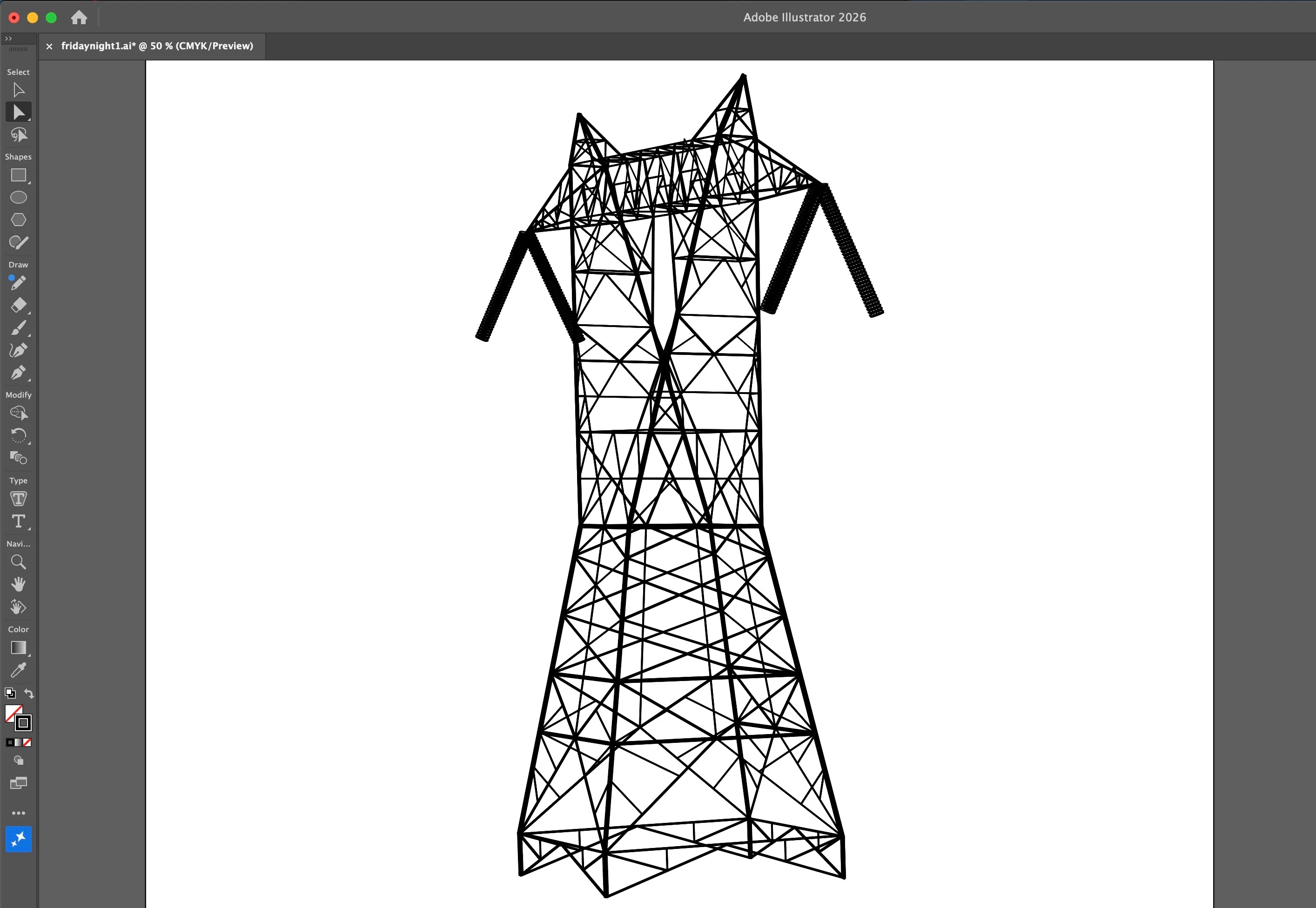
outlining a bunch of strokes with a path

  • April 5, 2026
  • 1 reply
  • 30 views

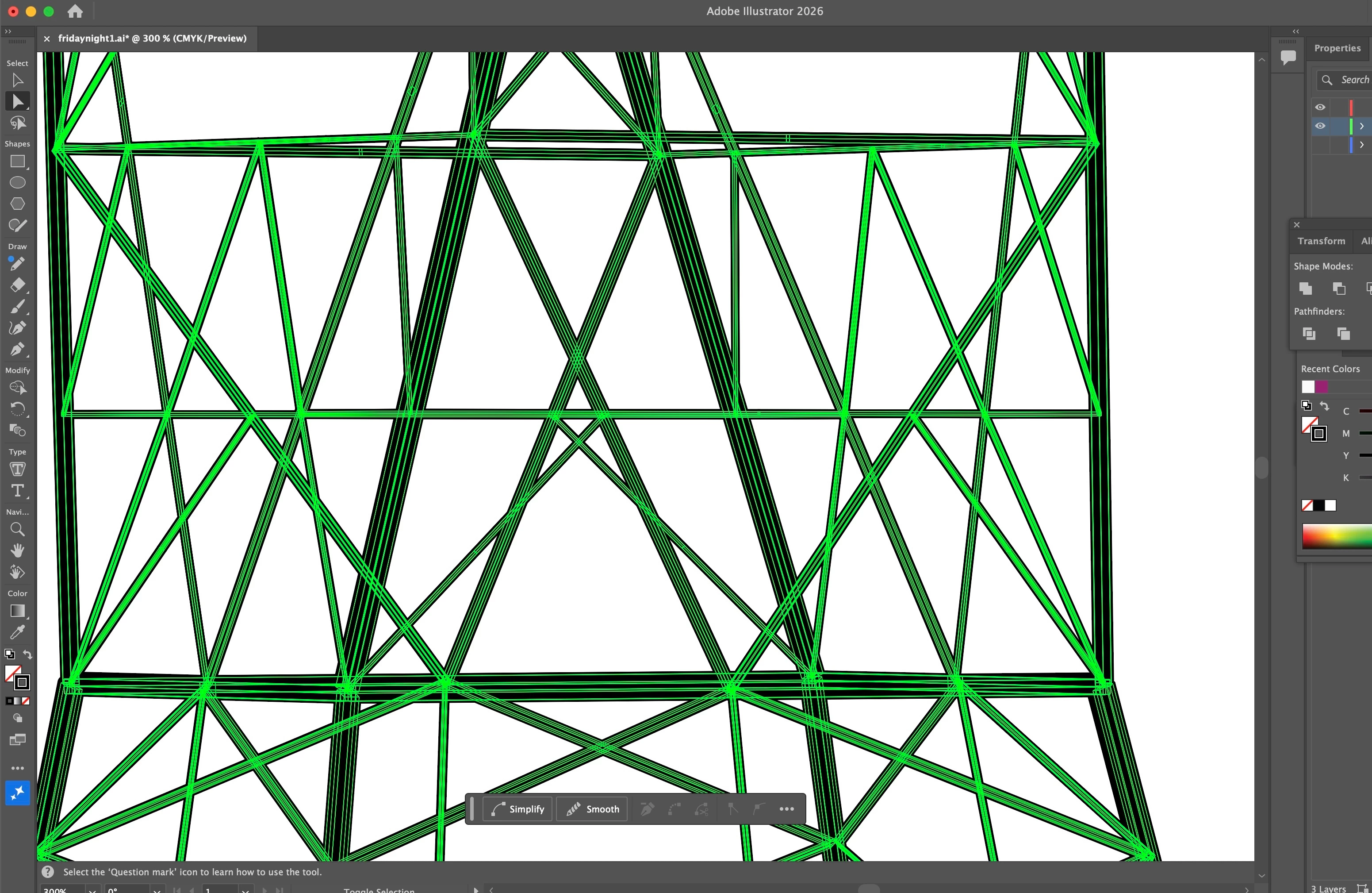
I have a file that was handed to me.  It is a drawing of a power pylon made with a bunch of strokes of varying thickness.  There is no fill just a bunch of parallel strokes.  I would like to “outline” the silhouette made by all these strokes with a path for laser cutting.  Pathfinder/unite did not work.  What is the best way to accomplish this?
 

    Correct answer Kurt Gold

    This should work:

    - Select all
    - Object menu > Path > Outline Stroke
    - Pathfinder panel: Unite

    You should now get one single compound path.

    1 reply

    Kurt Gold
    Community Expert
    Community Expert
    April 5, 2026

    You had a similar request recently in conjunction with Live Paint. It was helpful to share a sample Illustrator file.


    In this case it would also be helpful to share a sample file for inspection.

    Known Participant
    April 5, 2026

    here is the file… thank you...

    Kurt Gold
    Community Expert
    Kurt GoldCommunity ExpertCorrect answer
    Community Expert
    April 5, 2026

    This should work:

    - Select all
    - Object menu > Path > Outline Stroke
    - Pathfinder panel: Unite

    You should now get one single compound path.