Participant
June 3, 2025
Answered

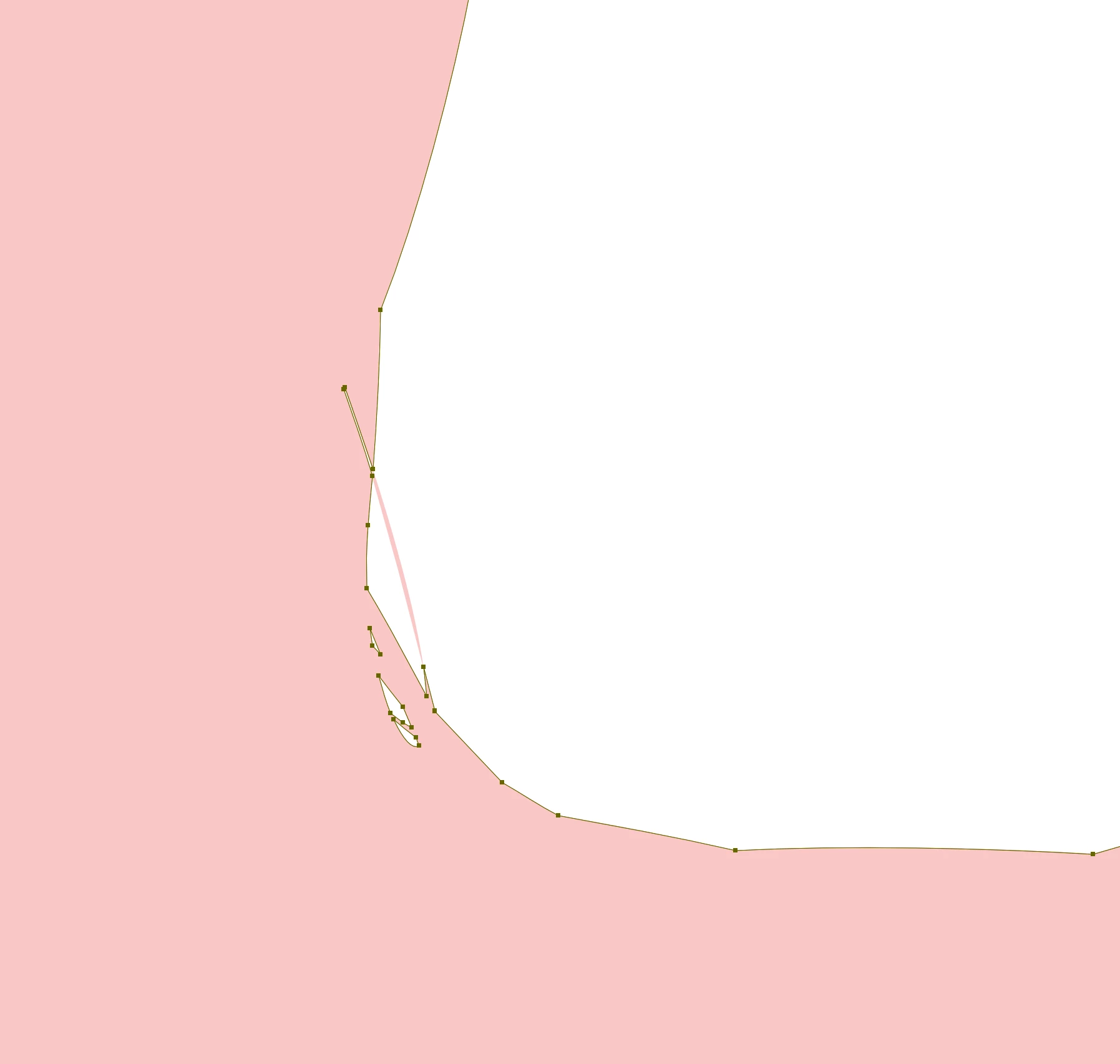
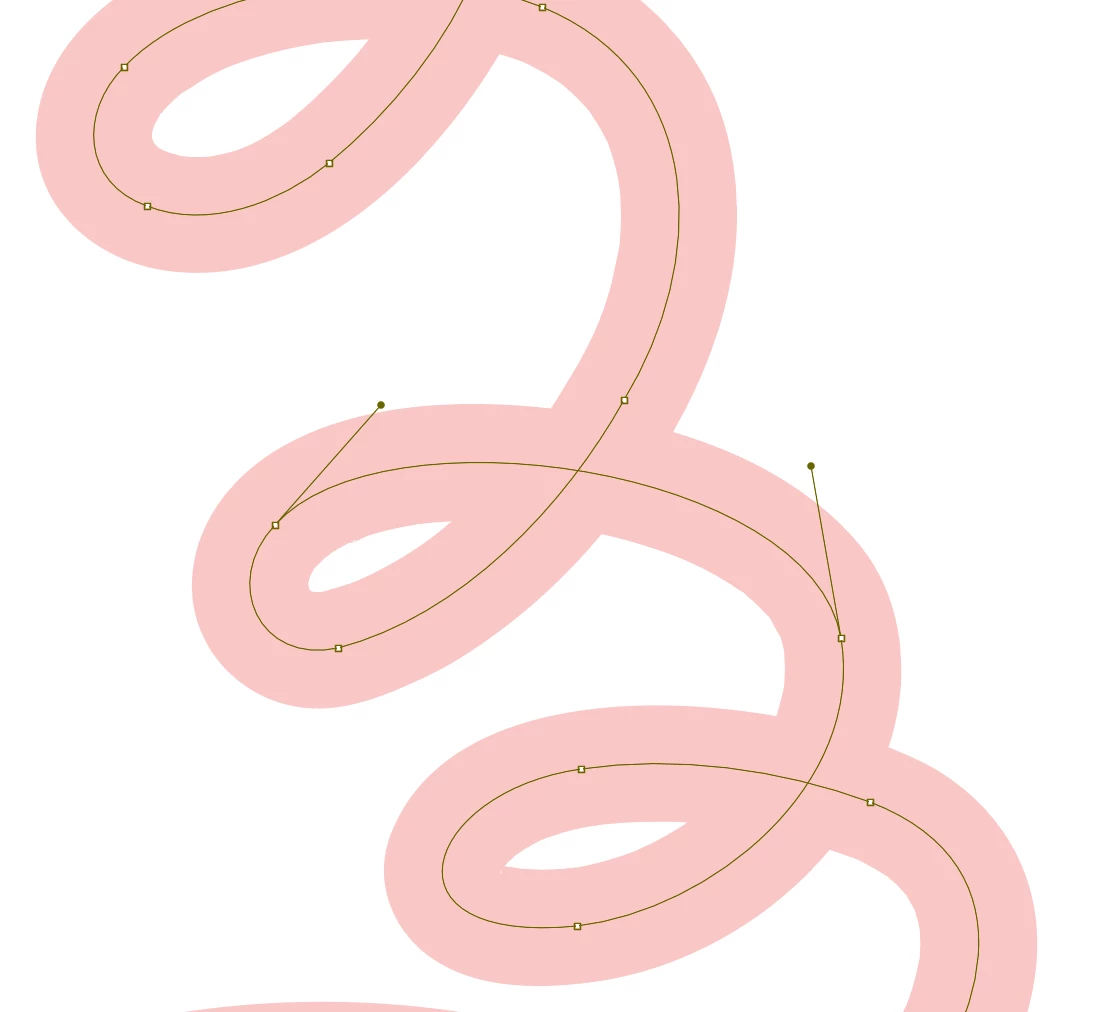
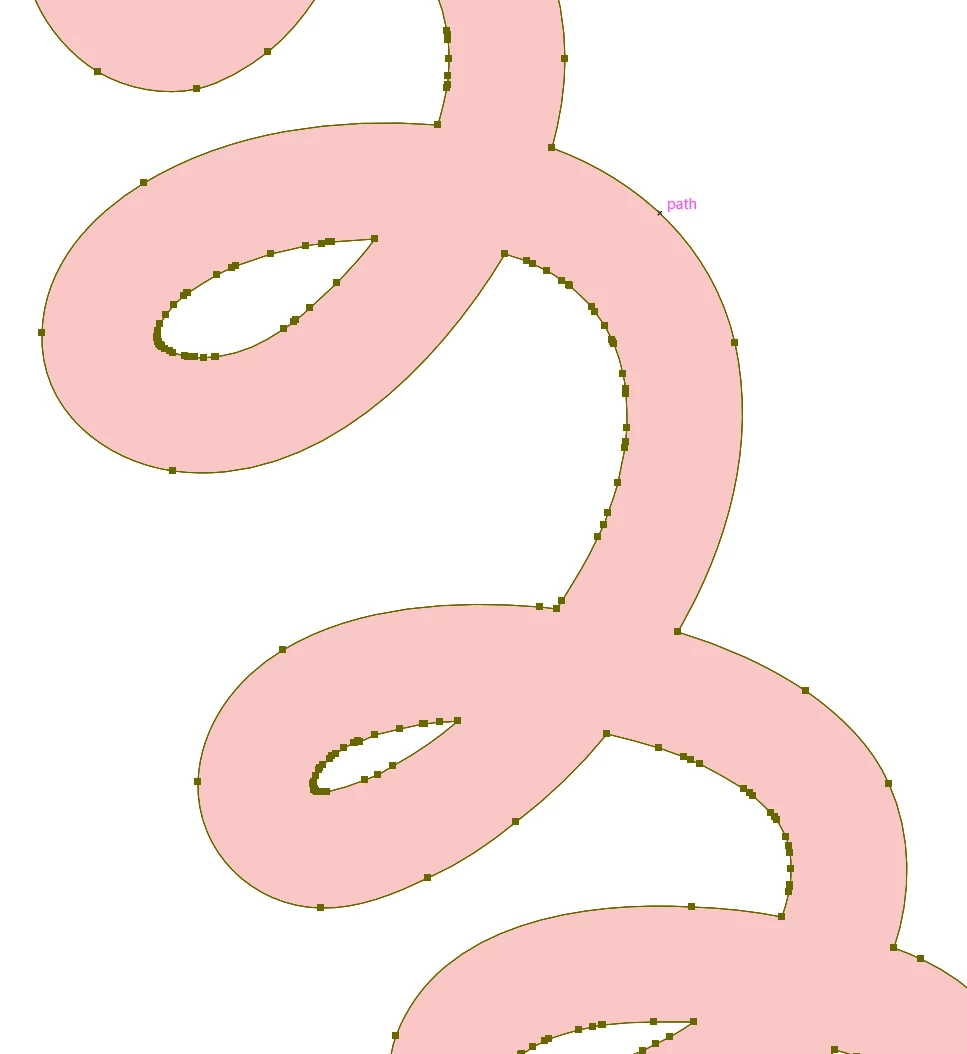
Outlining stroke creates a very messy shape.

  • June 3, 2025
  • 2 replies
  • 192 views

Hello community members,

I have an issue in which when I try to outline this squiggly stroke, it creates way too many points, especially up close. Smooth / simplify do not work for me as they affect the shape too much, without affecting the problem.

Is there another way or anything I can do to make this as clean and accurate as possible?
Correct answer Monika Gause

Is tht just a stroke or is that a brush that you have applied?


The first thing I would try is to really just apply a stroke, not a brush.

2 replies

Monika Gause
Community Expert
Monika GauseCommunity ExpertCorrect answer
Community Expert
June 3, 2025

Is tht just a stroke or is that a brush that you have applied?


The first thing I would try is to really just apply a stroke, not a brush.

Inspiring
June 3, 2025

AstuteGraphics has a Smart Remove Tool, best way to do this. You can try their plug-ins for free. Here is a link to more info: https://astutegraphics.com/learn/tutorial/how-to-smooth-paths-in-adobe-illustrator