Inspiring
September 27, 2021
Answered

Outlining text results in "Can't finish previewing, Could not complete the requested operation."

  • September 27, 2021
  • 3 replies
  • 1882 views

I have found a number of posts talking about the error message but none associated with trying to outline text. All solutions point to a lack of RAM as the issue or an issue with the Illustrator build (25.4.1). 

I don't think RAM is my issue , especially as I have tried the above process with only Illustrator running.
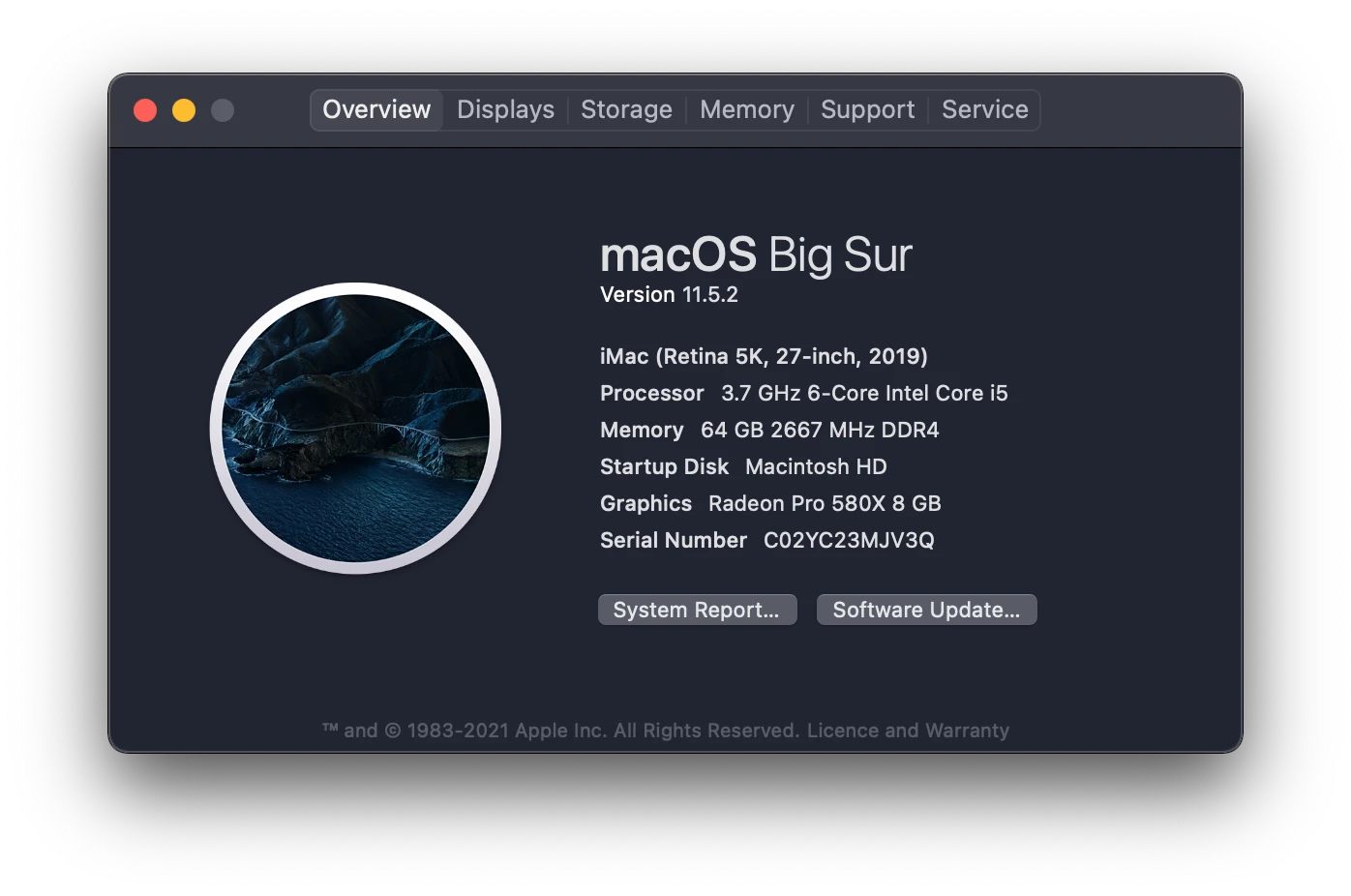
As ever I have a print deadline today with no way of getting the file out that adheres to the printers requests. 

Any thoughts, MUCH appreciated.


Correct answer wazzzzo

I have worked out what was happenning (although it doesn't explain why it was working on an older version on one machine).

I had Paragraph Styles on the copy that I was trying to Outline. Somehow (and I have struggled to replicate this) the style had no stroke colour and the fill colour was "?". When I tried to outline this it returned the error "Can't finish previewing, Could not complete the requested operation.". 

It seems the confusion arises as there is no information as to what to fill the new outlined shape with???

Sorting the paragraph style colours allowed me to outline the copy.

3 replies

Anshul_Saini
Community Manager
Community Manager
September 27, 2021

Hi there,


Sorry to hear about your experience. This is not the experience we want you to have. I would request you to install v25.4.1 in your free time and share a few more details like:

  • Was this error occurring while working on a specific document or all?
  • Was this error occurring with a particular font or all?
  • Could you share a screenshot of the error and font name?
  • Could you please share the document with us? You can upload it to the Creative Cloud (https://helpx.adobe.com/in/creative-cloud/help/share.html) and share the download link here or via DM.
  • Were there any recent changes made to your system? For example, any antivirus, system updates, plugins, or web extensions installed recently.
  • Did you try resetting Illustrator Preferences ( https://helpx.adobe.com/illustrator/using/setting-preferences.html)?
    Disclaimer: Please note that resetting preferences will remove all the custom settings, and Illustrator will launch with default settings. You can also take a backup of the folders in case you want to. Location is mentioned in the article.


I will be looking forward to your response.


Thanks & Regards,

Anshul Saini

wazzzzoAuthorCorrect answer
Inspiring
September 27, 2021

I have worked out what was happenning (although it doesn't explain why it was working on an older version on one machine).

I had Paragraph Styles on the copy that I was trying to Outline. Somehow (and I have struggled to replicate this) the style had no stroke colour and the fill colour was "?". When I tried to outline this it returned the error "Can't finish previewing, Could not complete the requested operation.". 

It seems the confusion arises as there is no information as to what to fill the new outlined shape with???

Sorting the paragraph style colours allowed me to outline the copy.

Inspiring
September 27, 2021

Man, that's a curly one. Thx for sharing and nice detective work!

wazzzzoAuthor
Inspiring
September 27, 2021

UPDATE

I have tried the same process, with the same file on 2 other machines. Long story short is that it seems to be an Illustrator build issue. A previous version 23.(something) works just fine with the same file. The version that I am running returns the same error on two machines running 24.4.1.

So, I am currently installing a previous version and will turn off auto update.


Inspiring
September 27, 2021

without knowing much detail I have had similar issues with some fonts when they're eroded style like Dogjaw etc. basically fonts that have an enormous number of nodes. 

it may not be that but it may be a font error.

so a fix worth at least trialling is outlining small type blocks / sections / lines / etc and seeing if it's a macro or micro problem - certain font or app or Mac OS. 


wazzzzoAuthor
Inspiring
September 27, 2021

Hi Airey

I have even grabbed just the one portion of copy, pasted it into a new doc and tried there but same issue.