
Question
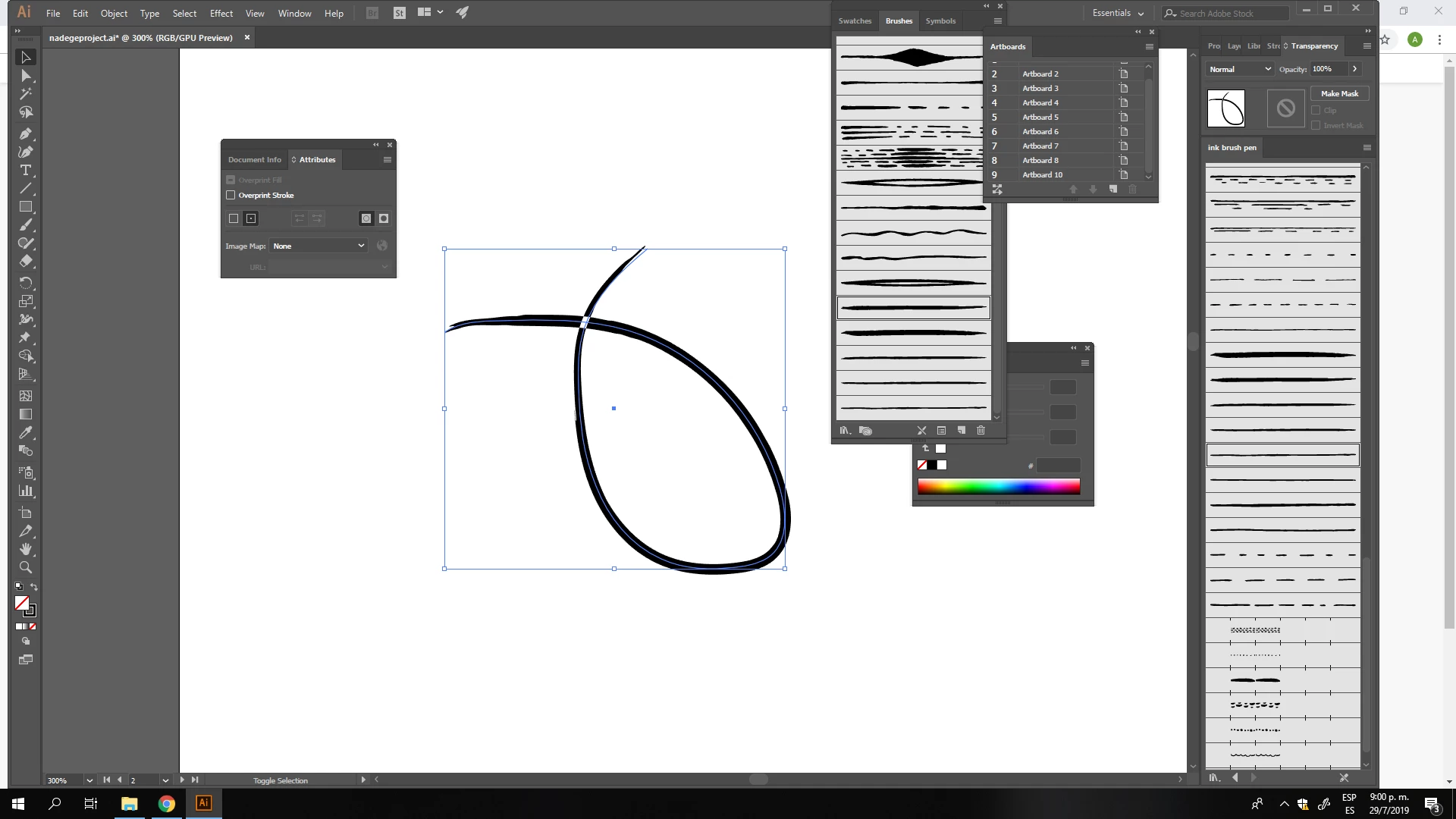
Overlapping strokes create inverted area
I purchased a brush pack and went to try it on an overlapping stroke but it created a white area. I looked up a solution and every single post was about changing the fill rule in the attributes panel to non-zero, which seemed to help everyone. I went to try that but the brushes seem to already be using that option. I really need to fix this please.
 AdChoices