ceyhun_akgun
Legend
March 11, 2018
Answered

Overprint Stroke option is inactive.

  • March 11, 2018
  • 3 replies
  • 1499 views

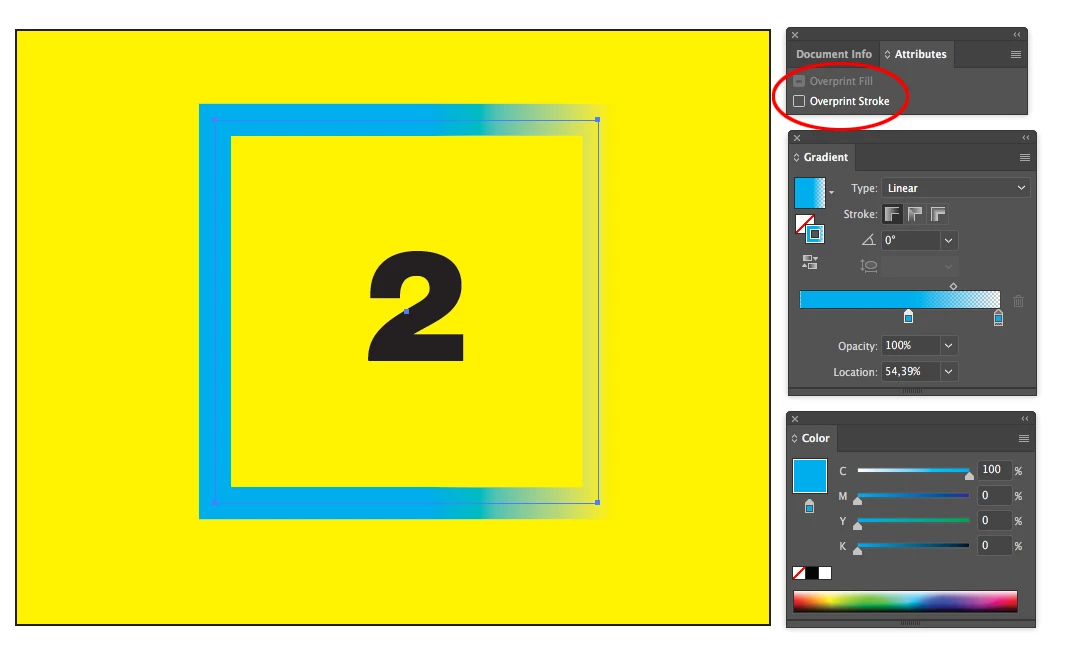
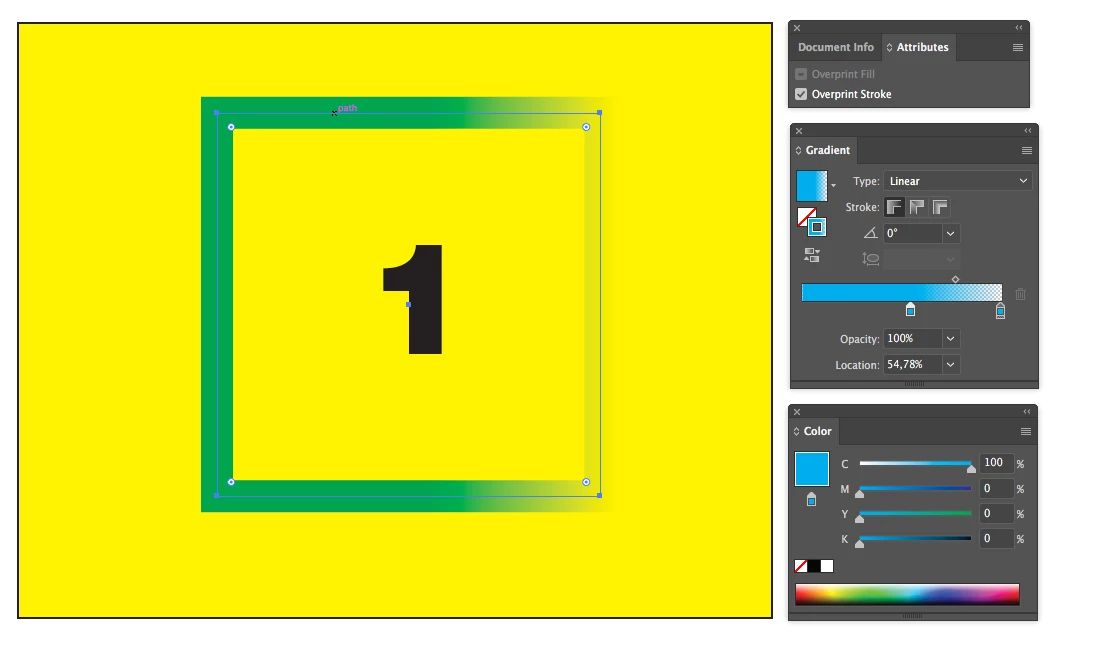
1- I applied a line-level gradient.

2- I applied the line Overprint option.

3- Ground color 100 Yellow, Line 100 Cyan.

4 Save document. Close and open it again?

Overprint applied to the line is passive! (2 images)

Why
    This topic has been closed for replies.

    3 replies

    Ton Frederiks
    Community Expert
    Ton FrederiksCommunity ExpertCorrect answer
    Community Expert
    March 11, 2018
    Ray Yorkshire
    Participating Frequently
    March 11, 2018

    I reproduced the same problem

    There's another thread about it here

    https://forums.adobe.com/thread/2442399#access_token=eyJ4NXUiOiJpbXNfbmExLWtleS0xLmNlciIsImFsZyI6IlJTMjU2In0.eyJpZCI6IjE…

    Mike suggests  instead

    ''to set the stroke blend mode in transparency to multiply''

    ceyhun_akgun
    Legend
    March 11, 2018

    Overprint and Multiply are not the same. The packaging is separated from one of the prepress applications.

    Graphic Designer Educator / PrePress Consultant
    Ton Frederiks
    Community Expert
    Community Expert
    March 11, 2018

    it is the same problem as mentioned in the thread by Ray.

    And the same workaround; use Multiply.

    Prepress applications will treat Multiply as Overprint.

    Monika Gause
    Community Expert
    Community Expert
    March 11, 2018

    I couldn't reproduce that.