
Known Participant
May 25, 2023
Question

Pantone Connect Colors Look Different When In Illustrator

  • May 25, 2023
  • 1 reply
  • 1711 views

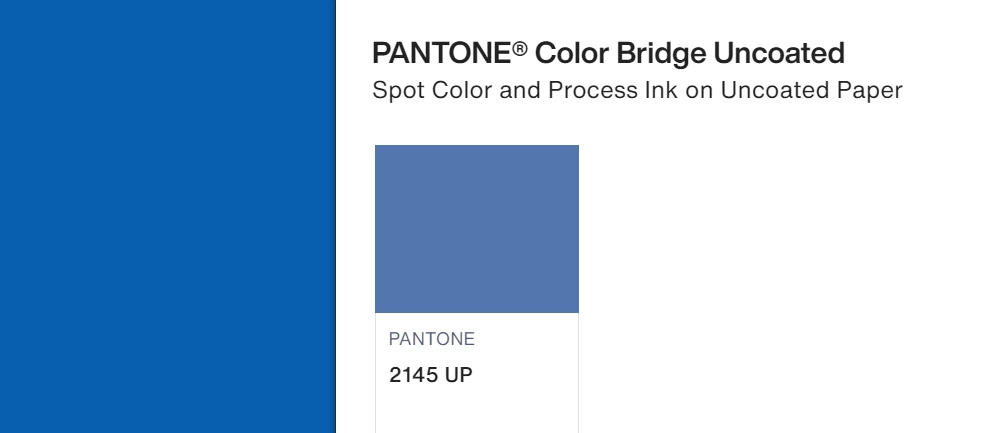
I'm going crazy. The Pantone Connect Plugin Interface shows color in one way, but when I apply them into Illustrator they look way different. What is happening? I'm so confused when it comes to color management. On the right side is Illustrator and on the right Pantone Connect Plugin opened inside Illustrator. My monitor is calibrated with a Spyder X Pro. Shouldn't they look the same? What's happening?
This topic has been closed for replies.

1 reply

Jacob Bugge
Community Expert
Community Expert
May 25, 2023

Jose,


I believe you are working in CMYK Color Mode. What happens if you start a new RGB document (for web rather than print) and then try?


How about Color Management?

Known Participant
May 25, 2023

Hello, Jacob! Thank you for replying. Nothing changes regardless of me being in RBG o CMYK color mode. What I did notice however is that when I active Proof Color and select US. Web Uncoated V2 all the uncoated Pantones look the same in Illustrator en in the plugin. But the coated ones now differ. If I change Proof Color to US. Web Coated V2 the inverse happens. I think I'm going somewhere but I'm still pretty much lost, haha.


Jacob Bugge
Community Expert
Community Expert
May 26, 2023

Most intriguing, Jose.


As far as I can see, you have solved the issue, because both uncoated and coated Pantones are corrrect when you apply the corresponding US Web ... V2.


Can you share screenshot of both combinations, so others can enjoy them too?