Participating Frequently
June 17, 2021
Answered

Pantone Outer Glow not Exporting as Spot Ink

  • June 17, 2021
  • 1 reply
  • 1965 views

Hi,


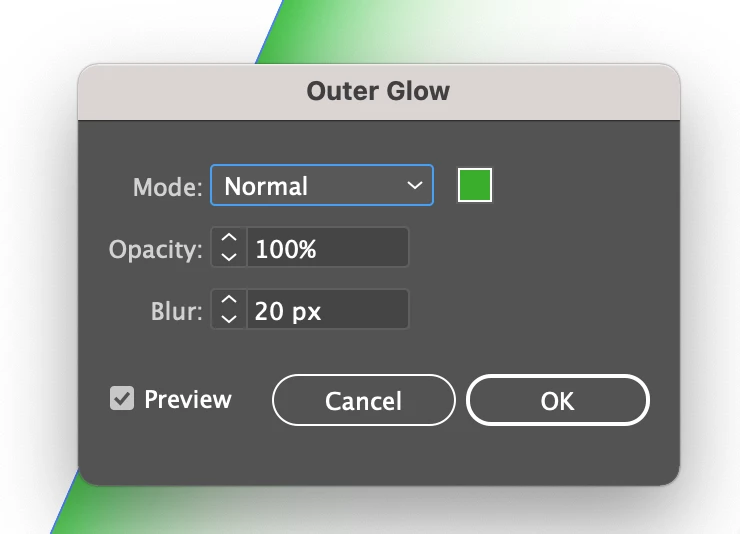
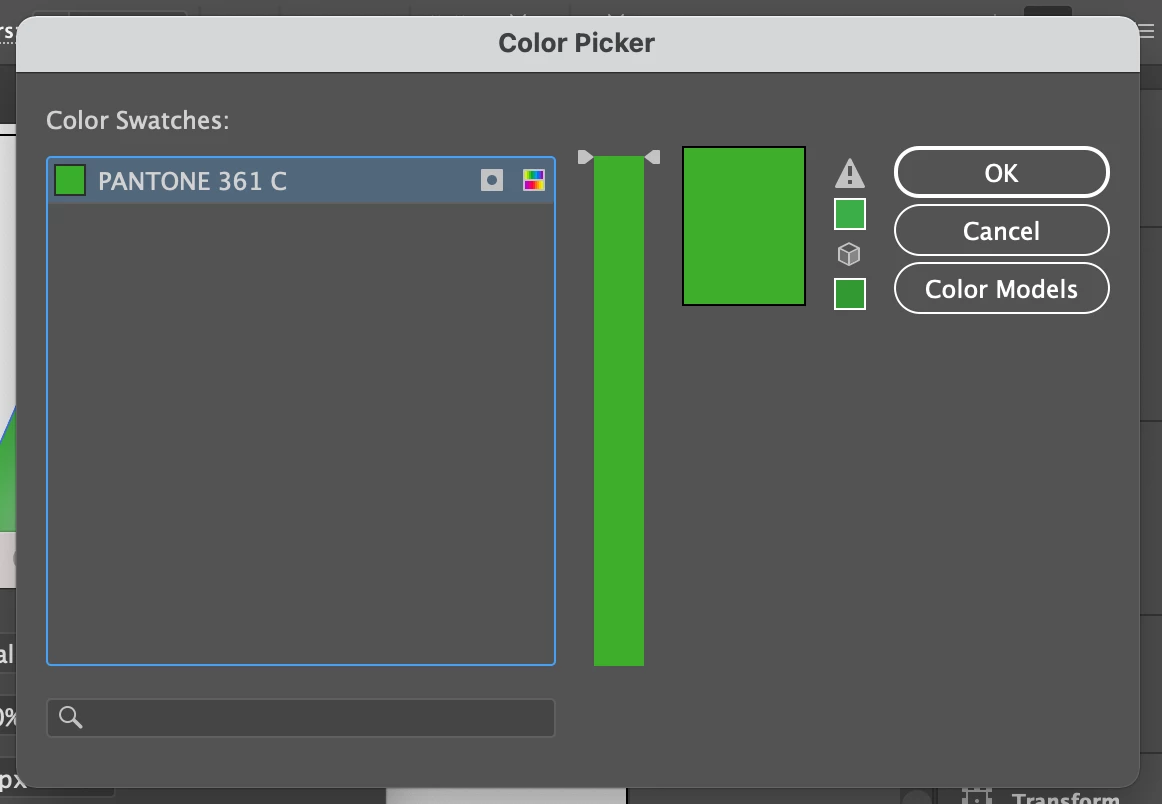
This might be a silly question but I am really stumped! I have an illustrator file that is three objects with different outer glows layered over each other, each outer glow is the same pantone spot colour. When I place the file in Indesign and export a PDF the outer glow exports as CMYK. The issue is with Illustrator because when I save the Illustrator file as a PDF it also exports as CMYK. I've selected 'no conversion' as the output in both Illustrator and Indesign but the outer glow effect is not retaining the spot colour. I can't for the life of me figure this out and I need to print a 2c poster so I need to figure out how to get the outer glow to export or save as 361C. Is it not possible to create an outer glow with a spot colour? What am I doing wrong!? (production is not my forte). See below screenshots of the file and the outer glow settings. Thanks in advance for any advice! 


This topic has been closed for replies.
Correct answer Ton Frederiks

https://ramsayfairs.box.com/s/nnnxl4aq2f4g1hy1b6cne1fnkb57avv3


Let me know if that doesn't work, thank you so much!! 


I checked your Effect > Document Raster Effects Settings...

The Preserve spot colors checkbox was turned off.

Since you use a raster effect, it needs to be turned on.

That seems to work for me.

1 reply

Ton Frederiks
Community Expert
Community Expert
June 17, 2021

Outer glow with spots should be possible.

If you check the Separations Preview panel in Illustrator, does it separate correctly?

Participating Frequently
June 17, 2021

I have no idea why, but the separations preview panel is blank and Overprint preview is greyed out

Participating Frequently
June 17, 2021

Ah, sorry I just realised my doc was in RGB mode, switched it to CMYK and even though the outer glow is set to the spot colour (as you can see in the screenshot in original post) it's not showing as the spot colour in the separations preview, it is displaying as CMYK, but why!? In the outer glow settings I've selected the spot colour.