
Participant
April 1, 2020
Question

Pantones not showing up in illustrator swatch books

  • April 1, 2020
  • 4 replies
  • 1570 views

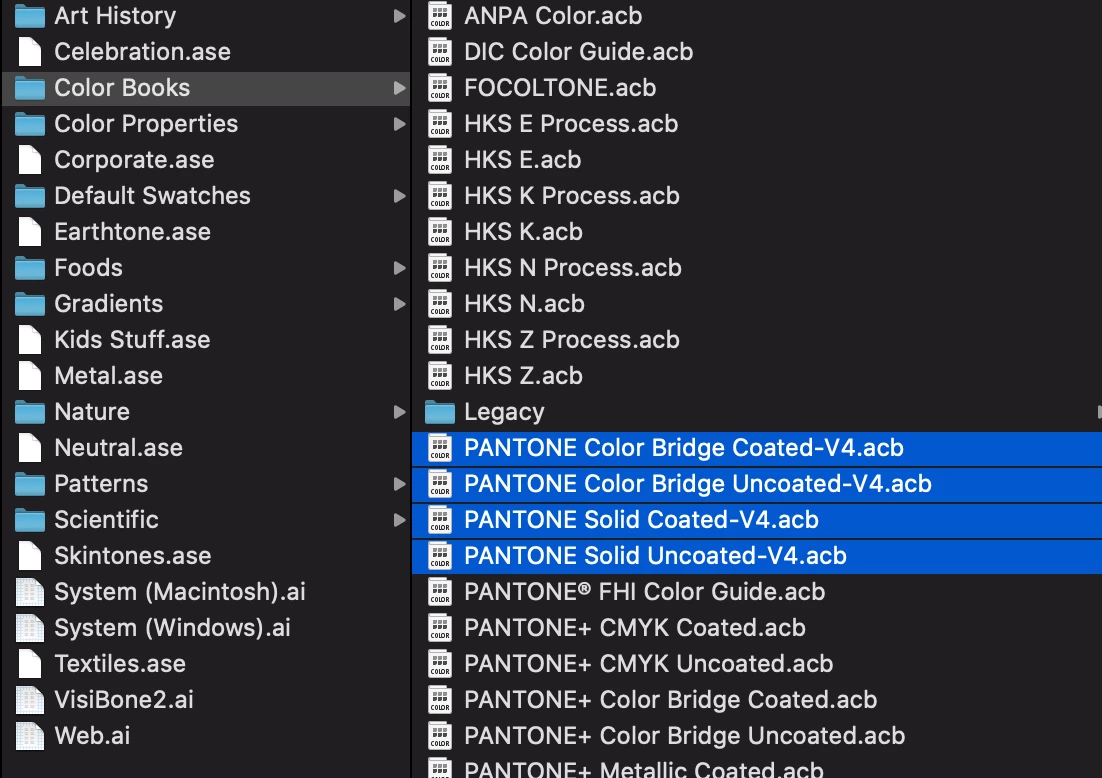
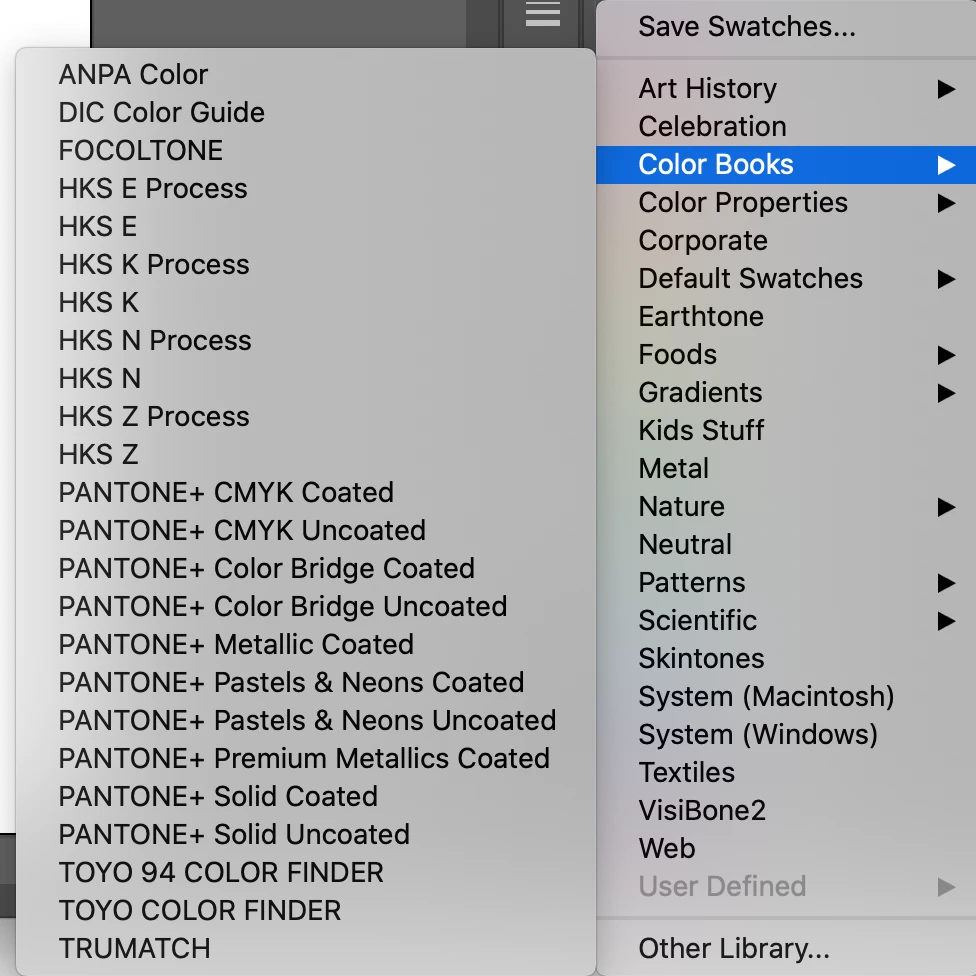
I have the V4 color books in my illustrator presets folder where they should be but they aren't showing up in illustrator.  I have tried restarting illustrator and my computer, deleting them and re adding them. Adding them in from inside illustrator. Nothing has worked. Anyone know of a fix?
This topic has been closed for replies.

4 replies

Peter Villevoye
Community Expert
Community Expert
April 25, 2020

I just tested my own theory (that book names might not be file names) but that's not correct. I renamed a swatch name in the Presets folder and it immediately reflected in the swatch menu. So you must have a wrong folder ! As a matter of fact, my books/swatches appear as files in this folder (on a Mac) in ApplicationsAdobe Illustrator 2020 > Presets > en_GB > Swatches. And not in a folder called "Color Books"...

silk-m
Community Expert
Community Expert
April 25, 2020

Hi,

Is there only one version of Illustrator installed?
Are multiple versions installed? Is PANTONE installed on all versions?
I am using Illustrator 24.1 with macOS Catalina, but this is not a problem.


Or will it appear if you navigate to your user's presets folder?

/Users/ User Name/Library/Application Support/Adobe/Adobe Illustrator 24/en_US/Swatches

--Susumu Iwasaki
Community Expert
April 25, 2020

You might need to reach out to Pontone about this at https://www.pantone.com.


Also,have you seen Pantone Connect?  https://www.pantone.com/products/digital-apps/pantone-connect-for-adobe-creative-cloud


Peter Villevoye
Community Expert
Community Expert
April 25, 2020

Since these seem te be versions of already existing ones, the file name might not be the sole indication. If they're using the same internal referral name for the menu, they might be conflicting on that level...