
Paste in Front will not work in a pattern
Hi I am wanting to export a pattern I made in AI for print. Using Mac 14.6.1 AI 28.6 I am following the sequence taught by Bonnie Christine. Nobody in that community can see why AI is responding the way it is to paste in front.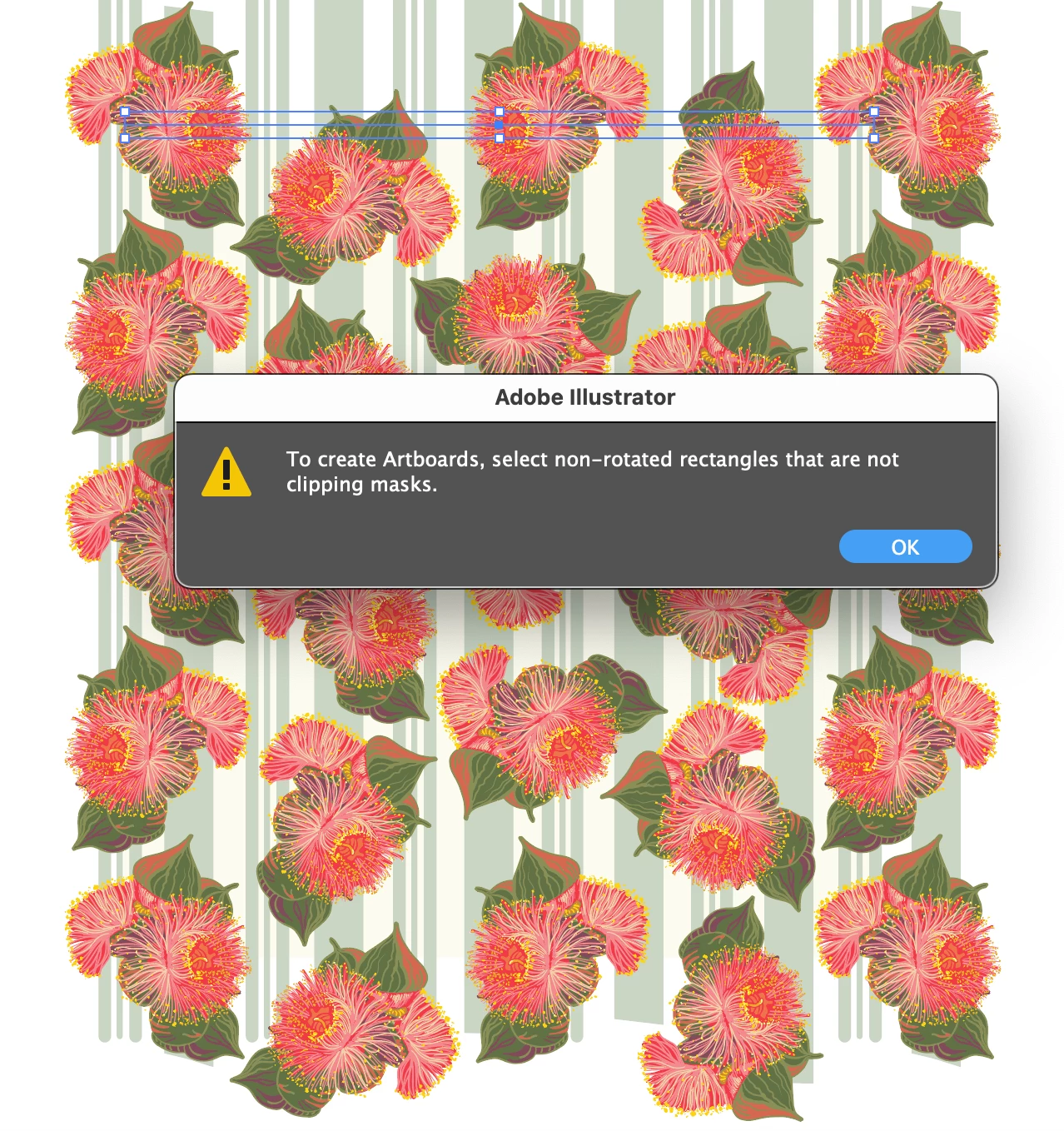
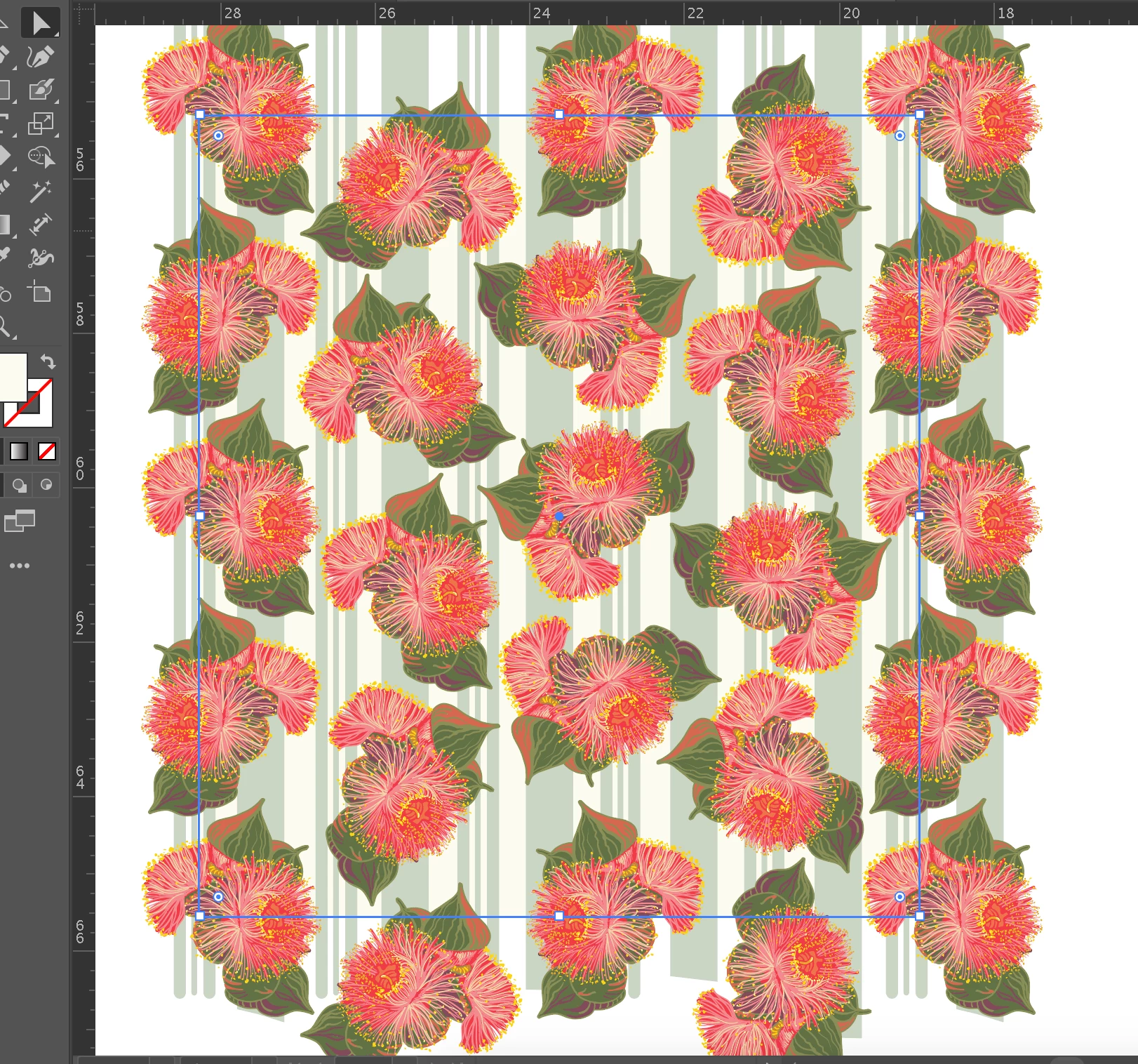
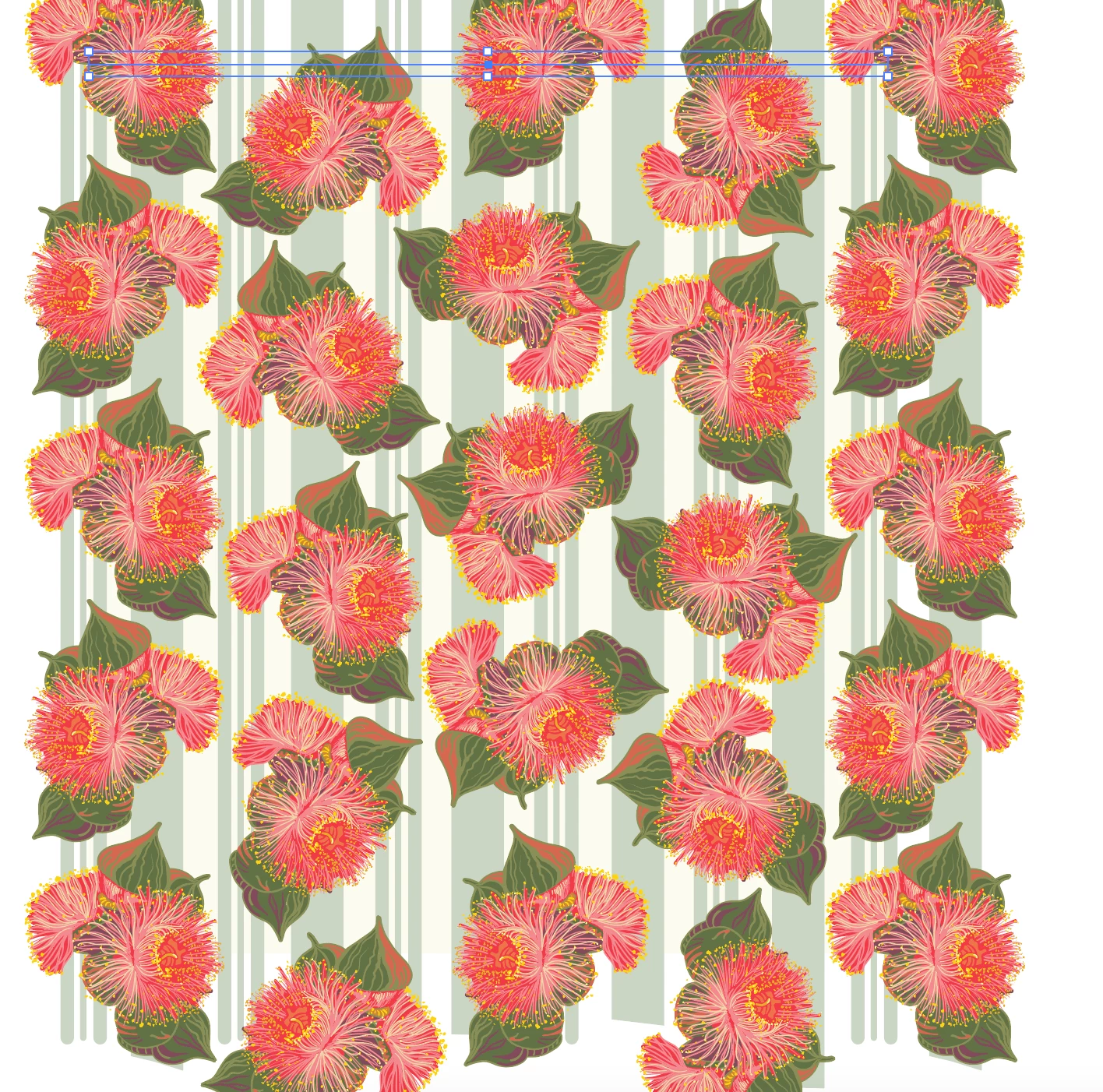
I pull a swatch out of the swatch panel and select my pattern border with the direct selection tool, then command C to copy (for some reason a pop up message says Shape Expanded), then command F to paste in front - but the rectangle selection snaps to one edge only and then it will not respond to making an artboard with command 9 (customised shortcut to artboard) (see below message about a clipping mask - there is no clipping mask). Command B has the same result. Using the pull down menu for the commands has the same result. Now the Scale tool only scales from one edge (therefore distorts).
I can try it just by doing the same sequence with a plane rectangle and get it to work. Other patterns have the same issue. I can get the sequence to work if I make a rectangle of the pattern and then make that into an artboard - but it does not repeat.
Any thoughts? Thanks


 AdChoices