
Paste in place - copy and pasting from one dartboard to another pasting in the wrong place (off artboard)
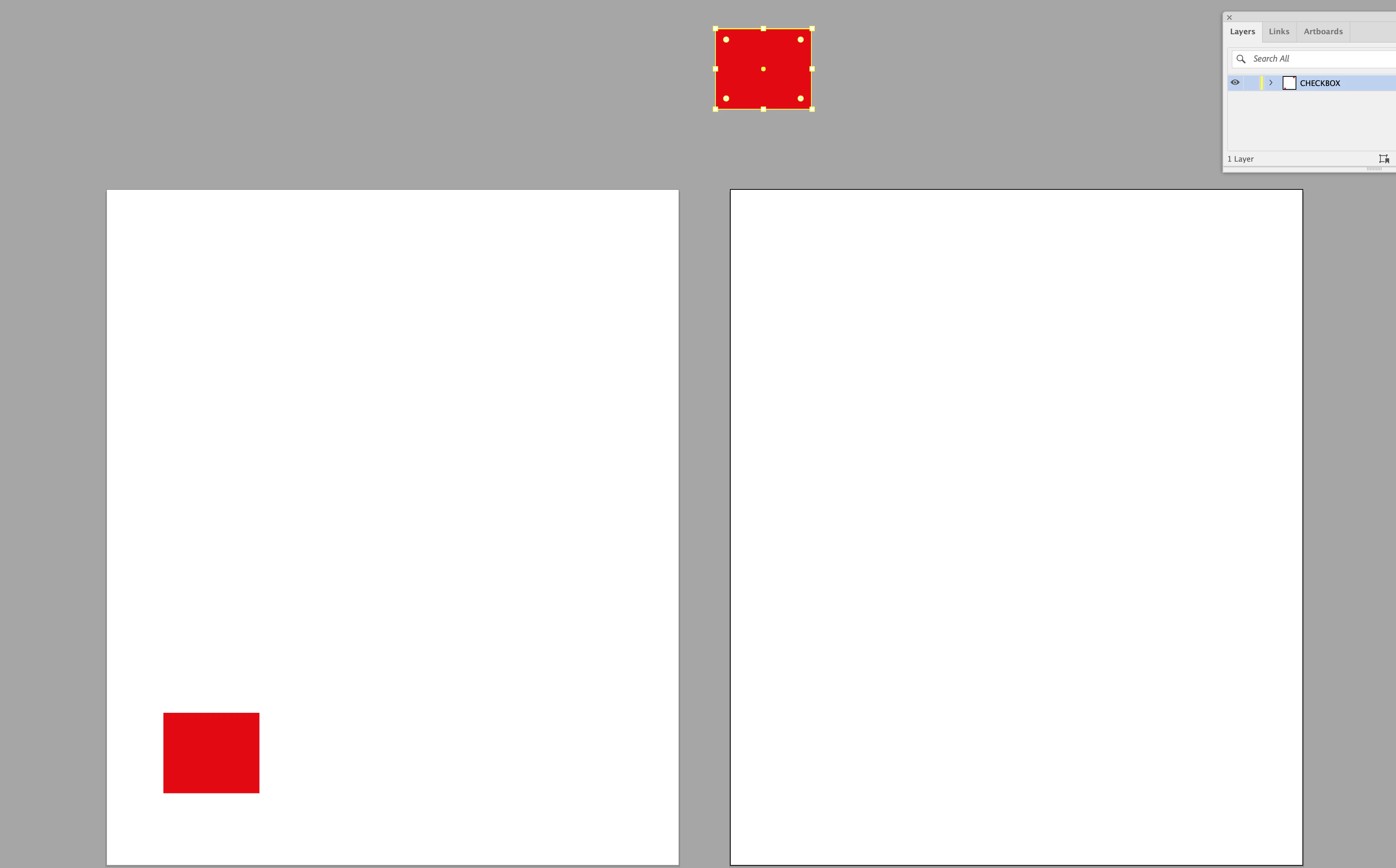
I’m copying an object from one art board and pasting it into the same location on another art board in the same document (and yes I’m selecting the correct art boards whilst doing this). For some reason in this file (which was originally a PDF) when I go to paste in place on the 2nd art board, it pastes the object off the board. I’ve attached the illustrator file so you can play this game aswell. Try copying the red square on the first art board and paste it in place on the 2nd art board. See if you can get it to paste in the correct location - or like me - it pastes it off the top art board (as in the attached screenshot). Does anyone know what I have to do to fix this. And yes I’ve quit illustrator and tried again and this problem still persists. 😀 You can download the ai file here: https://www.swisstransfer.com/d/d1f27491-8cd2-43ed-ba17-01ef6b59765c
 AdChoices