

Patern overlay effect from photoshop to illustrator
Hi there, once again im here to ask for help ... so here is the problem this time ... i've searched the forum already and i don't find the problem im having so if by any chance there is and i just am blind enough to see it please let me know.
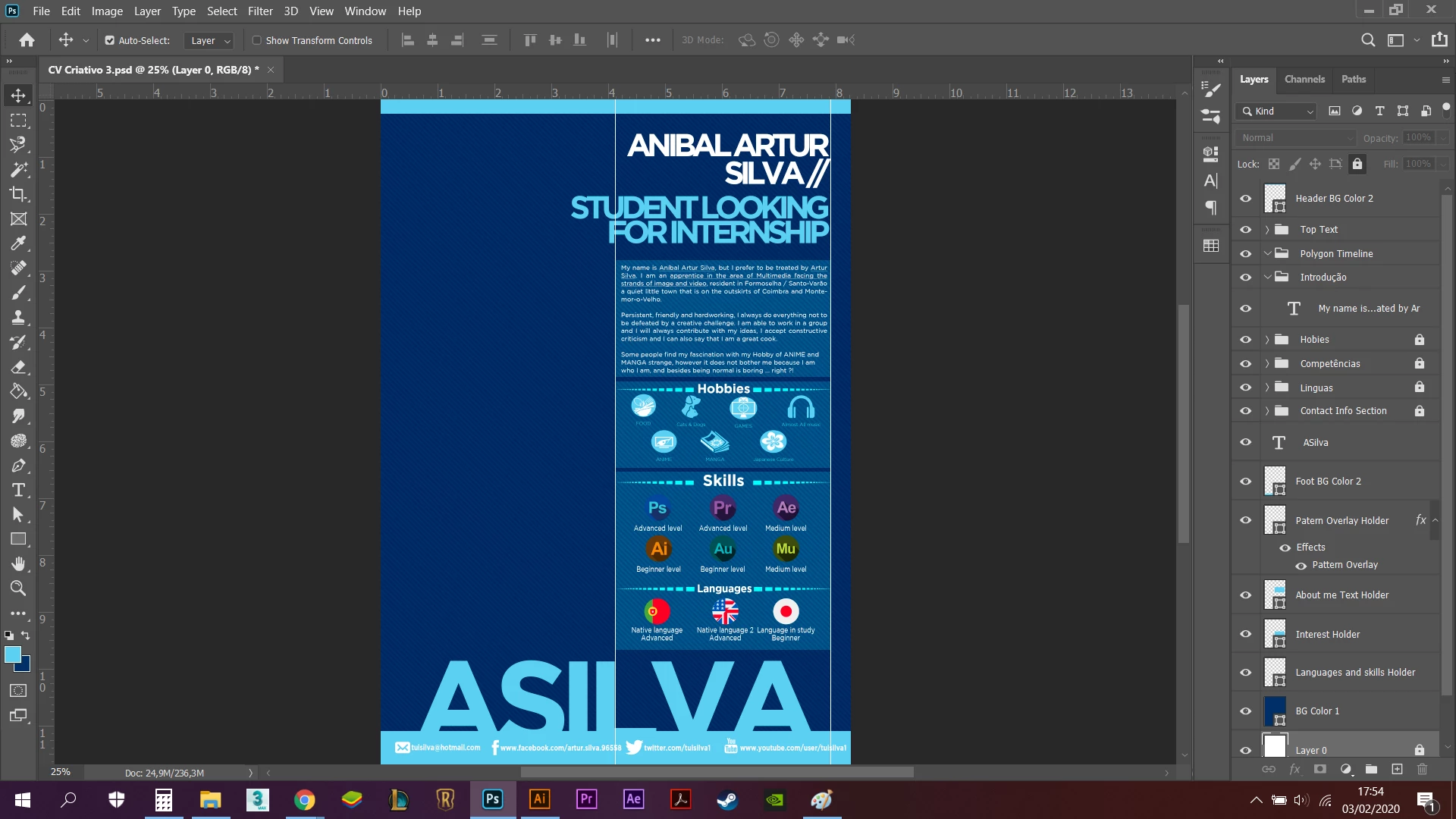
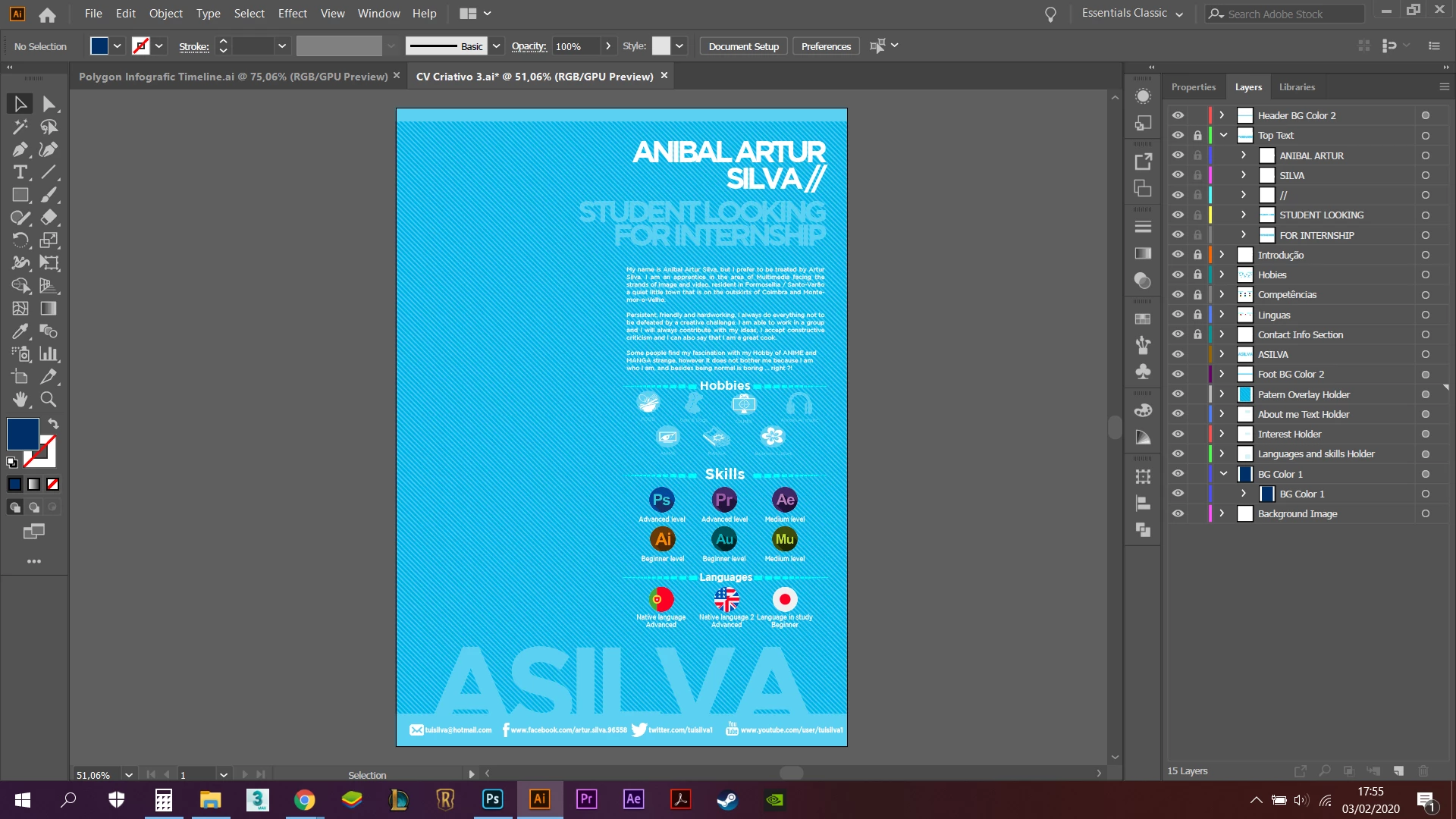
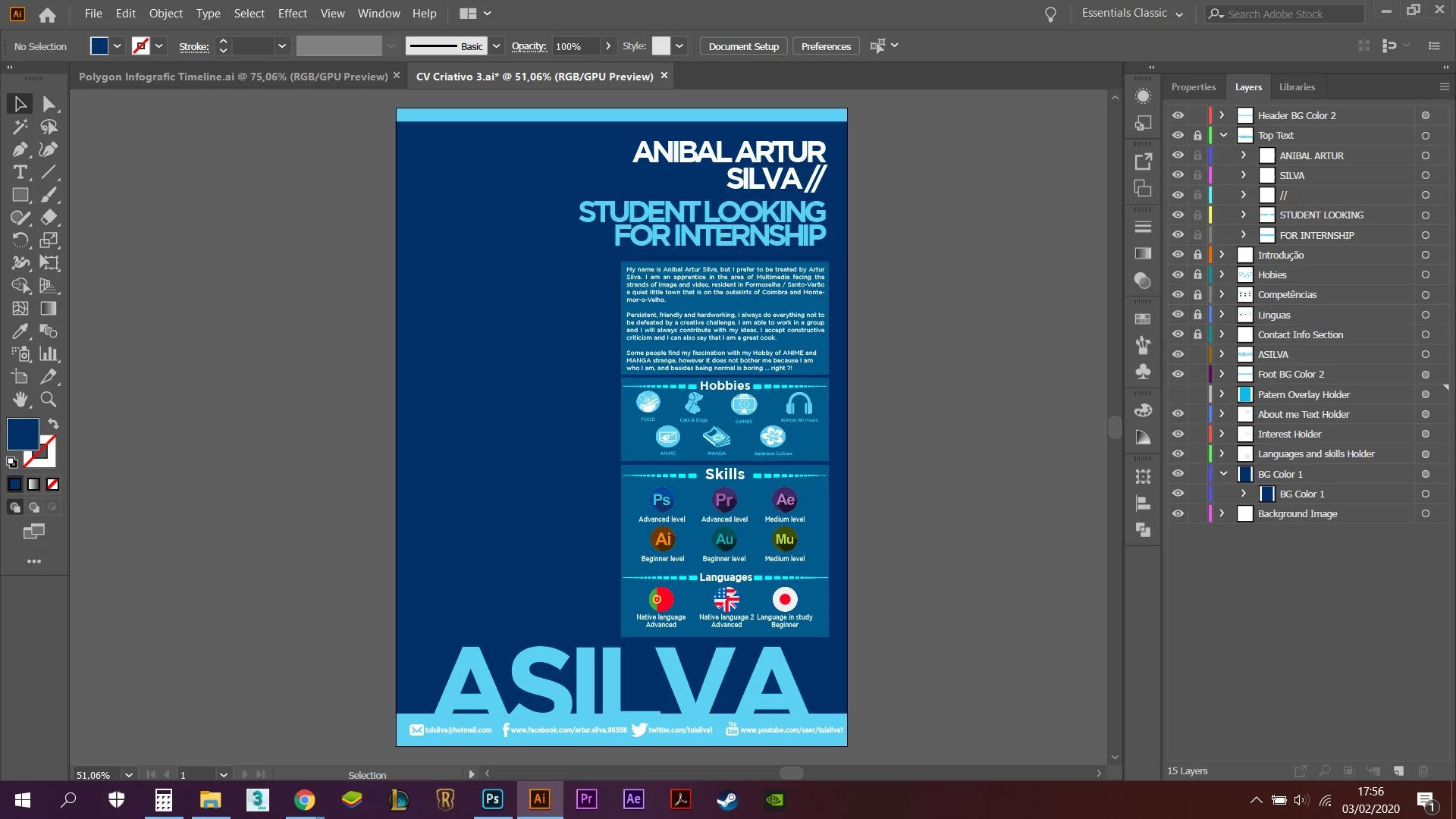
So ... to the problem is the following, i have this Photoshop file below (left side) that i opened up in Illustrator (right side), and for some reason there is a problem with the patern overlay layer, i say this because on the image that is below the other two i deselected ... not deselect ... uhmmm ... i clicked on that eye thingy to make the layer invisible on the illustrator and it looks perfect but of course there is no patern overlay, and that is why i need help ... i need to someone to teach me on how to fix this problem.
Regards ASilva
 AdChoices