
StrongBeaver
Legend
November 5, 2016
Answered

Path cannot be deleted ?

  • November 5, 2016
  • 2 replies
  • 1007 views

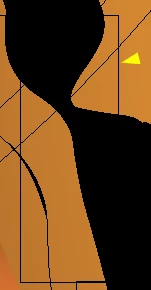
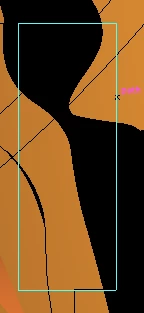
In the image on the left there is a box, I can hover over the box and it shows it's a path but I can't select or delete the path ?

The curvy black shape is a blend expanded that blend also had an opacity mask which was flattened; my theory is the paths are the result of the flattened transparency.
    This topic has been closed for replies.
    Correct answer StrongBeaver

    I can hover over the path and illustrator informs me it's a path but I can't delete the path, which is my goal ?


    The lasso tool was the solution

    2 replies

    jane-e
    Community Expert
    Community Expert
    November 5, 2016

    You might also try to select it in Outline View.

    StrongBeaver
    Legend
    November 6, 2016

    I've attached a section of the illustration.  When viewed in outline I need all the rectangle shapes deleted.

    StrongBeaver
    Legend
    November 6, 2016

    I can hover over the path and illustrator informs me it's a path but I can't delete the path, which is my goal ?

    Monika Gause
    Community Expert
    Community Expert
    November 5, 2016

    Open the layers panel and inspect your artwork.