
Participant
February 24, 2023
Answered

Pathfinder HELP - Simple Ibm like logo

  • February 24, 2023
  • 2 replies
  • 1137 views

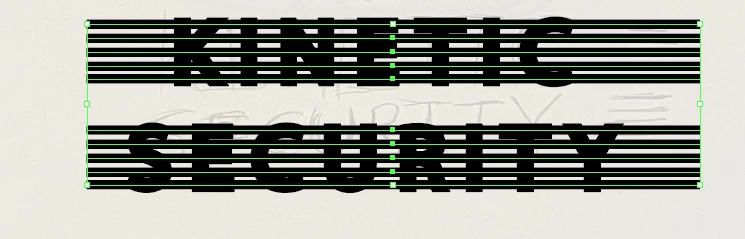
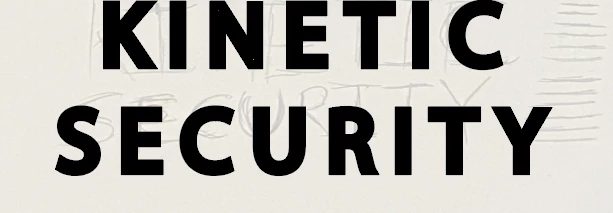
So this was a problem back in 2017 but the methods aren't working out for me when I try to do it. I'm trying to get my text to be similar to the IBM lgo. Everytime I try to use the pathfinder tool either the lines disapear or the whole text disapear, sometimes leaving the first letter.
This topic has been closed for replies.
Correct answer Ton Frederiks

Or group the lines.

Select text and lines an in the Transparency panel click Make Mask (with clip and invert unchecked).

2 replies

Ton Frederiks
Community Expert
Ton FrederiksCommunity ExpertCorrect answer
Community Expert
February 24, 2023

Or group the lines.

Select text and lines an in the Transparency panel click Make Mask (with clip and invert unchecked).

Participant
February 24, 2023

I really appreciate the both of you guys! Like for real!

Ton Frederiks
Community Expert
Community Expert
February 24, 2023

Good to hear we could help.

Monika Gause
Community Expert
Community Expert
February 24, 2023

You need to outline the strokes first: Object > Path > Outline stroke

Participant
February 24, 2023

I ended up with only the first letter reamaining while the rest disappeared 

Monika Gause
Community Expert
Community Expert
February 24, 2023

The outlined text needs to be a compound path, not a group.