
Participant
October 30, 2020
Answered

Pathfinder messing up shape?!

  • October 30, 2020
  • 3 replies
  • 503 views

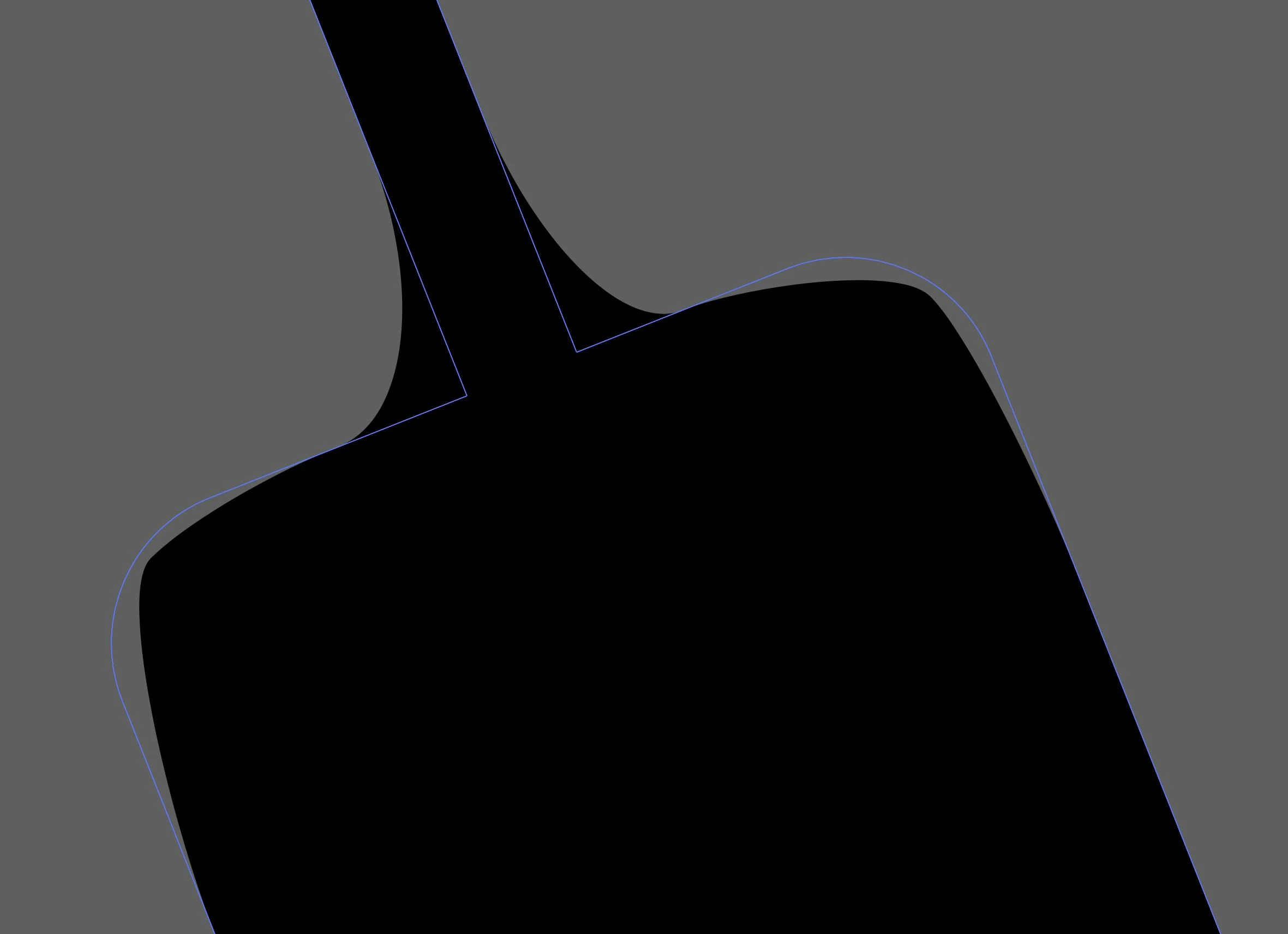
So I was trying to merge an object with shape modes and when I did this it caused the fill and stroke to veer off of the actual path. I don't know if this is a bug or a setting. I relaunched the app, redownloaded it, and restarted my computer even. Nothing I can find fixes this. 
 

This topic has been closed for replies.
Correct answer Connor5CAA

Solved: Object > Expand Appearance

Then you use the pathfinder and it will work. I figured it out!

3 replies

Connor5CAAAuthorCorrect answer
Participant
October 30, 2020

Solved: Object > Expand Appearance

Then you use the pathfinder and it will work. I figured it out!

pixxxelschubser
Community Expert
Community Expert
October 30, 2020

Then we should wait for other suggestions.

pixxxelschubser
Community Expert
Community Expert
October 30, 2020

Try to toggle on/off menu: Preview CPU/GPU  Shortcut [Ctrl]+[E]

Participant
October 30, 2020

Nothing happens