
Answered
Paths/corners not following drawn vector paths
I've noticed an error occurring the last few months in Illustrator, and I'm not sure if a setting has changed in the newer versions or if it's a genuine bug.
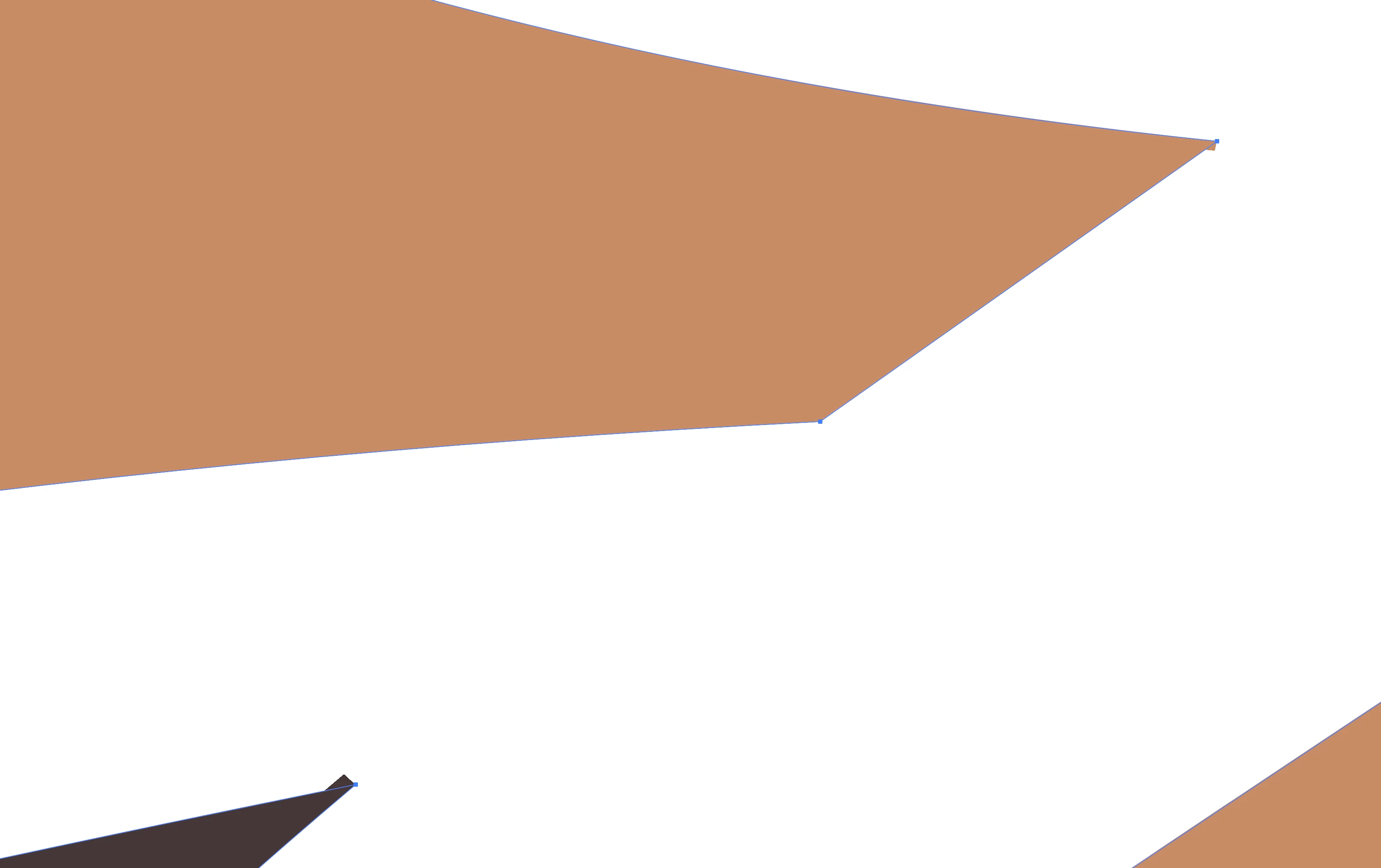
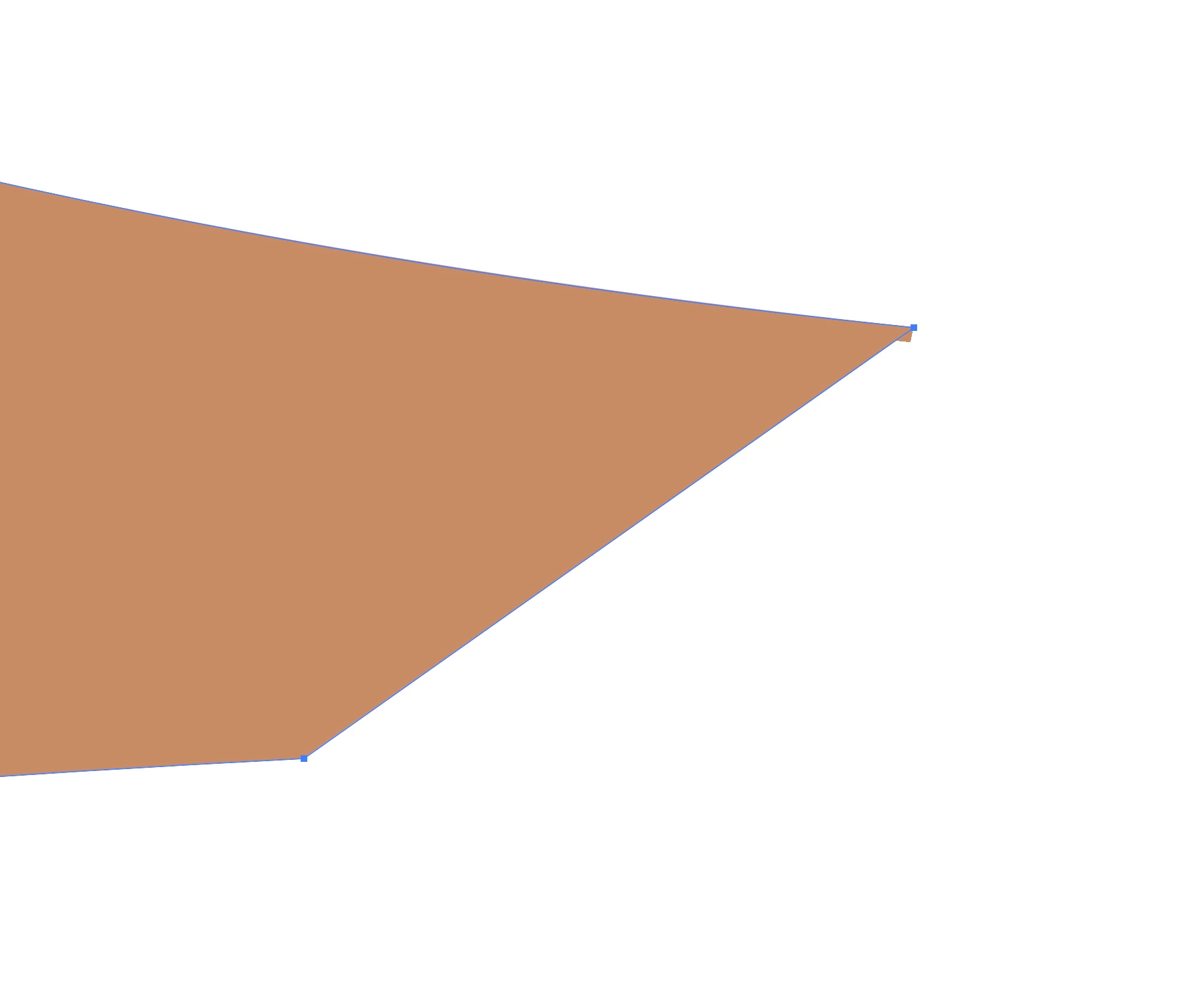
Sometimes my paths will not fill accurately. It's more common on corners, but I've seen it on curves, too. If you look at the screenshot, you'll see the sharp corner of my path, but then Illustrator has filled it with a little rectangle extending past the corner. There is no stroke applied to the path, so I can't change the corner limits in the appearance/stroke window.
Has anyone else experienced this issue and know of a workaround?
(I've been using Illustrator professionally since 2008.)


 AdChoices