This topic is closed to new replies. Start a new post to keep the conversation going.
Correct answer Monika Gause

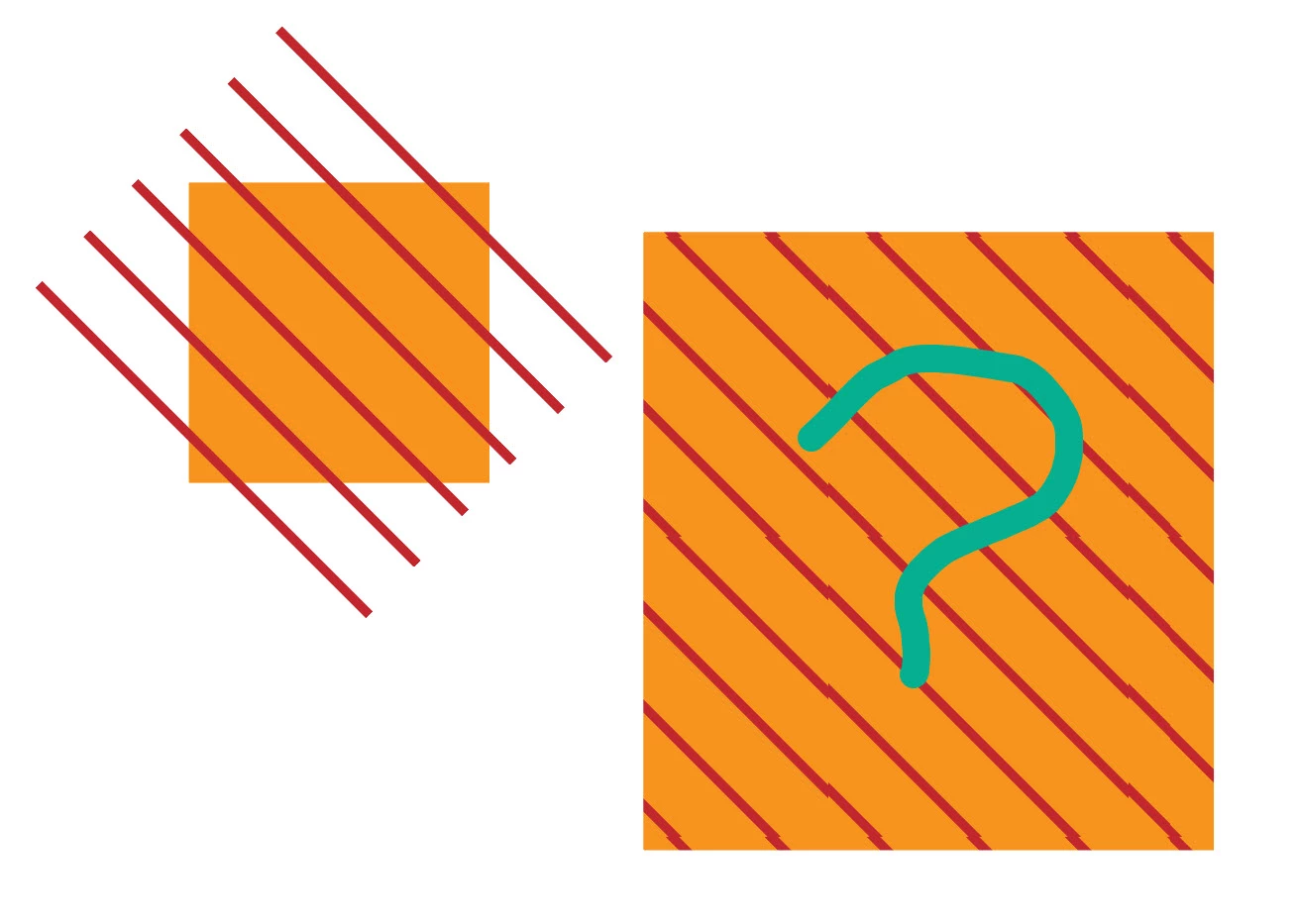
What is the reason it comes like this?


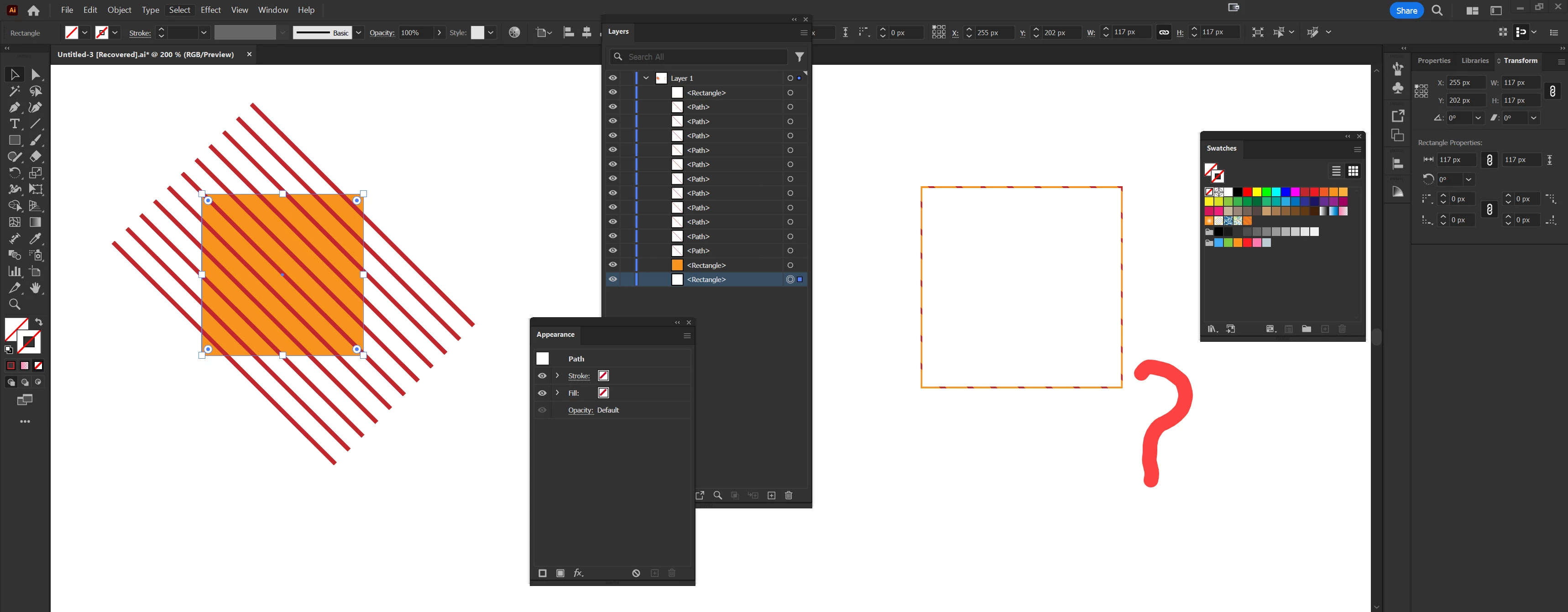
There are several reasons for the large gaps. The large gaps tend to appear a lot more often when you create a pattern not using the pattern editor. At the end of the video I'm showing how I would make that pattern with the pattern editor and the appearance panel.


But if you are not using the pattern editor then you need the invisible rectangle and even if you have an invisible rectangle it can go wrong.

6 replies

Monika Gause
Community Expert
Community Expert
March 28, 2024

You have applied your pattern to the stroke. Apply it to the fill instead.

MahaMN
MahaMNAuthor
March 28, 2024

Video is uploaded.


Monika Gause
Community Expert
Community Expert
March 28, 2024

The video shows that you are applying your pattern to the stroke.

You need to focus the fill and then apply the pattern