Participant
July 11, 2022
Answered

PDF files saved in Ai not having any changes.

  • July 11, 2022
  • 2 replies
  • 247 views

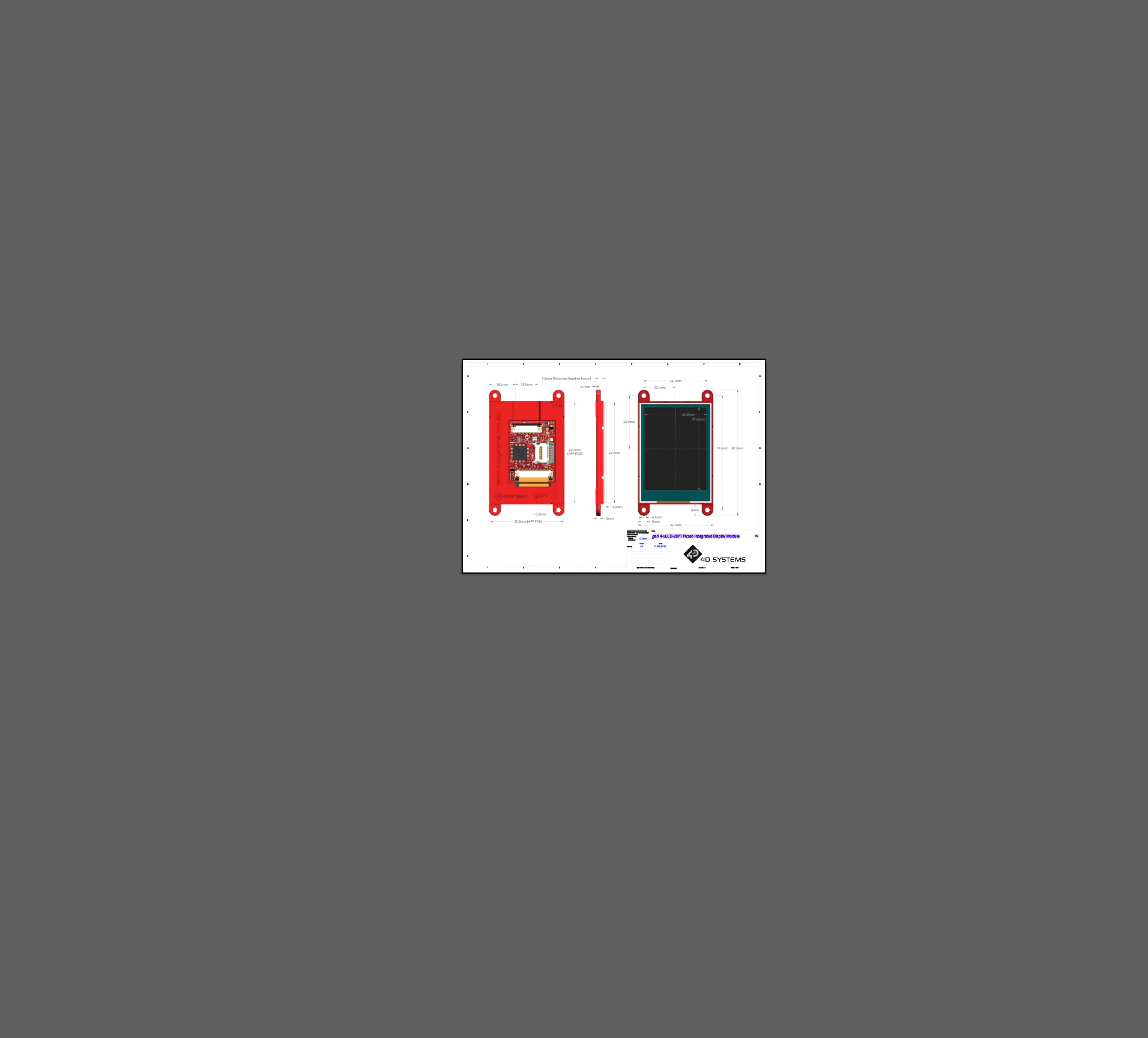
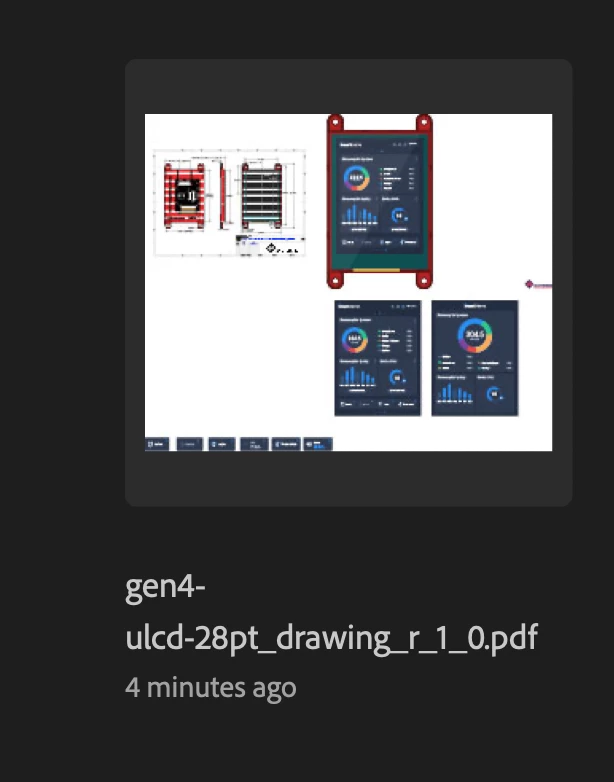
Hi, I saved my work in PDF files and continue to work on it. Then later when I want to continue my work,  the changes that i made is not there. How do I recover this?

The thumbnail di show my latest work done, but when opened, nothing. plese refer pictures
This topic has been closed for replies.
Correct answer Monika Gause

This cannot be recovered.


Is "Save in background" turned on in the preferences? That option tends to cause issues like yours.

2 replies

Anshul_Saini
Community Manager
Community Manager
July 18, 2022

Hi @MUHAMMAD ANAS5E9D,


We are sorry to hear about your experience. This is not the experience we want you to have. I know the damage is done. We are sorry for that. In addition to Monika's suggestion, I would suggest saving files as Cloud Documents to save your work. For more details, you may visit this helpx article (https://helpx.adobe.com/illustrator/using/cloud-documents.html#:~:text=Illustrator%20is%20installed....)


I suggest you try this for better compatibility & performance. Also, you can share your files with others and collaborate with ease. To learn more about this, visit this help article (https://helpx.adobe.com/illustrator/using/share-and-collaborate.html).


Please feel free to reach out if you run into any other questions or issues in the future. We'd be happy to help. Thanks!


Regards,

Anshul Saini

Monika Gause
Community Expert
Monika GauseCommunity ExpertCorrect answer
Community Expert
July 11, 2022

This cannot be recovered.


Is "Save in background" turned on in the preferences? That option tends to cause issues like yours.

Participant
July 11, 2022

"Save in background" is on in the preferences. 

Monika Gause
Community Expert
Community Expert
July 12, 2022

It would be better to turn it off.