
PDF templates not dimming
Mac OS X Big Sur
Latest version of InDesign and Illustrator
I create a PDF from an InDesign page containing an image for use as a template in Illustrator. Normally this works perfectly well, and the PDF is dimmed to the Dim Images default setting, however, today it's started playing up and giving the following message:
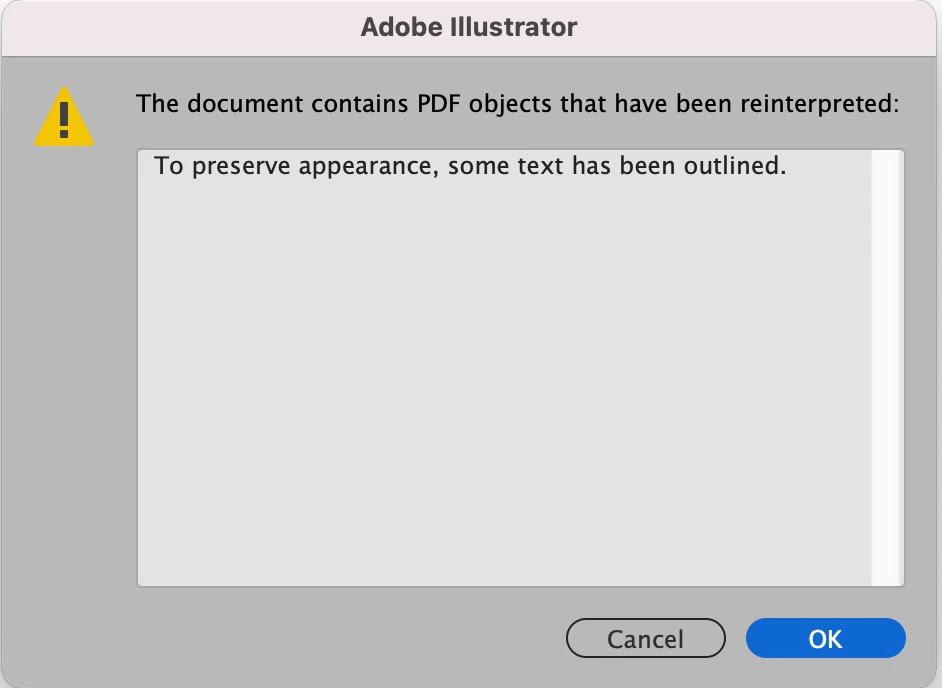
On hitting OK, whilst the image dims, the text remains undimmed. I thought it might be to do with the hard drive being overfull, so freed up some space. All the relevant fonts are activated so far as I can tell, because, whilst the relevant Adobe Fonts show in Find/Replace Fonts, the Activate column is unchecked (not sure whether this is normal or not). Also when I redo the PDF in InDesign, there's no prompt to update the link in Illustrator.
Struggling here so any help would be most welcome.
 AdChoices