
Answered
Pen opacity is set to 100% after manually setting it to 50%
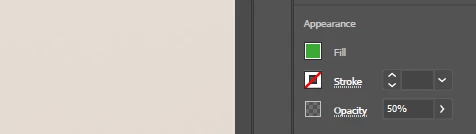
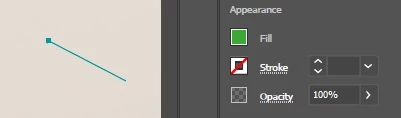
I'm using the pen tool to make green shapes at 50% opacity. Without anything selected, I set the pen color to green, and the opacity at 50%. But when I click to make the first point of my shape, the opacity shoots up to 100% again. While making the shape, I can go to the panel and set it back down to 50%, but after a dozen shapes this is quite tedious. Why does Illustrator set back the opacity? Can I turn that off somehow?
Nothing selected, opacity set to 50%:
One pen click to start shape, opacity goes back up to 100%
 AdChoices