



Question
Pen tool auto merges with existing object (not a "New Art has Basic Apperance" issue)
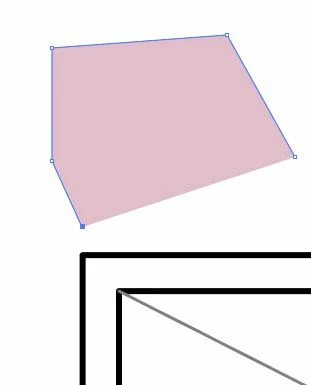
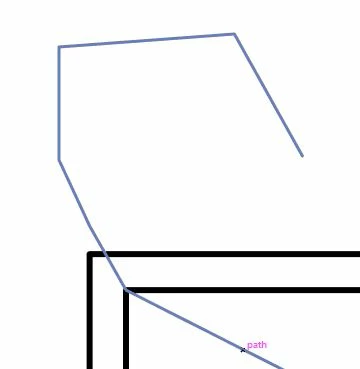
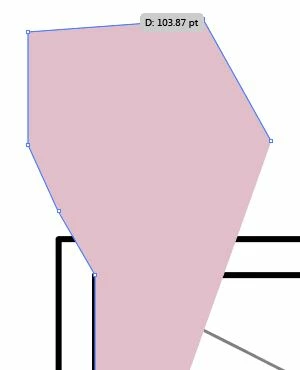
I'm using AI CC 2017. When trying to draw a new object with the pen tool and snapping to existing points, the new path merges with the existing path, and the stoke and fill changes to match. I've found a workaround where if I click and hold, then press the spacebar, I can move my point to the correct spot without it merging. This is incredibly tedious for the project I'm working on, where I'd much rather "click - click - click..." than "click/spacebar/drag - click/spacebar/drag - click/spacebar/drag..."
Is there a setting somewhere to turn this off?
 AdChoices