Answered
Pen tool display error
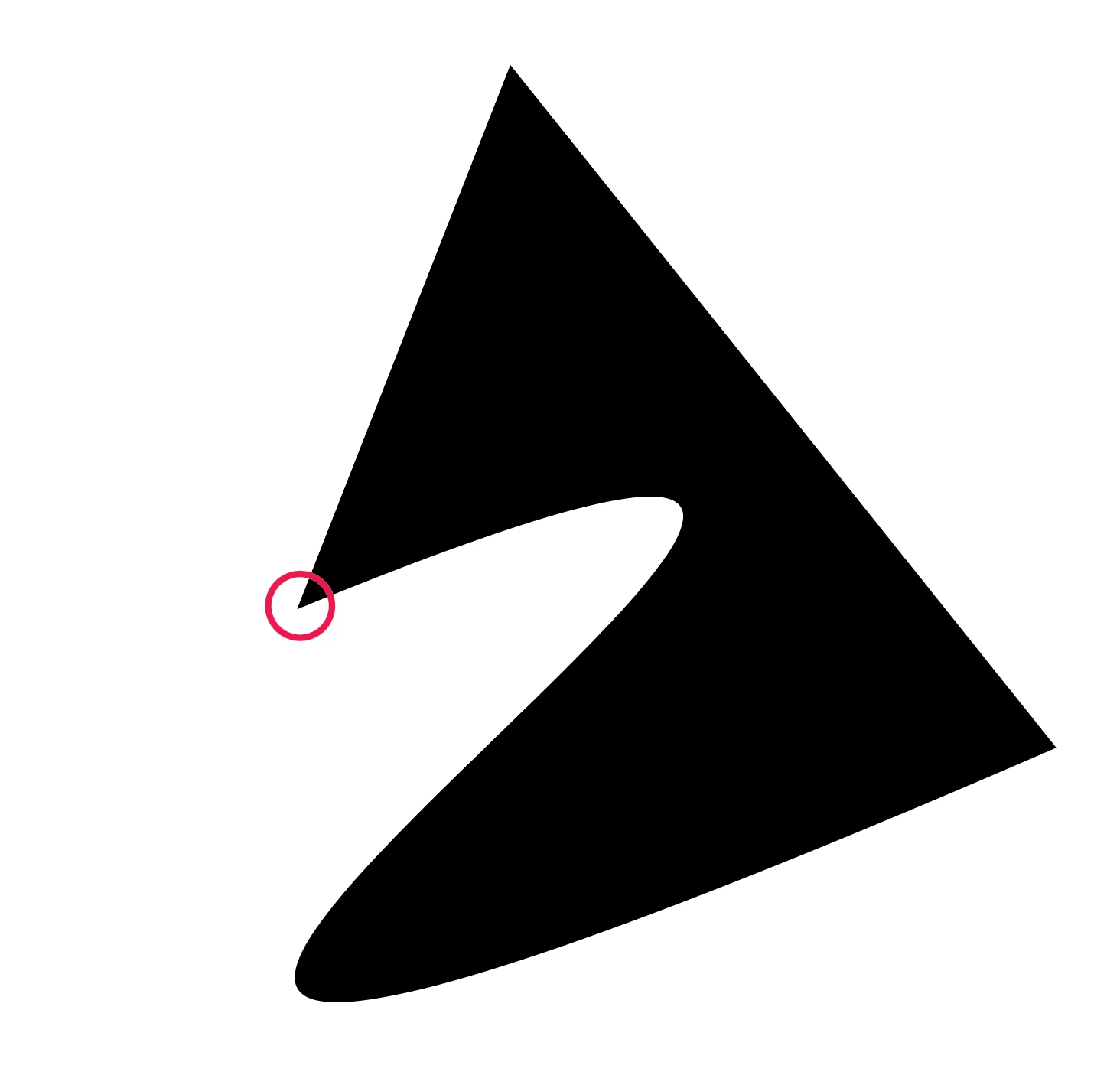
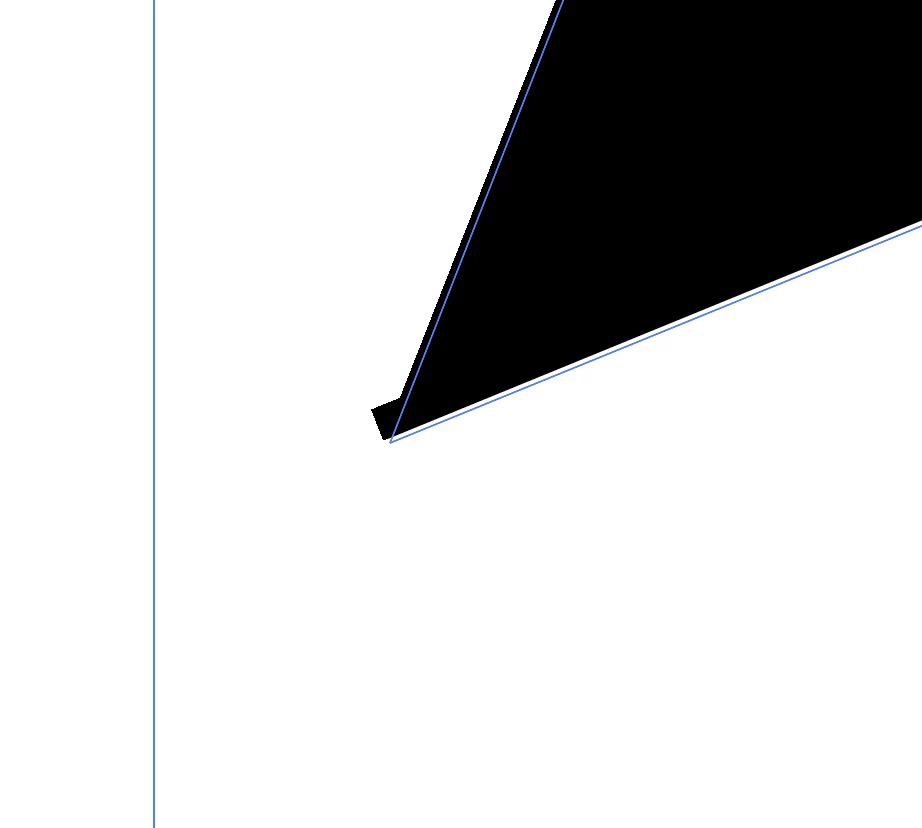
Hi, I'm trying to work with the pen tool and anchor point tool. I'm getting weird behaviours on the corners. I'm not using an outline, only fill yet you'll see the second image is showing an extension of the shape which is not part of my image. It should be a clean, crisp corner. Also the blue line (sorry I don't know the name of it) when I select the item is not aligning properly. Any tips? I have installed the latest bug fix but still having this problem.
I don't have snap to point, snap to pixel or rubber band selected.
 AdChoices