


Answered
Perspective grid tool in Illustrator
Hi,
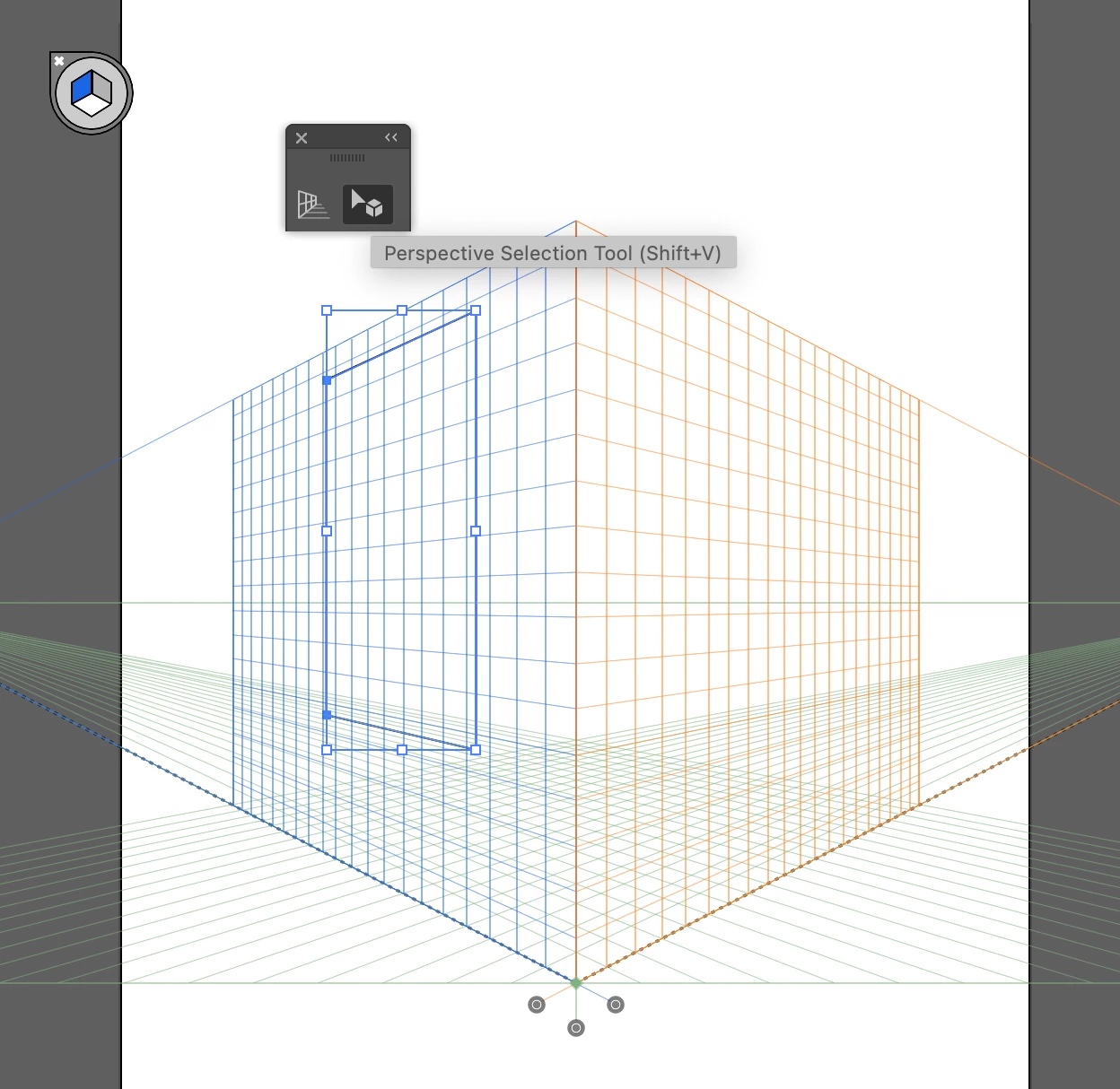
Does anybody know how to paste an object into the perspective grid?
Just to be more clear, I know how draw objects from scratch that will snap into the grid (Perspective Grid, there is a tool for that SHIFT+P) , but I have no idea how to copy and paste an existing object into the perspective grid so it snaps to it and act as any other object would normally do after drawing it by using the perspective grid.
Your help much appreciated.
Thanks

 AdChoices