Participant
June 9, 2017
Answered

photo collage into the shape of a map

  • June 9, 2017
  • 2 replies
  • 6125 views

can anyone point me in the right direction for a tutorial on how to make something along the lines of this please. I mainly use Ai but also have Ps
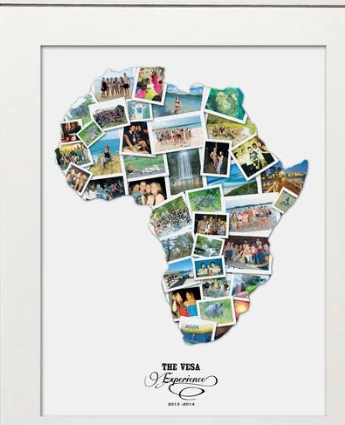

    Correct answer Srishti_Bali

    Hi peterb,

    You may make it through clipping path.
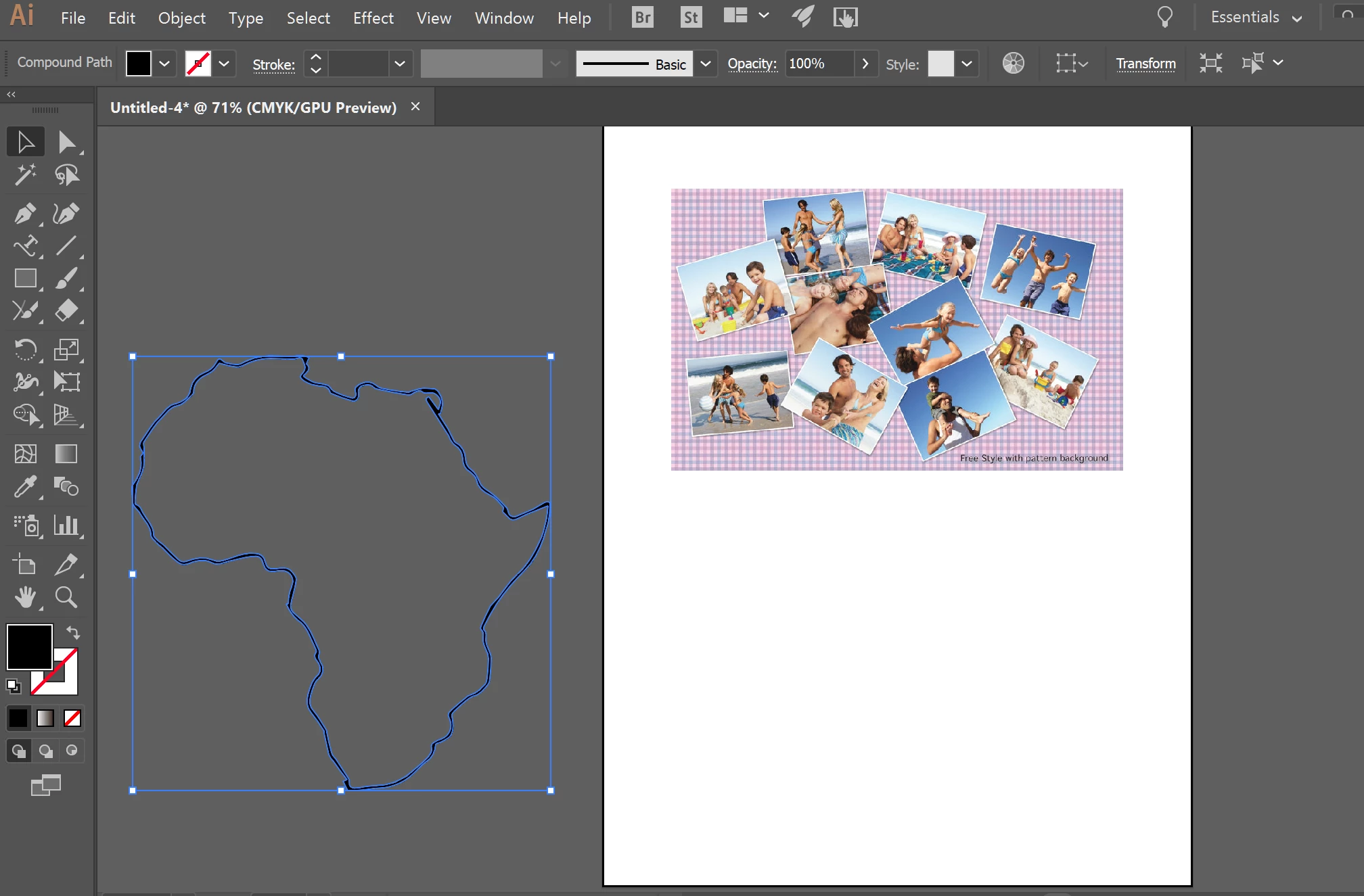
    Move the Map outline over the collage
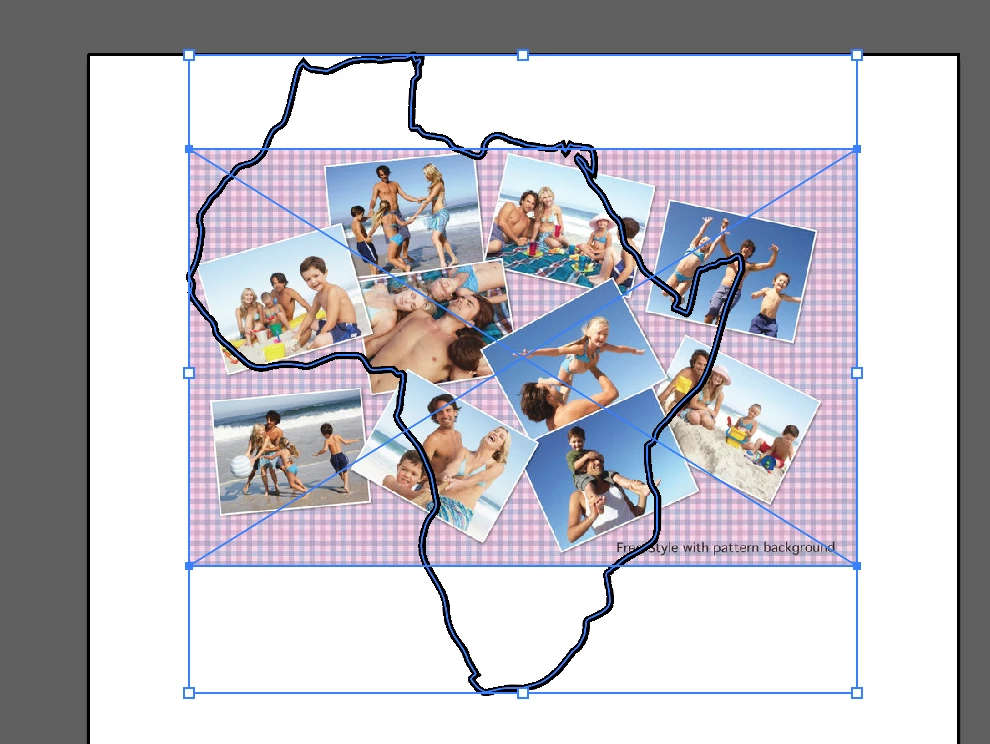
    Then Click Object>clipping mask >Make
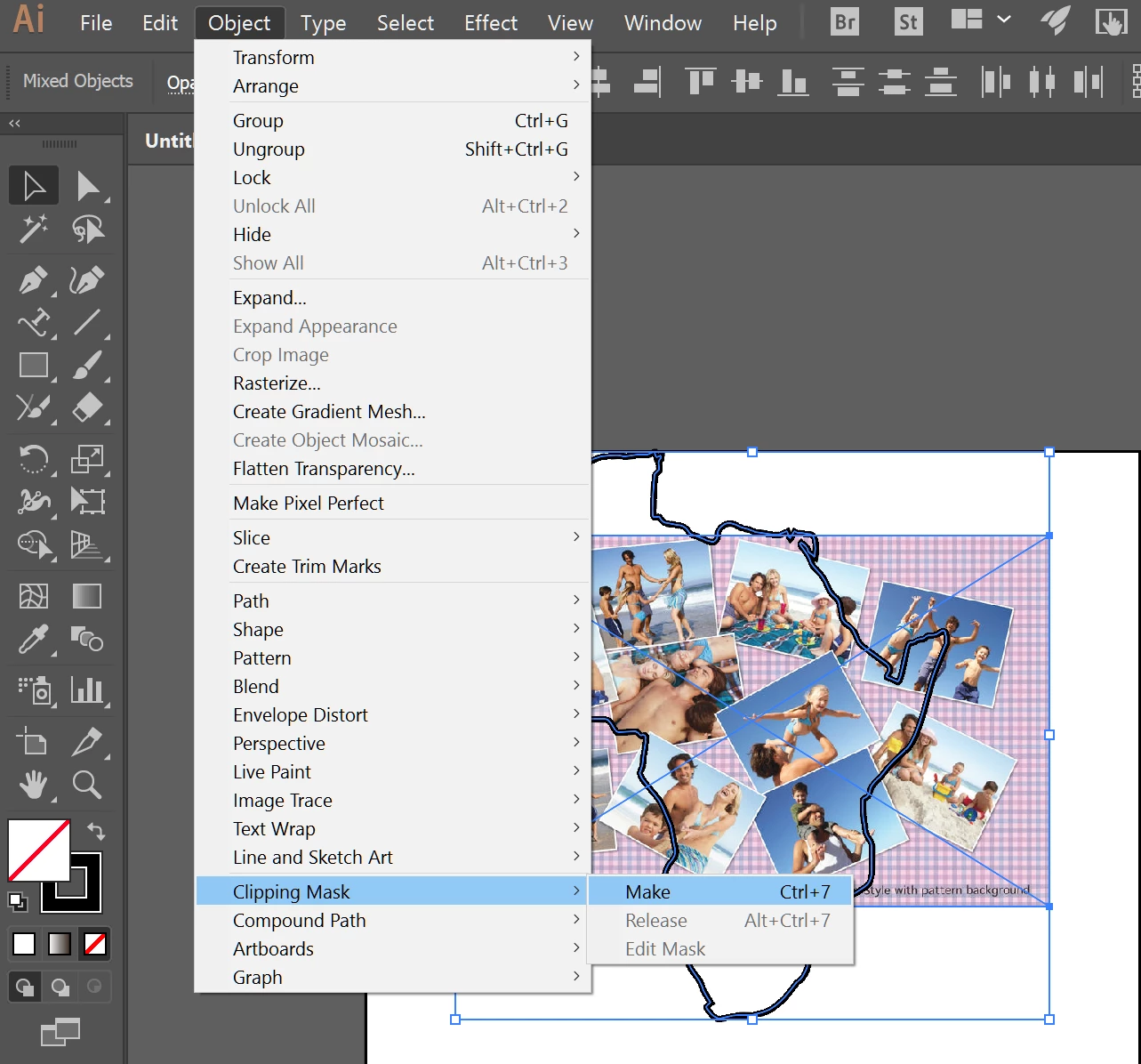
    And here is the result
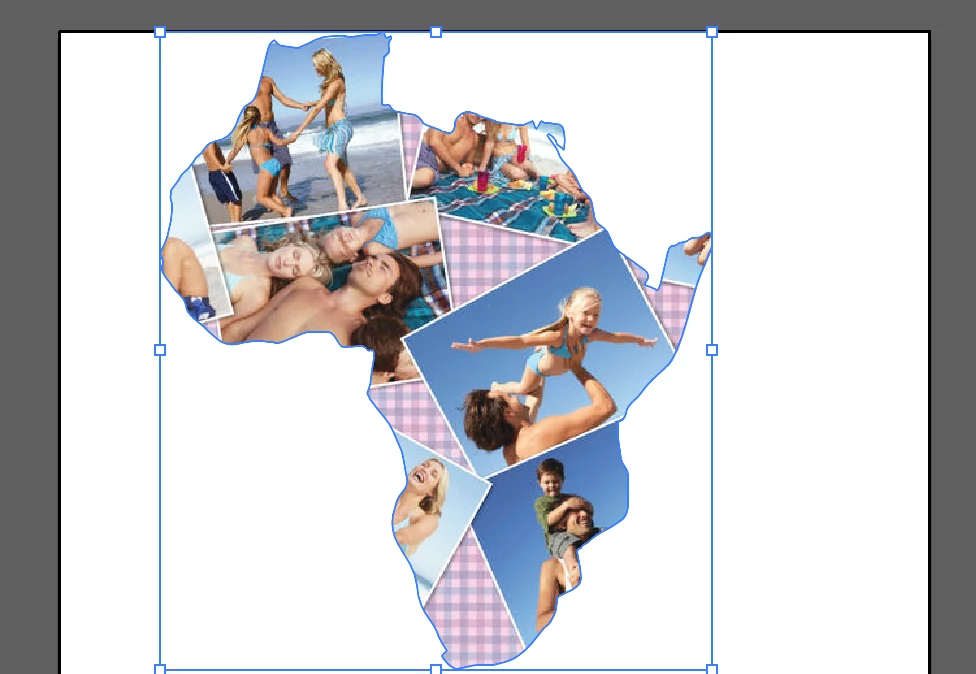
    Regards

    Srishti

    2 replies

    Srishti_Bali
    Srishti_BaliCorrect answer
    Legend
    June 9, 2017

    Hi peterb,

    You may make it through clipping path.

    Move the Map outline over the collage

    Then Click Object>clipping mask >Make

    And here is the result

    Regards

    Srishti

    Monika Gause
    Community Expert
    Community Expert
    June 9, 2017

    That would be a Photoshop job.

    Basically you load all your photos into one file.

    It will make sense to turn them into Smart objects

    Apply a border stroke and a drop shadow as effects to each one

    Arrange them as you like

    Find a vector file of the country you need

    Copy that as a shape layer into your Photoshop file

    Use it as a clipping mask for all your photos

    All of this is explained in the documentation. Go to the Help menu in Photoshop to access it.