Participant
February 19, 2023
Question

photoshop to illustrator error the file is not readable

  • February 19, 2023
  • 2 replies
  • 4969 views

I have a problem with opening a psd file in illustrator.
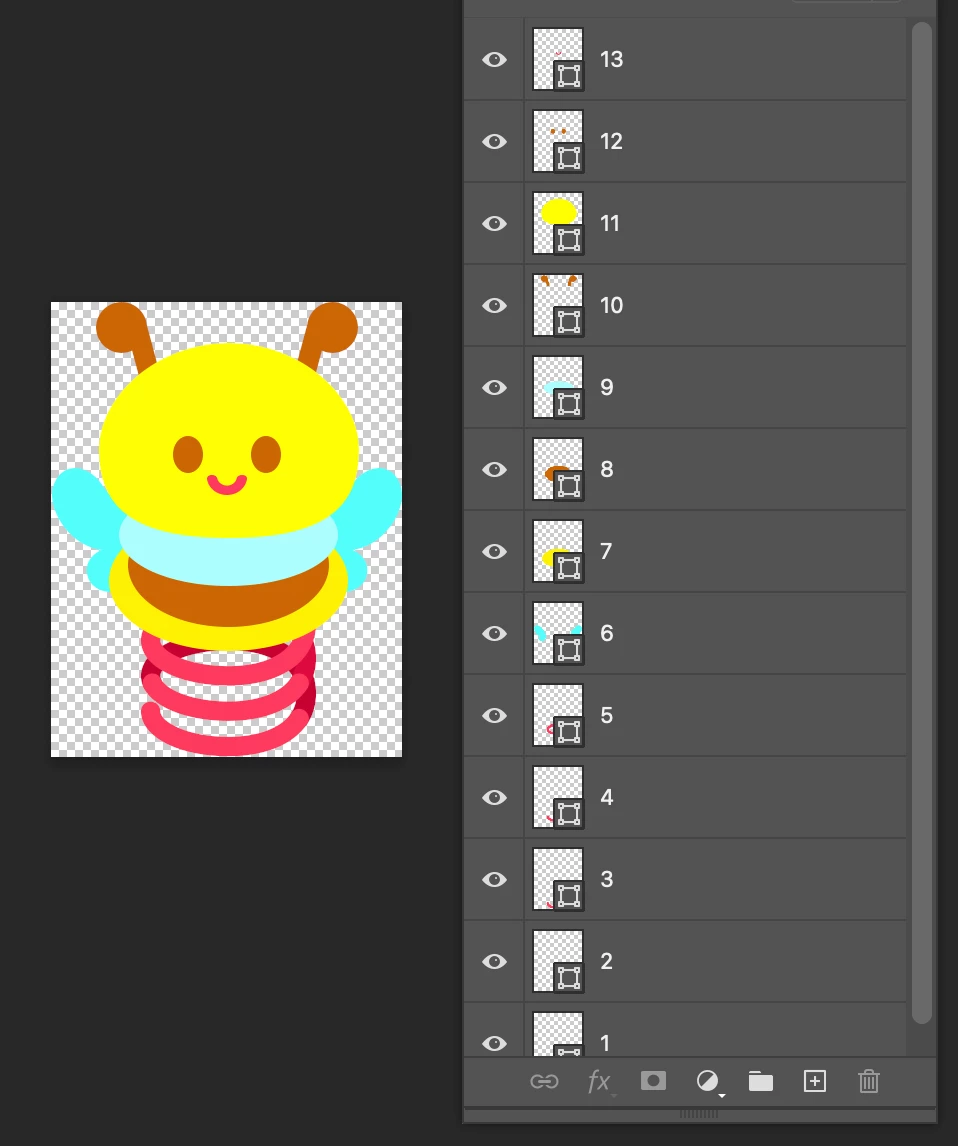
 

This is the file I want to open in illustrator
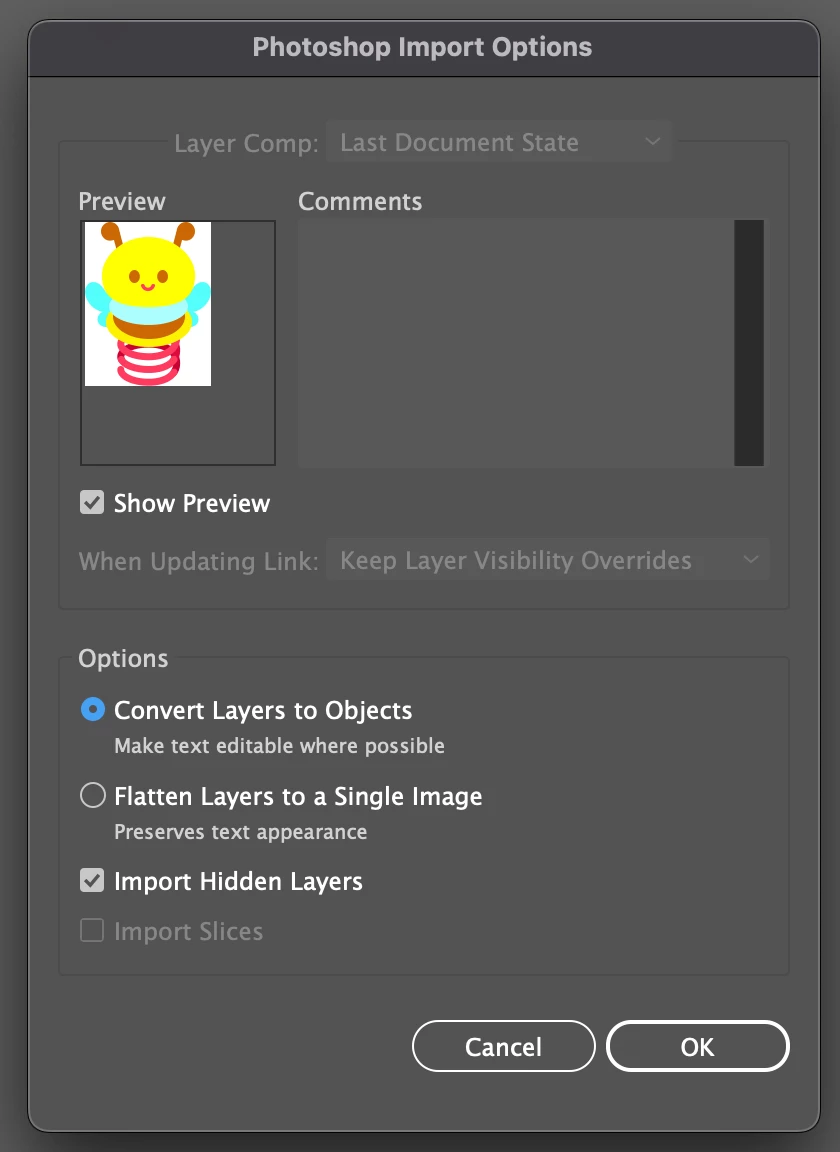
 

and it says it's not readable.
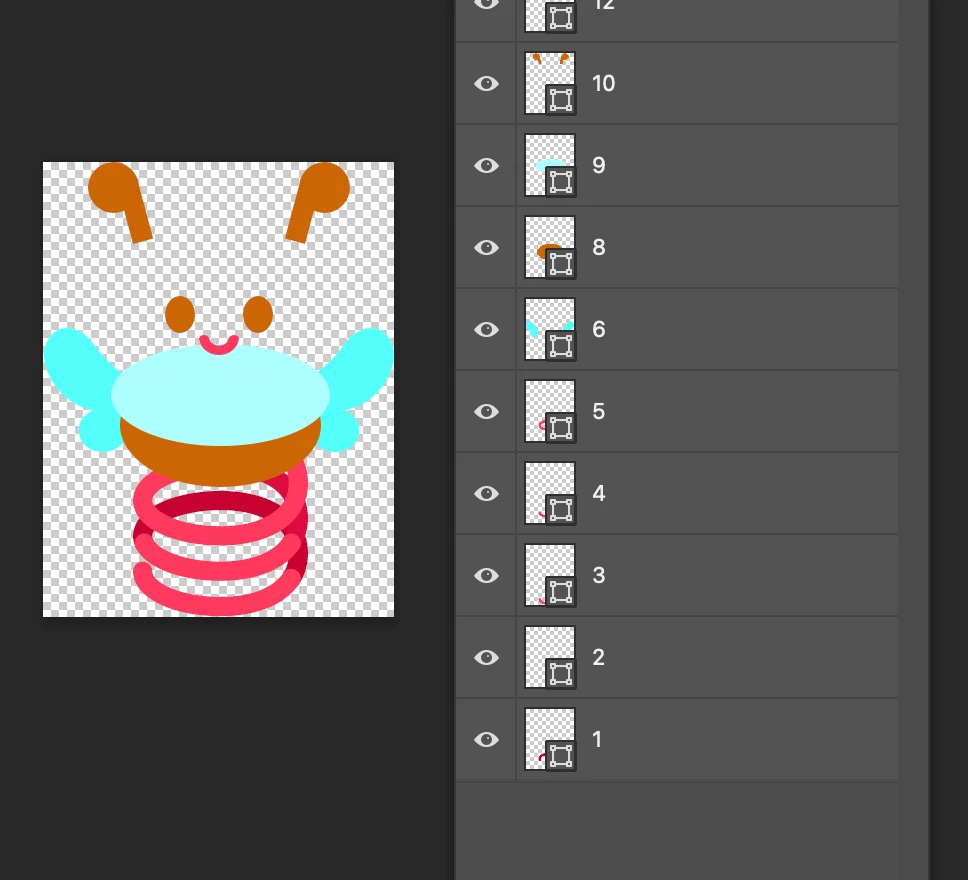
 

I got back to photoshop and deleted yellow parts,
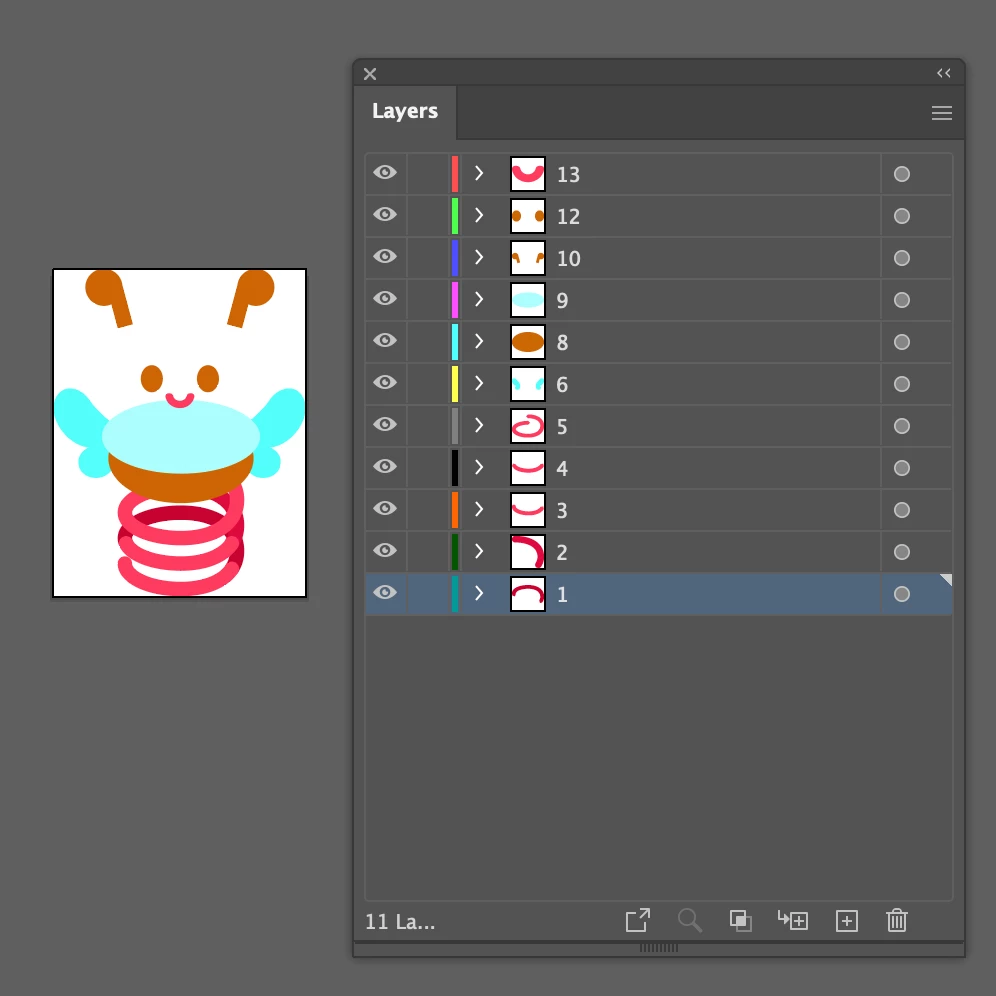
 

Then I could open it in illustrator.


-I didn't use any spot color.

-Neither my co-workers could read my psd file on their illustrator. (Theirs opened just fine on mine)

-Tried to copy&paste in to a new documents, didn't work

-Tried same on my co-worker's computer, didn't work.

-Tried save as eps, didn't work.


This time yellow was the problem, but sometimes even white(#ffffff) do the same,

and more than two colors are problem in one documents.

It's really difficult and takes so much time to find which object is making trouble.

Especially when there are multiple objects.


I don't understand what's going on..

Need your help.

Thank you.


2 replies

Community Manager
February 20, 2023

Hello @thanksforhelp,


We understand that encountering technical issues can be frustrating. We are here to help and would like you to share a sample file you're having trouble with (https://community.adobe.com/t5/illustrator-discussions/share-your-files-in-6-simple-steps/td-p/12967531), as suggested by Monika, so we can identify the issue and provide the appropriate solution? We appreciate your time and effort in helping us resolve this issue.


Looking forward to your response.


Thanks,

Anubhav

Participant
February 27, 2023

Here's the file. Thanks!

Community Manager
March 3, 2023

Hello @thanksforhelp,


Thanks for sharing the file. Kindly allow us some time while we check this with the team.


Regards.

Monika Gause
Community Expert
Community Expert
February 19, 2023

Can you provide a PSD file that is not working?

Participant
February 27, 2023

Here's the file. Thanks!