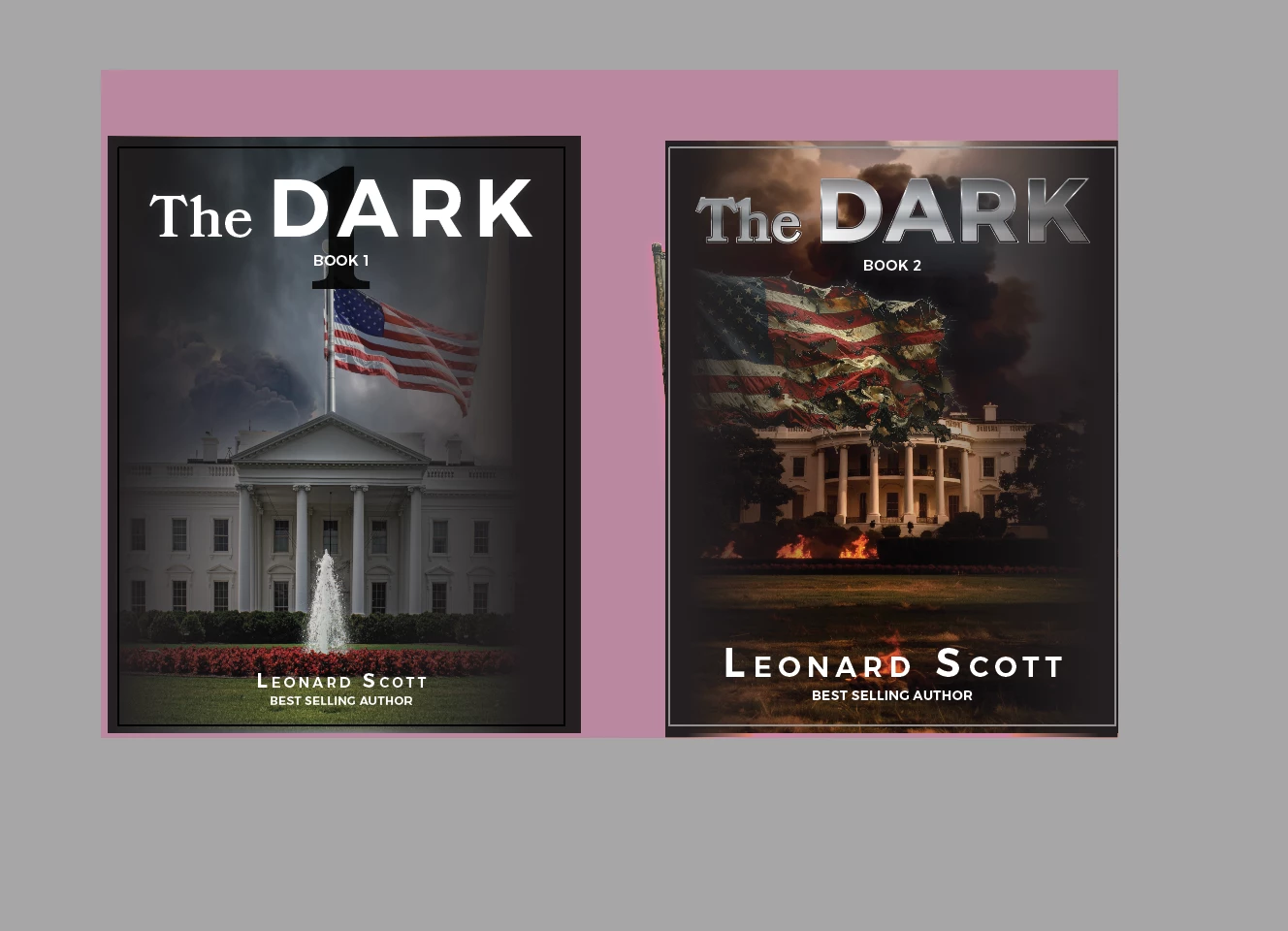
@Reid Printing the pink area appears to be a background fill that is not clipping correctly, possibly with a Bounding Box or stray anchor point issue. The pink you see might be an object that was not correctly masked or a stray point dragging a bounding box off the artboard. Select everything on the artboard (Command A (MAC) /Control A (PC)). Look very closely for a tiny blue anchor point or an unexpected bounding box handle far away from your book covers. Delete anything stray. Ddid that fix it? Or if you prefer, in th menu, go to Object > Path > Clean Up.... Check the boxes for Stray Points and Unpainted Objects, then click OK. I really don't think it's a missing font or overset text issue.
I did what you suggested and it did seem to help. I will try this on the other files I was having trouble with and see if it fixes it. Thank you for your response.
Thanks, Connie Wylie Reid Printing Personal details removed by moderator