Question
Pixelate - Colour Halftone not working
Im trying to create a pixelate effect with a shape using a single colour but its creating dots of various colours rather than the colour I chose. Does anyone know the soltuion to fix this?
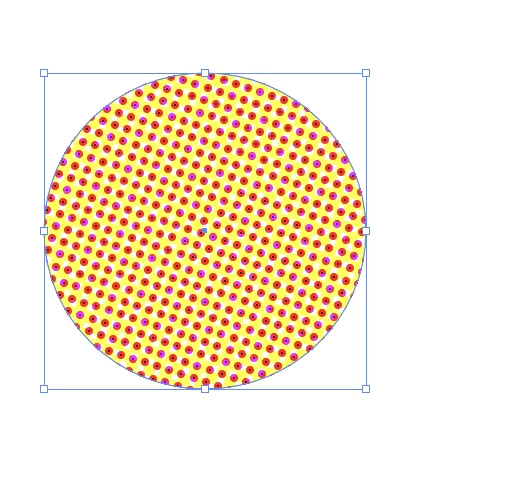

Im trying to create a pixelate effect with a shape using a single colour but its creating dots of various colours rather than the colour I chose. Does anyone know the soltuion to fix this?
Already have an account? Login
No account yet? Create an account
Enter your E-mail address. We'll send you an e-mail with instructions to reset your password.


 AdChoices