
Pixelation in Editable AI Text
I can't figure out what is happening, and I have been in production design for a while now. I have worked in print shops and have never run into this, and now I am working free lance and can't figure this out.
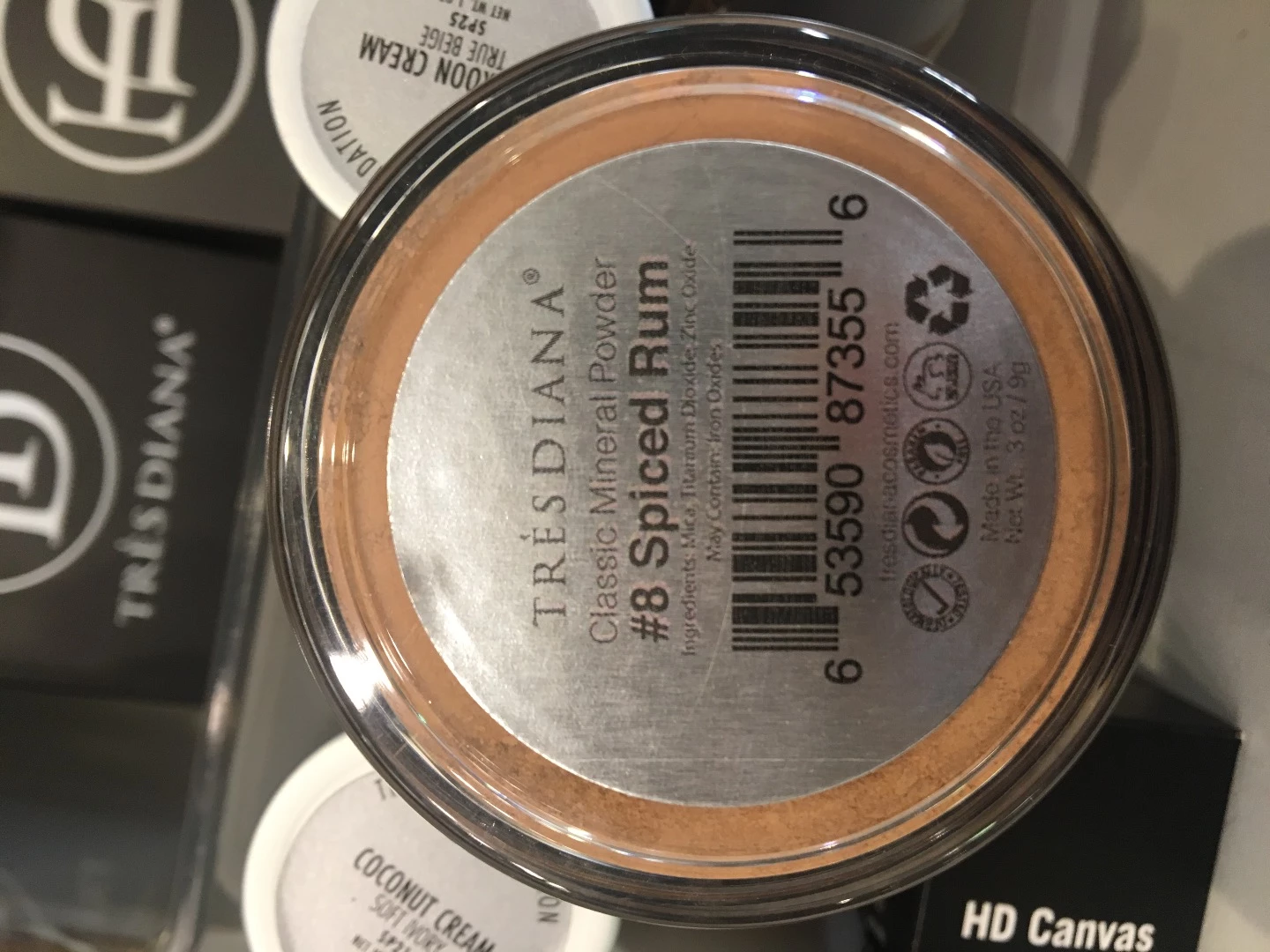
So I am making these labels that go on the bottom of cosmetics and they are printing pixelated in certain areas. You can see in the example that the barcode is super clear and the rest is a mess. I am working in Illustrator CS6 and printing from Acrobat Pro. The barcode is a PDF that I was given from SpeedyBarcodes. When I place it in my AI file, it prints out super clear and for some reason my text won't print clearly. I tried printing in regular black and registration black, printing from AI and from Acrobat, and nothing made any difference. The text is still editable text in AI, I want to avoid creating outline because I use the same template across multiple shades and products, so it would be easy for me to change a word here or there when I need.
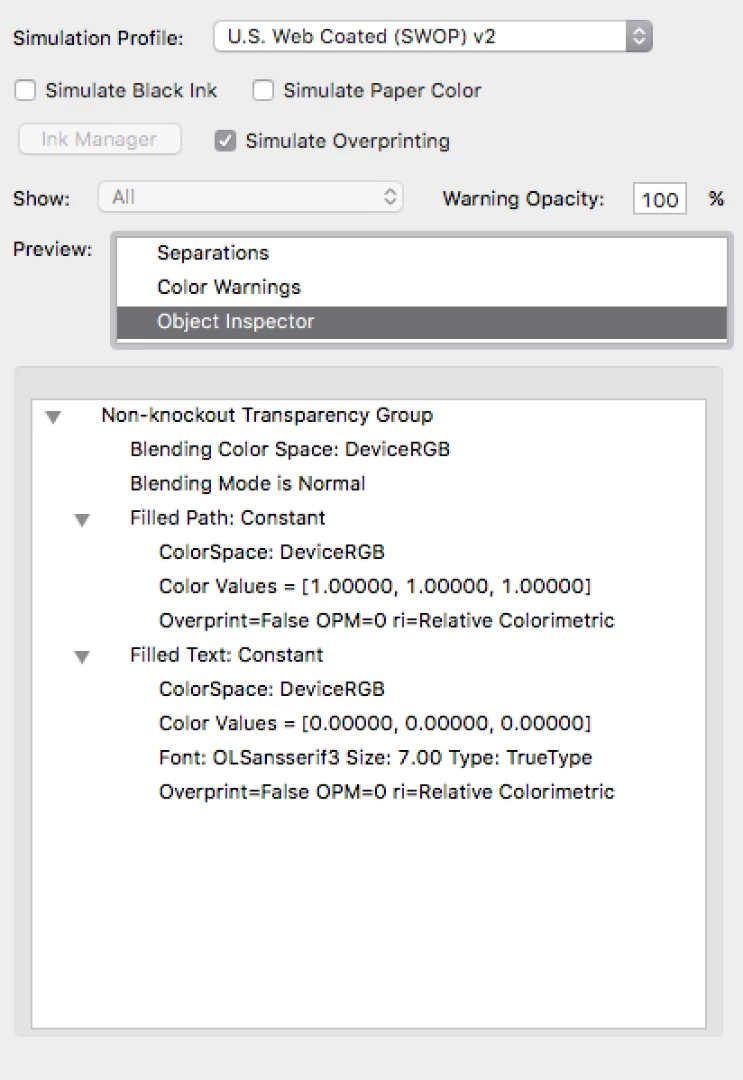
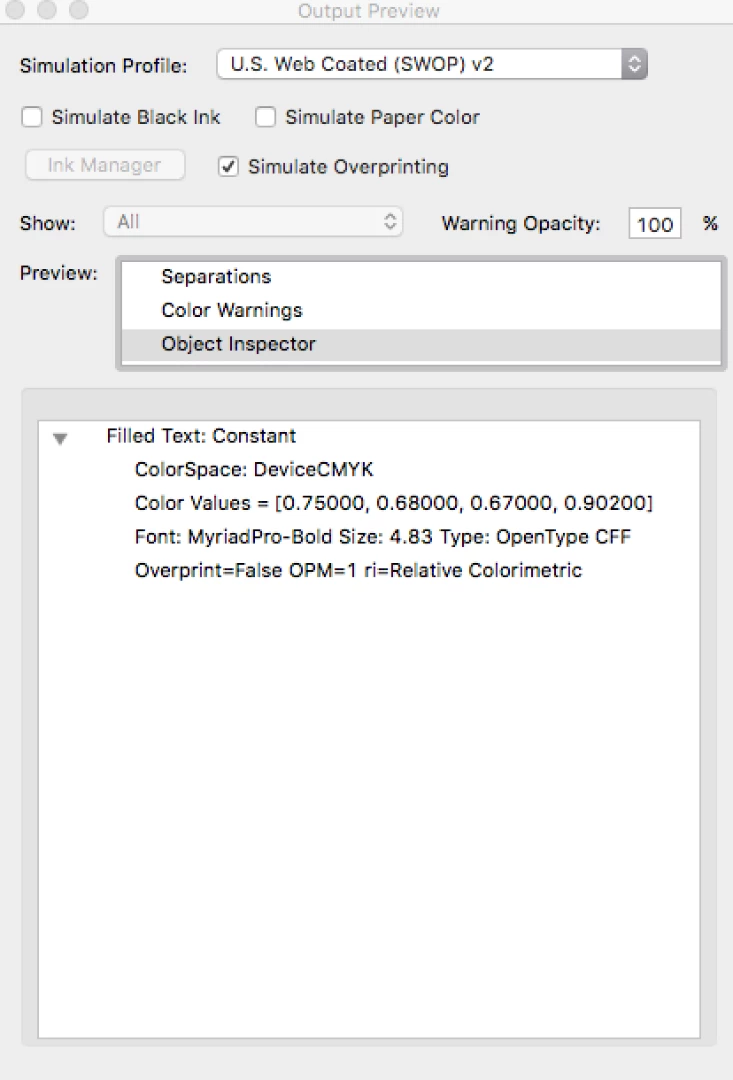
So the only thing I found that sort of helped was that I got the labels from OnlineLabels.com and when I use their website to design the sticker the words print out clearly BUT if I place the barcode (the same PDF that prints clearly in AI) the barcode prints fuzzy looking. Also, I'm not sure if this will help but I used the Object Inspector to try to see what the difference was and I have attached some screen shots of the outcome.
 AdChoices