
Placed image is dull and off colour
Hi,
I'm struggling with this issue where I take a screenshot from a site I'm pulling colours and when I place in Illustrator the colour changes slightly.. Its important that its exact. This first image is the correct colour (how it is on the site).

Then when I place it or open it in Illustrator this is how it looks:

I have been trying to find solutions on this forum, and have tried: Opening it in photoshop and resaving, then opening in illustrator (doesn't work). Checked and fiddled with colour management settings which are currently as follows (which to the best of my knowledge is how they should be) and haven't had any results: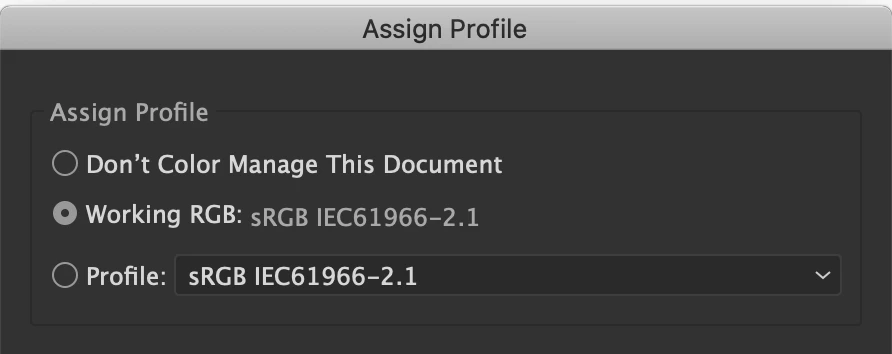
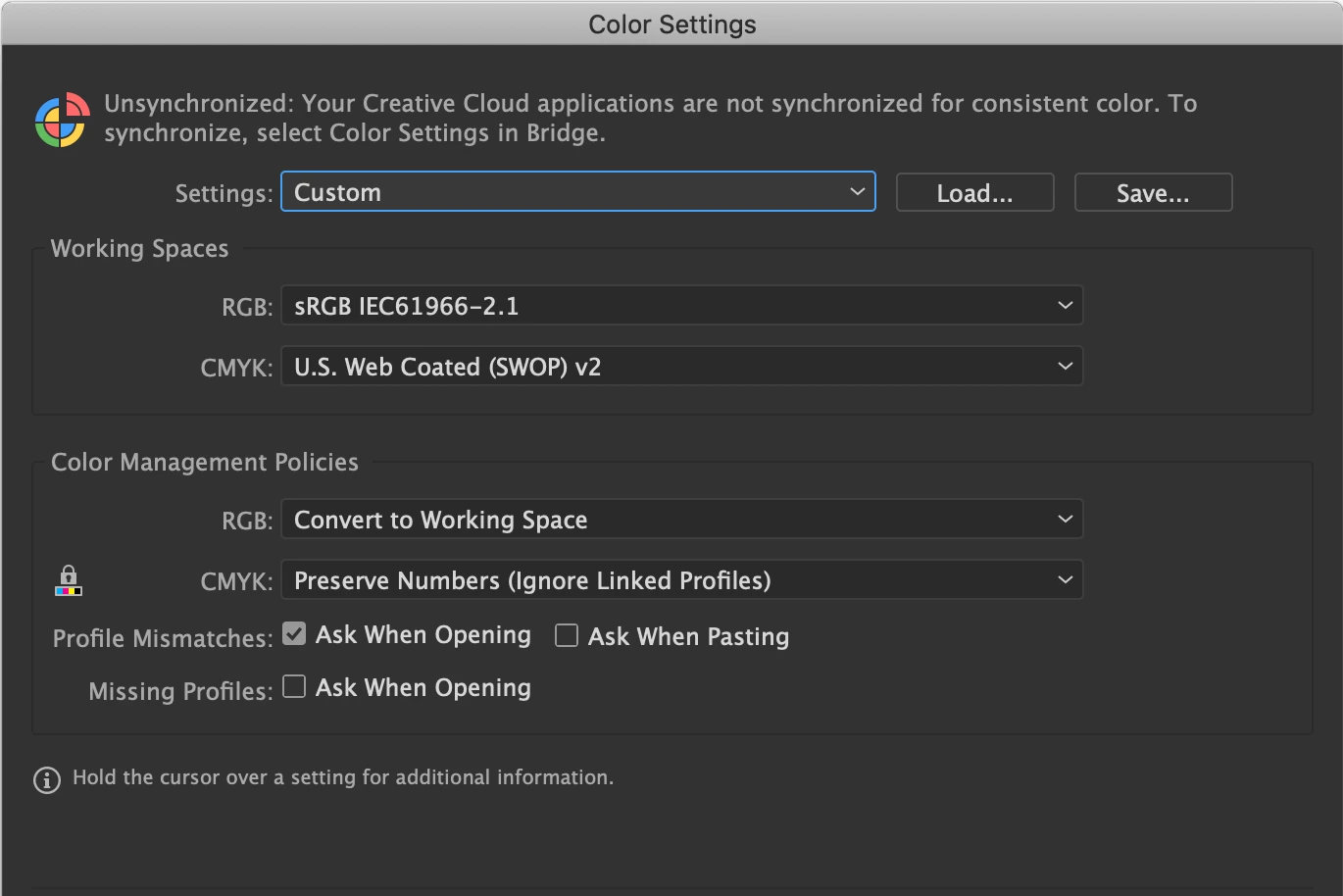
Document colour mode is RGB, and in the name bar it says '(RGB/GPU Preview)'.
I can manually match the colour or at least get close in Illustrator, but its a nuisance to do it this way.
Any help would be greatly appreciated


 AdChoices