Participant
March 31, 2020
Answered

Platzierung der Schrift auf Pfad ohne Ausblenden des Pfads

  • March 31, 2020
  • 2 replies
  • 827 views

Hey, ich hätte eine kurze Frage.

Folgendes einfaches Diagramm:
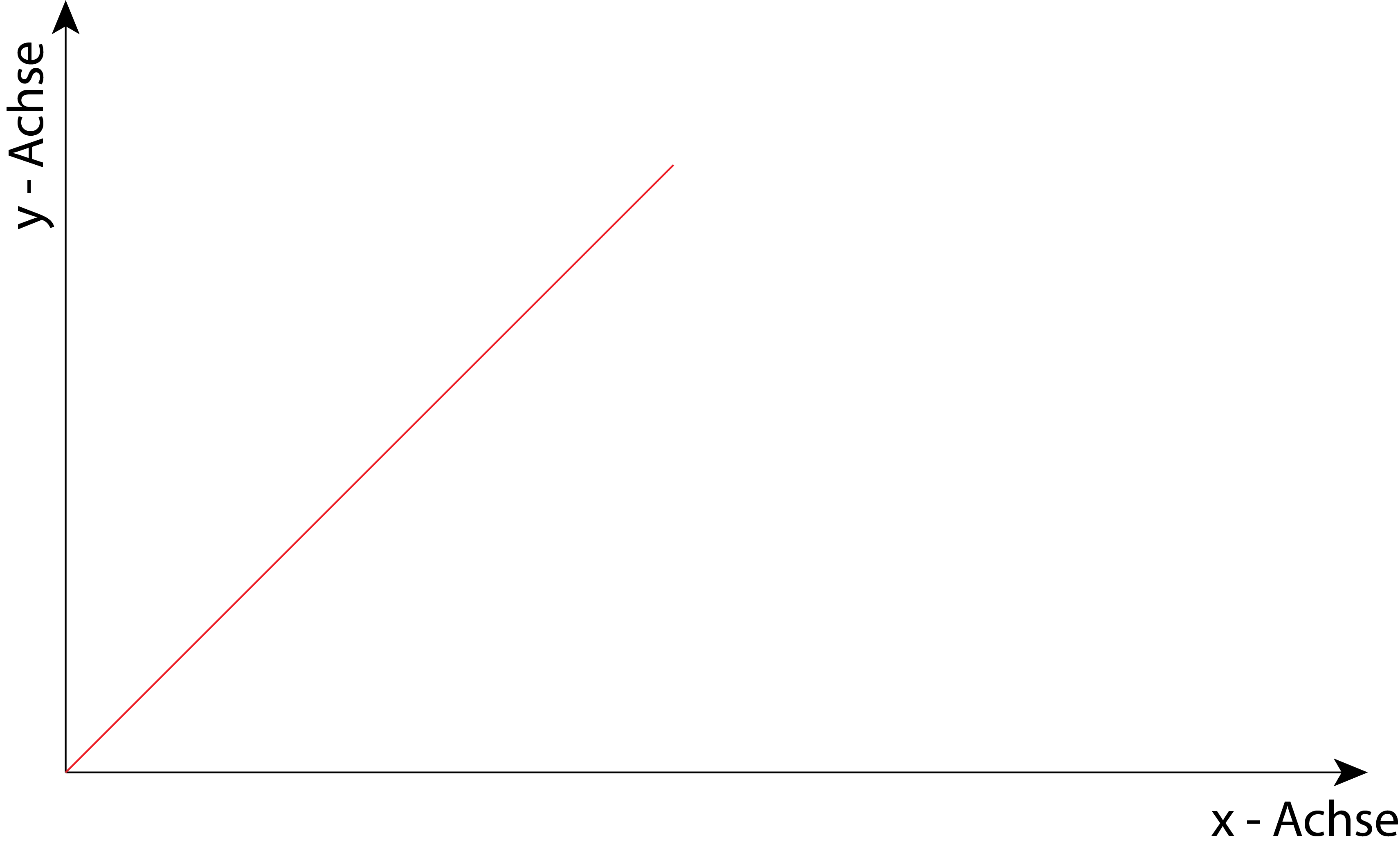
Die Bezeichnungen "x - Achse" und "y -  Achse" sind dabei manuell platziert.

Nun würde ich auch gerne die rote Linie beschriften. Dies würde ich gerne mit dem Tool "Pfadtext-Werkzeug" erledigen:
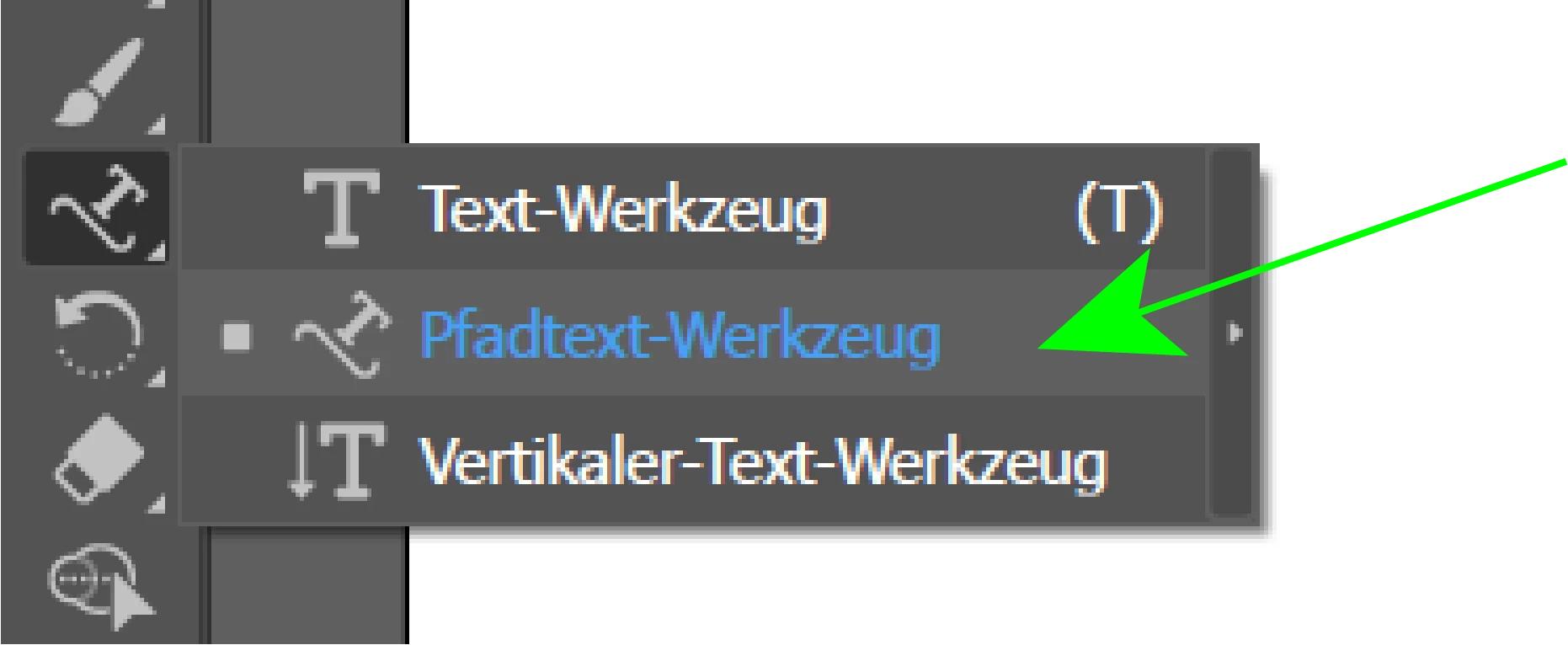
Ich wähle also das Tool aus, klicke auf die rote Linie und tippe den Text ein.
Dabei entsteht allerdings folgendes Ergebnis:
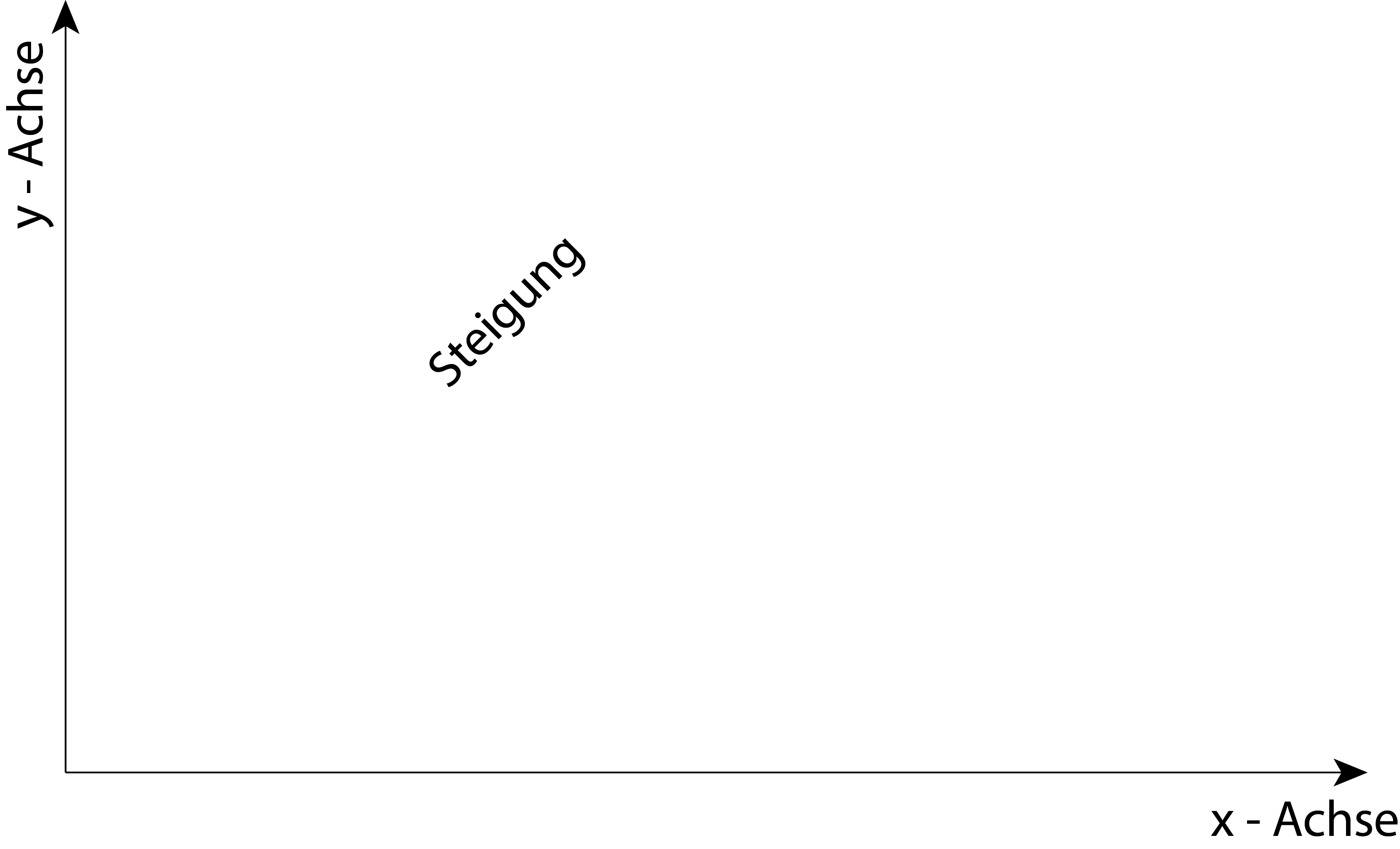
Die rote Linie selbst wird dabei ausgeblendet.

Nun ist meine Frage, ob sich dies Verhindern lässt?

Selbstverständlich könnte ich in diesem Beispiel die Beschriftung auch manuell einfügen, aber das hier soll ja nur ein Beispiel darstellen.

Ich nutze Adobe Illustrator 2020.

LG

Spedex


This topic has been closed for replies.
Correct answer Kurt Gold

After creating the Type on a Path object you would just have to direct select the path and then reapply the stroke attributes.


Sounds unnecessarily complicated, but that's the way it works.

2 replies

Kurt Gold
Community Expert
Community Expert
March 31, 2020

You would have to direct select only the path with the Direct Selection tool, not the entire Type on a Path object.


Then reapply the stroke attributes.


By "stroke attributes" I mean stroke width and stroke colour.

SpedexAuthor
Participant
March 31, 2020

Ah alright. Thank you very much. Now it's working.

Kurt Gold
Community Expert
Kurt GoldCommunity ExpertCorrect answer
Community Expert
March 31, 2020

After creating the Type on a Path object you would just have to direct select the path and then reapply the stroke attributes.


Sounds unnecessarily complicated, but that's the way it works.

SpedexAuthor
Participant
March 31, 2020

What do you mean with "stroke atrributes"?

I select the path again:

On the right side i have the following attributes:

If i click on the option contour:

And select a color or the widthness, only the text changes but the line is still not visible.