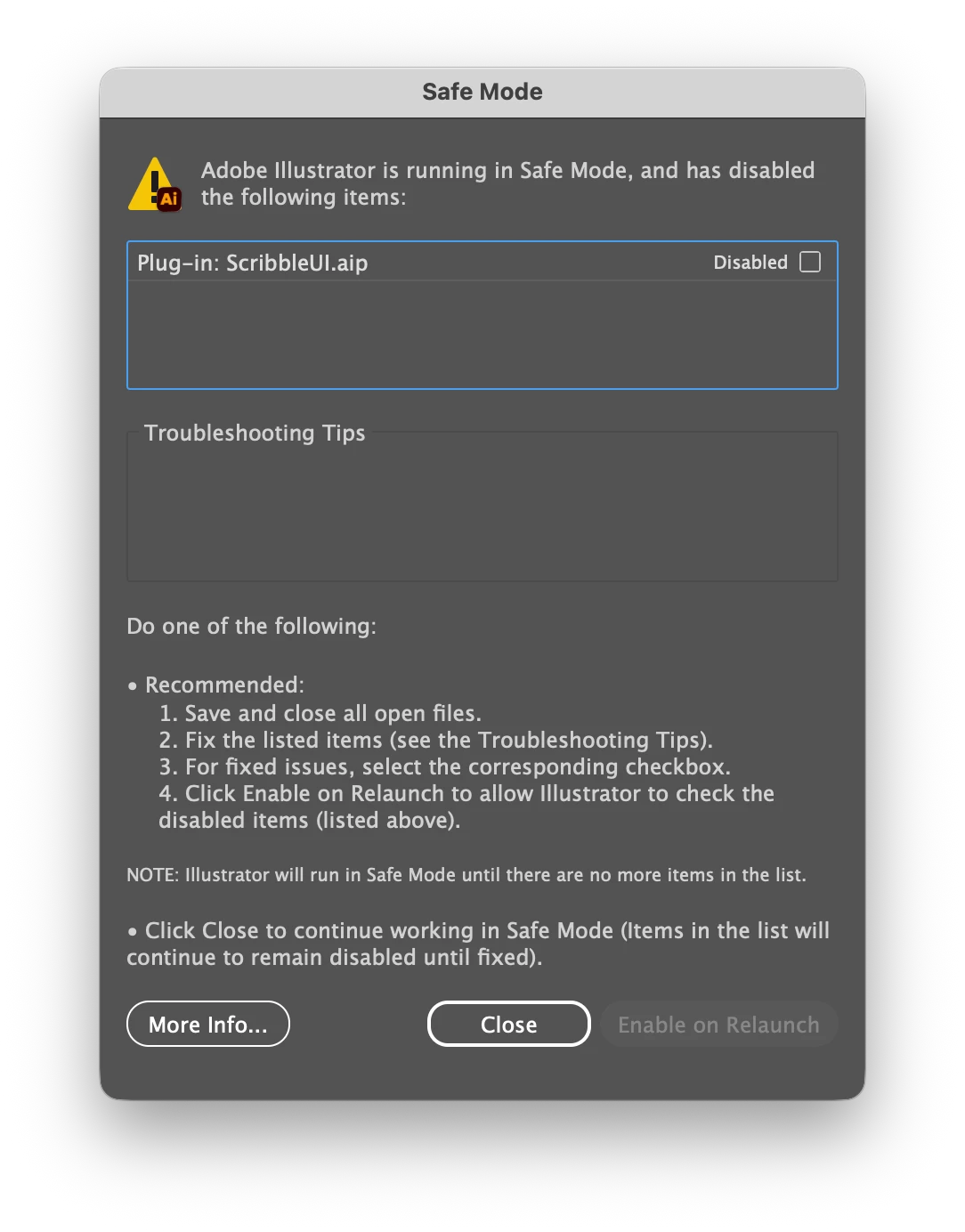
This dialogue window pops up every time I launch Adobe Illustrator. I’m not sure how to fix it—I uninstalled and reinstalled the app to no avail. What is ScribbleUI.aip? Is it possible to remove it? If so, how?
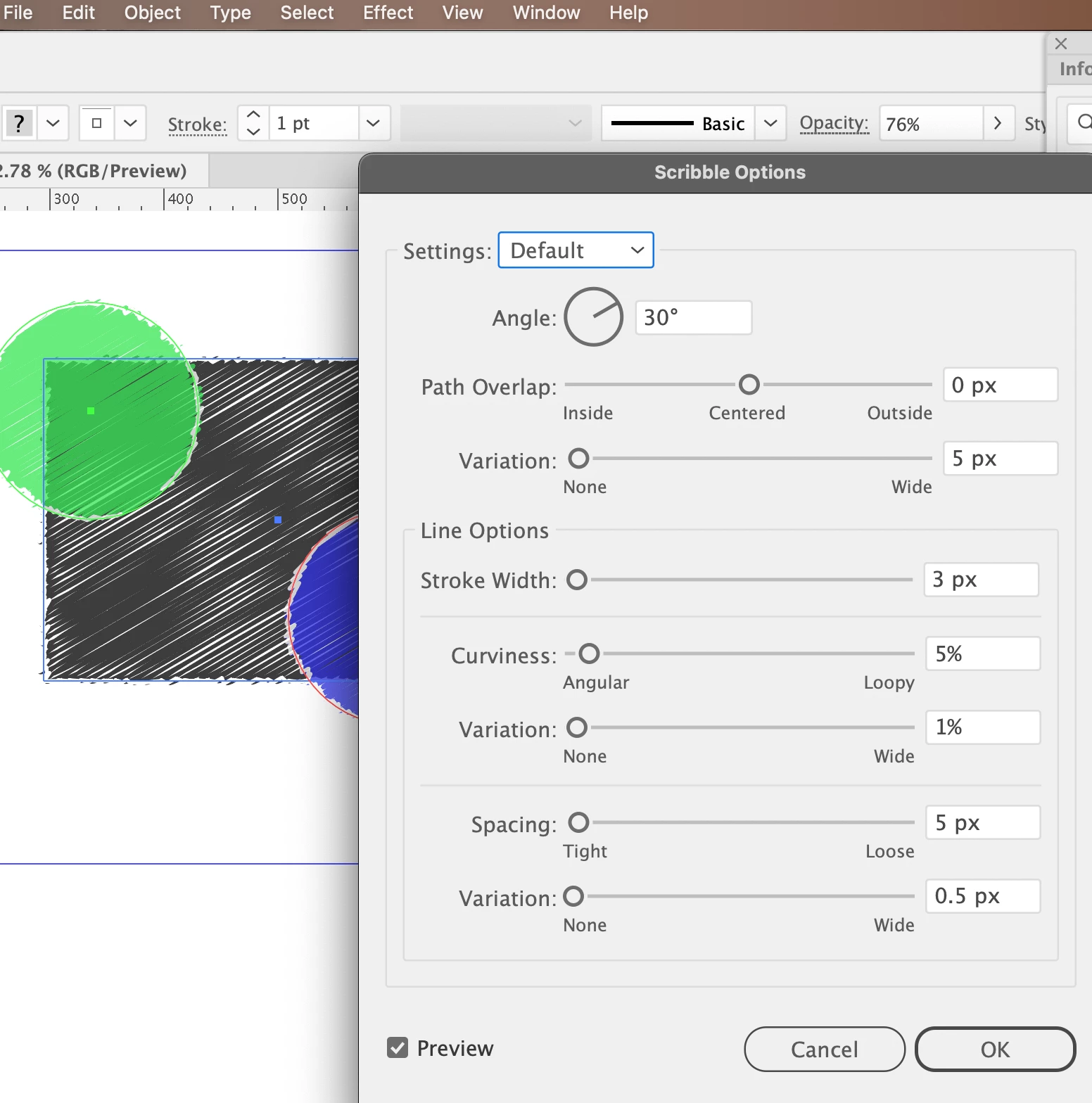
@lippg480 it is a built-in file which is part of the Effects - Stylize - Scribble
Scribble Options
Try resetting Illustrator Preferences. Close Illustrator, then hold Control Alt Shift (PC) or Command Option Shift (MAC) while launching Illustrator. This will reset all preferences to default settings. I personally have manually deleted the preferences folder on my MAC to reset Illustrator preferences. Illustrator will create new preferences after you restart Illustrator.
If by chance that doesn’t work, then the next extreme case is to uninstall Illustrator through the Creative Cloud Desktop app. Once done, Download and run the official Adobe Creative Cloud Cleaner Tool (to remove any bits of left-behind configuration files). Make sure to empty the trash too. Restart your computer. And go back and download a brand new Illustrator. Don’t use a previous version download, that may have been corrupted. Reinstall Illustrator via the Creative Cloud app.
@lippg480 it is a built-in file which is part of the Effects - Stylize - Scribble
Scribble Options
Try resetting Illustrator Preferences. Close Illustrator, then hold Control Alt Shift (PC) or Command Option Shift (MAC) while launching Illustrator. This will reset all preferences to default settings. I personally have manually deleted the preferences folder on my MAC to reset Illustrator preferences. Illustrator will create new preferences after you restart Illustrator.
If by chance that doesn’t work, then the next extreme case is to uninstall Illustrator through the Creative Cloud Desktop app. Once done, Download and run the official Adobe Creative Cloud Cleaner Tool (to remove any bits of left-behind configuration files). Make sure to empty the trash too. Restart your computer. And go back and download a brand new Illustrator. Don’t use a previous version download, that may have been corrupted. Reinstall Illustrator via the Creative Cloud app.





 AdChoices