rainbow hunter
Participating Frequently
January 12, 2022
Answered

PNG Export Dimensions Not as Set

  • January 12, 2022
  • 3 replies
  • 4789 views

I've been having this issue where I try to export a PNG from Illustrator at a set height (eg 600px). I've checked the PPI settings in Illustrator, it's set to 300 PPI. However, when I import the image into Photoshop the PPI values have changed and become smaller.


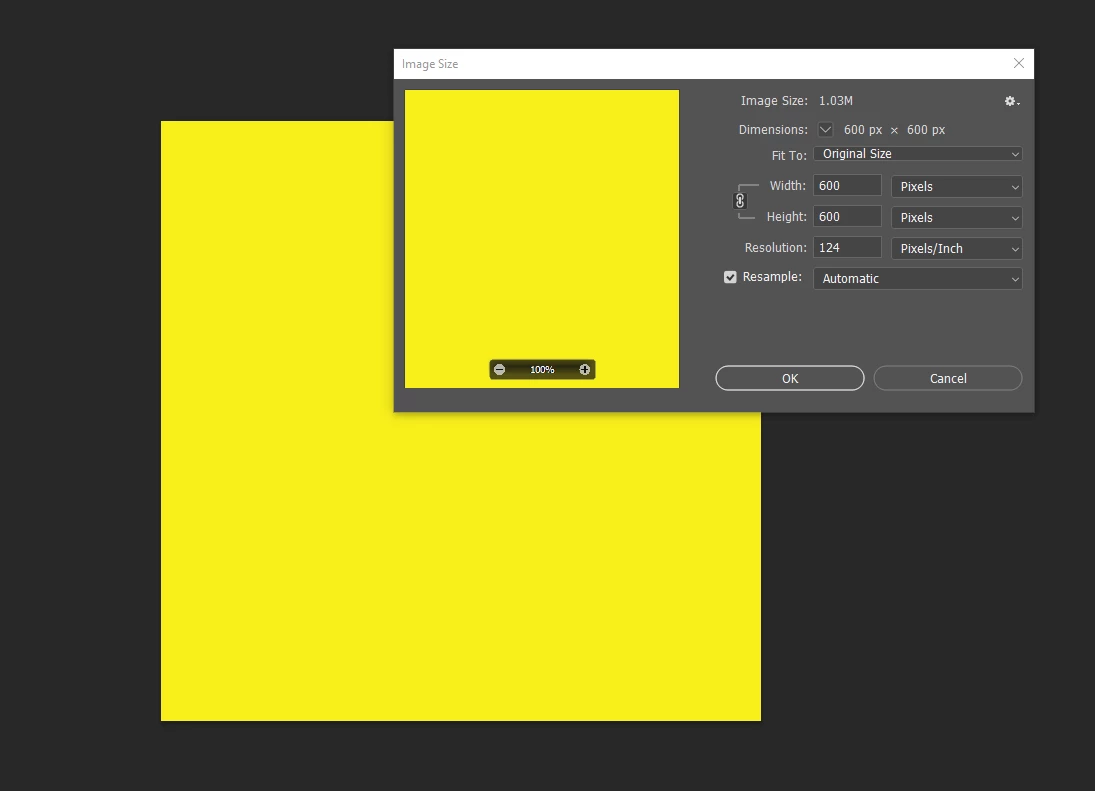
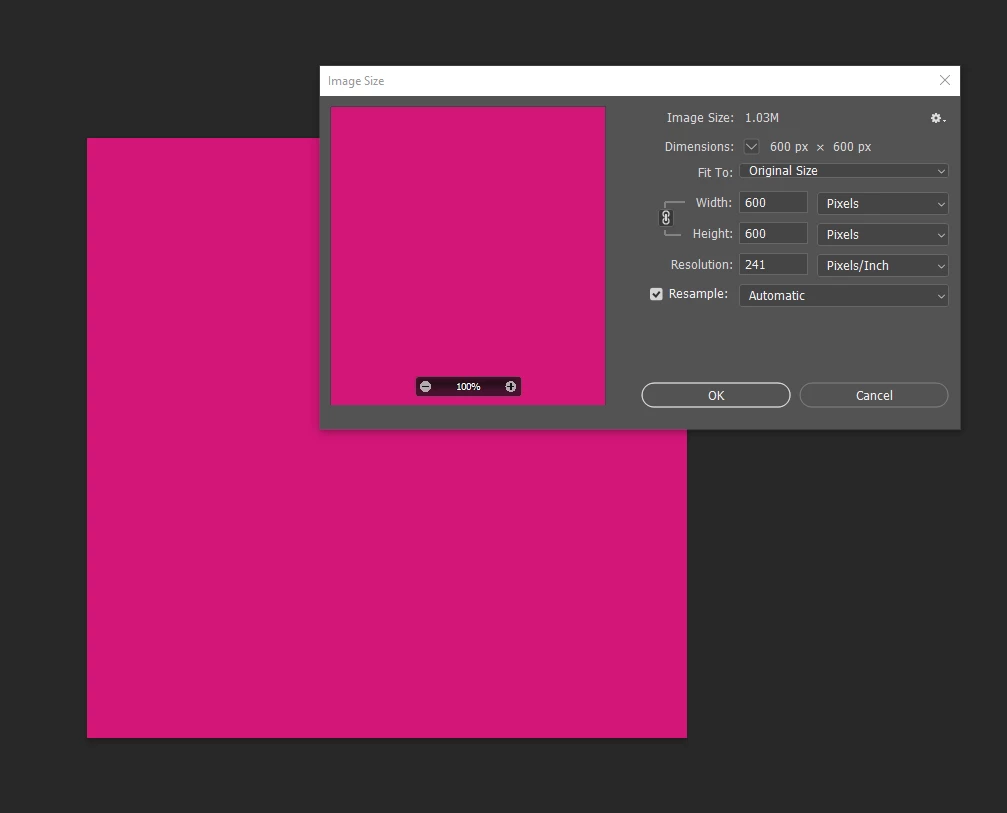
I found that it seems related to the size of the assets on the canvas, however that's never been the case before. It's always been that the export settings determine the resulting file dimensions and PPI. Here are some screenshots to help show the issue.


I think it's also worth noting that I was having issues recently with Photoshop and I uninstalled and reinstaleld the whole suite, so possibly I've messed up some settings.


Thanks!


This topic has been closed for replies.
Correct answer Dave Creamer of IDEAS

Yes I did.


Export for screens produces the same result. The PPI has an effect when I drag the exported PNG into another photoshop file (set at 300PPI). Basically I have a template file and I'm bringing multiple files into it, and because of the PPI mismatch the PNG comes into the document at about half the size of the template doc.


I can work around it though. Thanks for your time.


What is the PPI of your Photoshop file?


If you export your PNG from AI at 600 px sq., it should be 600 px in Photoshop. Since AI interchanges points and pixels, 600 px is pretty wide--almost 8.5 inches. However, if your Photoshop file is set to 600 ppi (for example), it will appear to be only 1 inch across when inserted into PS. 

3 replies

Dave Creamer of IDEAS
Community Expert
Community Expert
January 12, 2022

Ton and Brad gave you correct information. 


Perhaps you can tell us what you plan on doing with the graphic? Is it for print or web or what?

If for the web, you should strictly be concerned with the width x height pixels; ignore the PPI. I would use the Export>Export for Screens menu.

If for print, I would not be exporting to PNG from Illustrator if going to Photoshop (or InDesign). However, if I HAD to use PNG, I would use the Export>Export As menu.


David Creamer: Community Expert (ACI and ACE 1995-2023)
rainbow hunter
Participating Frequently
January 13, 2022

Thanks for your reply David.


These are just to illustrate the point. But the images I'm working on right now will be for web (I'd just use the SVG for print purposes if needed).


What I've done in the meantime is to use the exported SVG and bring that into Photoshop. Then I can export that as a PNG from there and the PPI is set correctly.


I am curious why the PPI wasn't following what I'd set in the document raster effects settings...

Dave Creamer of IDEAS
Community Expert
Community Expert
January 13, 2022

SVG is a web format too--it's just vector instead of raster like PNG. Why not place the native AI file directly in Photoshop? 


As Ton mentioned, the Document Raster Effects do not directly affect the export resolution. 

David Creamer: Community Expert (ACI and ACE 1995-2023)
Brad @ Roaring Mouse
Community Expert
Community Expert
January 12, 2022

The PPI is irrelevant. If you need a graphic that is exactly 600 pixels by 600 pixels, you got it.

If it really bugs you, just change the resoultion in PS's Image Size dialog (making sure that Resample is NOT checked).

rainbow hunter
Participating Frequently
January 13, 2022

Thanks for your reply Brad!


When bringing in the PNG file into a document with a higher PPI setting, it shows as smaller than expected because of the PPI mismatch.


Bringing the image into Photoshop, then changing the resolution as you described does make it behave as I'd expect, but it's also an extra step (I can't just drop the file into a 300PPI Photoshop file and have the dimensions line up). I am mostly just confused as to why the exported PNG doesn't have the PPI that I've set in Illustrator in the document raster effects settings.

Ton Frederiks
Community Expert
Community Expert
January 12, 2022

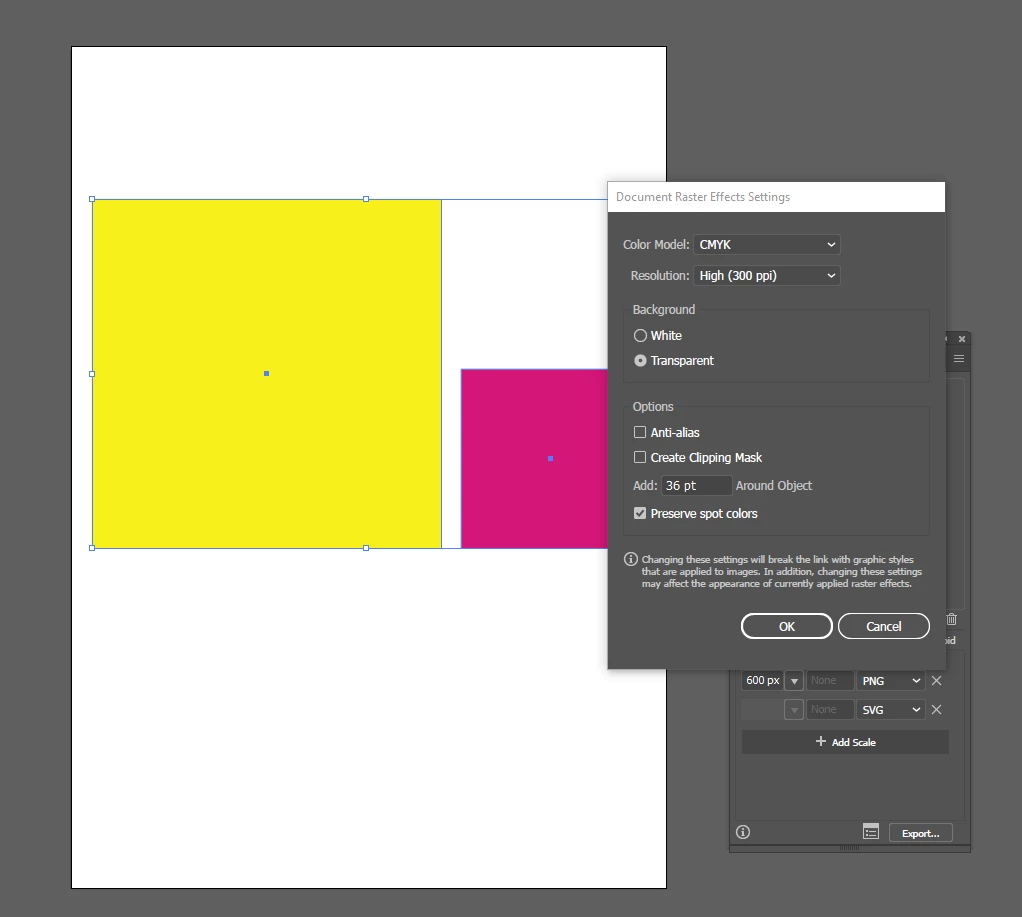
The settings you show are only for Raster Effects.

Illustrator creates scalable vectors that do not have a resolution.

If you create an object of a certain size in points or pixels, it will keep that amount of pixels when you export it at 72 ppi.

rainbow hunter
Participating Frequently
January 13, 2022

Thanks for your reply Ton.


The issue I'm having is with PNG (raster) images, SVGs export fine.


The document raster effects settings is set to 300PPI, the export dialogue is set to export the PNGs at 600px high. So I would expect both of those squares to export PNGs with dimensions of 600x600px with 300PPI.

Ton Frederiks
Community Expert
Community Expert
January 13, 2022

Just export as 72 ppi to keep the same amount of pixels. And if you want to change the resolution settings, do it in an app like Photoshop and change the resolution in Image Size without Resampling.