

savagequest
Inspiring
September 12, 2024
Answered

PNG file has dark blue-grey background when exporting from 'Asset Export' into Acrobat PDF

  • September 12, 2024
  • 1 reply
  • 3247 views

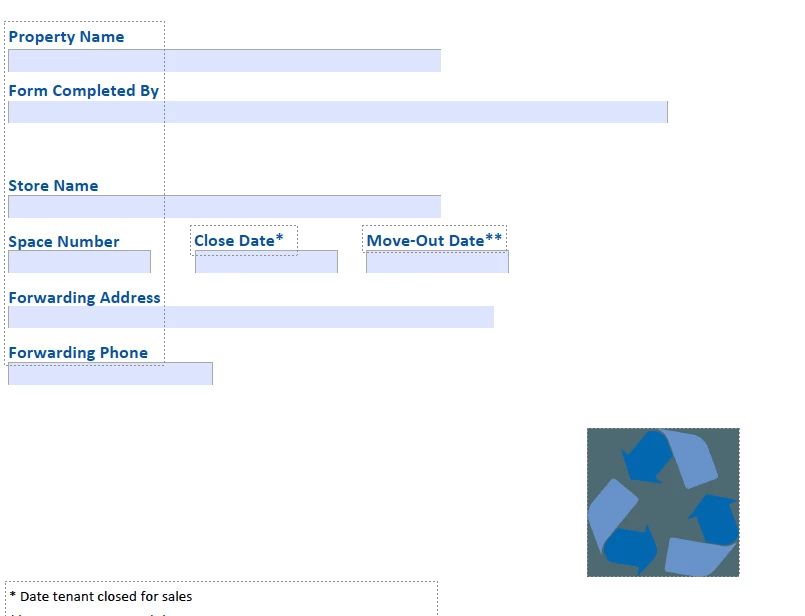
When exporting PNG files from 'Asset Export' in Illustrator and importing the file into Acrobat PDF, a dark blue-grey background appears for no reason. There is no background around the graphic in Illustrator, and none when viewing in any other app or preview.  It only shows up when importing the PNG to Acrobat.  


I've never had an issue with any file format exported from this panel until now. 

If anyone has encountered this before and can offer a solution, it would be greatly appreciated. 


Here's an example of what I'm seeing on my end. 
This topic has been closed for replies.
Correct answer Ton Frederiks

Thank you, @Ton Frederiks – 

Curious, why you would suggest not using (Type Optimized)? For years I've always found this helps keep fonts crisp when using transparent backgrounds and would love to know if unchecking it is the better option and/or what settings are the best universal options for PNGs. 


I appreciate you looking into my PNG issue.  If it helps, I'm on Mac Sanoma 14.6, and possibly this has something to do with it. 


If there is no live type involved, like your example or logos, patterns, Art Optimized gives a smoother superior result.

But you can try that for yourself, quality is subjective.

1 reply

Ton Frederiks
Community Expert
Community Expert
September 13, 2024

Can you share such an exported png file?

Which versions do you use?

I tried replicating it, but it works for me.

savagequest
Inspiring
September 13, 2024

Sure, the PNG file I imported is attached.

I'm on v: 28.7 Illustrator &  v: 2024.002.21005 Acrobat (both are the most current release)


Ton Frederiks
Community Expert
Community Expert
September 13, 2024

I can verify that behaviour, but when I resave the file in Photoshop, it works fine.

Can you check the PNG settings in Asset export?