Answered
Post registration issues
Hello,
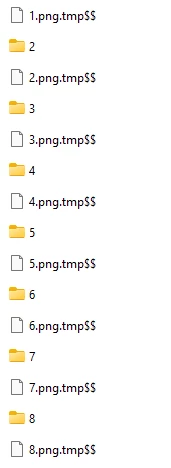
After saving the studies to the desktop; Files named "2.png.tmp$$" started to appear. And I don't know how to get rid of it.
You can see in the photo...
Thank you in advance for the support.

Hello,
After saving the studies to the desktop; Files named "2.png.tmp$$" started to appear. And I don't know how to get rid of it.
You can see in the photo...
Thank you in advance for the support.
Already have an account? Login
Enter your E-mail address. We'll send you an e-mail with instructions to reset your password.
 AdChoices