


Answered

barbara_a7746676Correct answer
Community Expert
February 28, 2025
Not sure I'm totally understanding.
If you select an object and want to rotate it to a specific degree, you an type the degree in the Properties panel and hit Enter or Return.
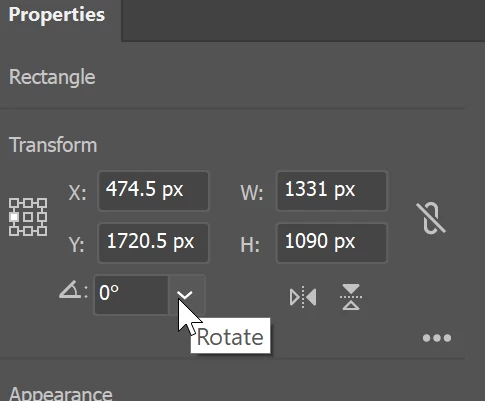
Or, you can choose Object > Transform > Rotate from the menu
If the object is not rotating correctly because the bounding box is not straight you can choose Object > Transform > Reset Bounding box
 AdChoices