
PrepressPro1
Legend
January 15, 2018
Question

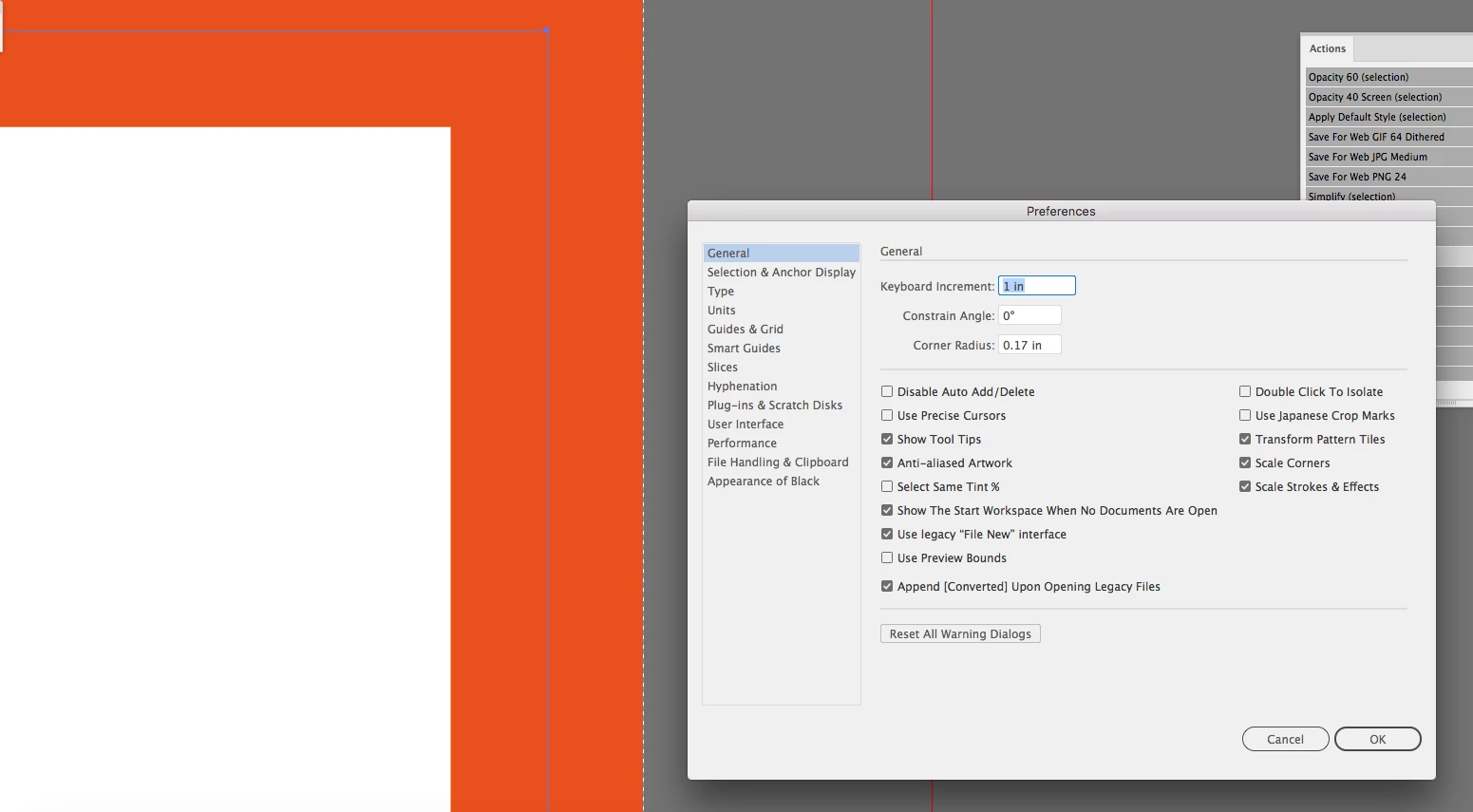
Preference stuck on Use Preview Bounds

  • January 15, 2018
  • 1 reply
  • 1927 views

I have tried several times to get Illustrator CC 2018 to honor the unchecked Use Preview Bounds. I have a vector and I use the Art Board tool to Fit to Selected Art. The Fit to Selected Art snaps to the preview bounds of the object and not to the actual vector object. I'm considering dumping my Preferences unless I'm missing something, or there is another way to fix this issue.
    This topic has been closed for replies.

    1 reply

    PrepressPro1
    Legend
    January 15, 2018

    Perhaps if I ask a different question like how do I get the Artboard size to snap to a vector and not the vector plus the stroke. I have done this thousands of times and now it doesn't work.

    Ton Frederiks
    Community Expert
    Community Expert
    January 15, 2018

    I have done this many times with an unfilled, unstroked rectangle, but it seems that it always did include the stroke (if there was any).

    I tested it in CS6 and CC 2017.