
Preserve Proportions when resizing a group of objects
I often need to resize vectors to fit different shaped artboards. Often these vectors are for large sports banners and include sized borders and curves that do not translate from square to rectangle or larger rectangular shapes without distorting.
I'm wondering if there is an easy shortcut to resize these? As it is now, I painstakingly dissect the vector and piece it back together. I'm attaching screenshots of the current project I'm working on. The first template is a 24x48" banner. I also need to create a similar banner; however, it needs to be sized 24x72".
Any ideas? Thanks in advance.
Image #1 - 24"x48" banner at regular size in the 24"x72" artboard
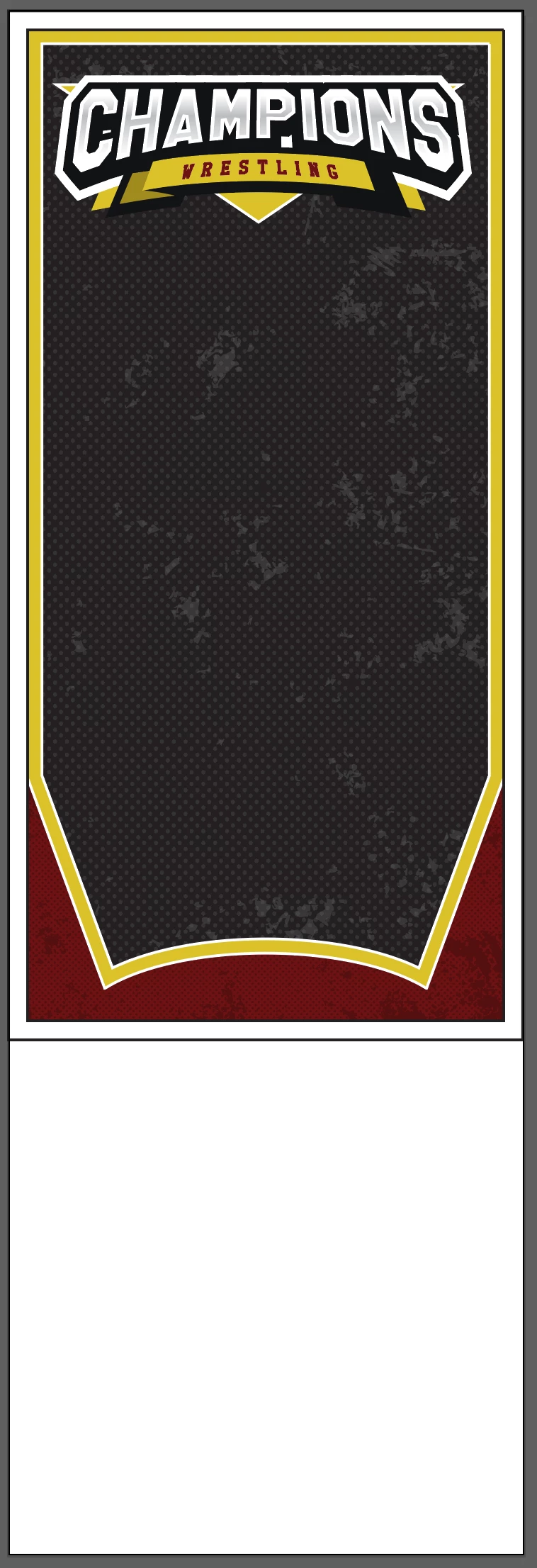
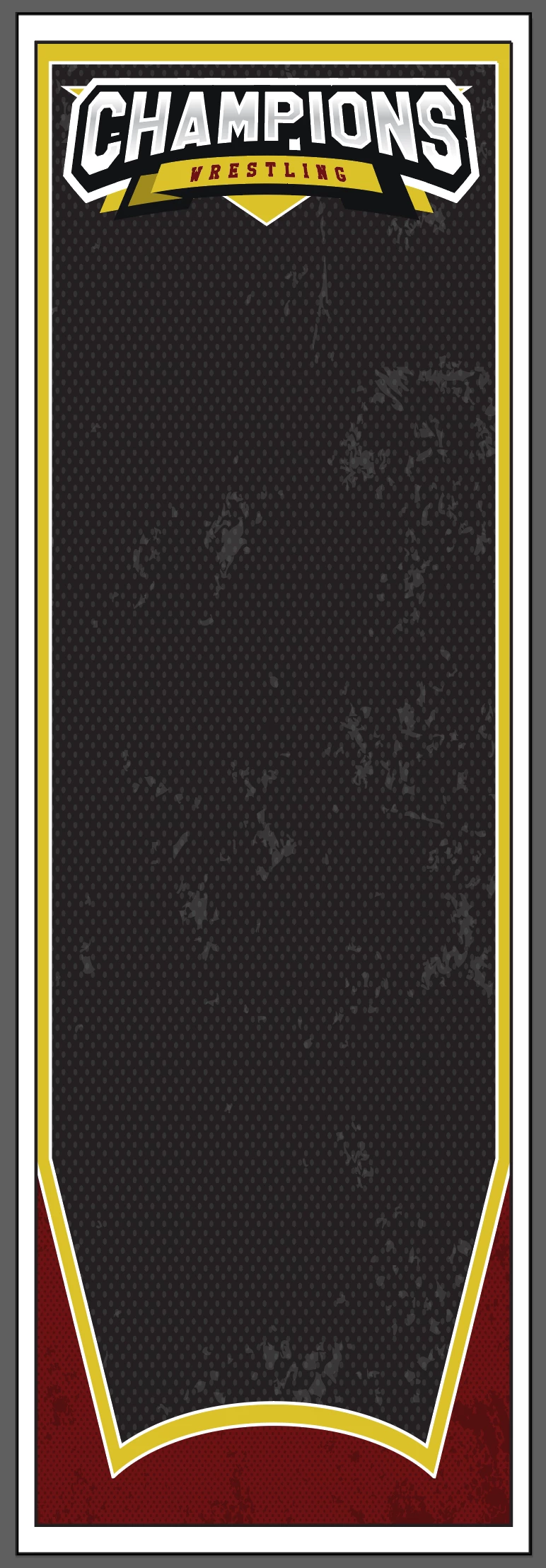
Image #2: Image stretched to fit the new size. Of course all proportions are off. In the past, I have used the scissor/erase tool, divided the image, do some copy and pasting and patching it back together. I'm wondering if there is an option I don't know about that would stretch the inside of the vector and preserve my borders/curves. Thoughts?
 AdChoices