
rehana36276218
Known Participant
Dec 15, 2022 12:36 PM UTC
Question

PresPrespective plane

hi everybody i want to attch my images in prespective through different mehtods like extrude and bevel map art and other option envelop distort make with top object , but envelop distort image de shape badly according to the shape , extrude and bevel map option is good but the issue i am facing is not the correct prespective of the image , or there is anyother way like in photoshop ..?  you can see in the image , any help guidence would be highly appreciated,
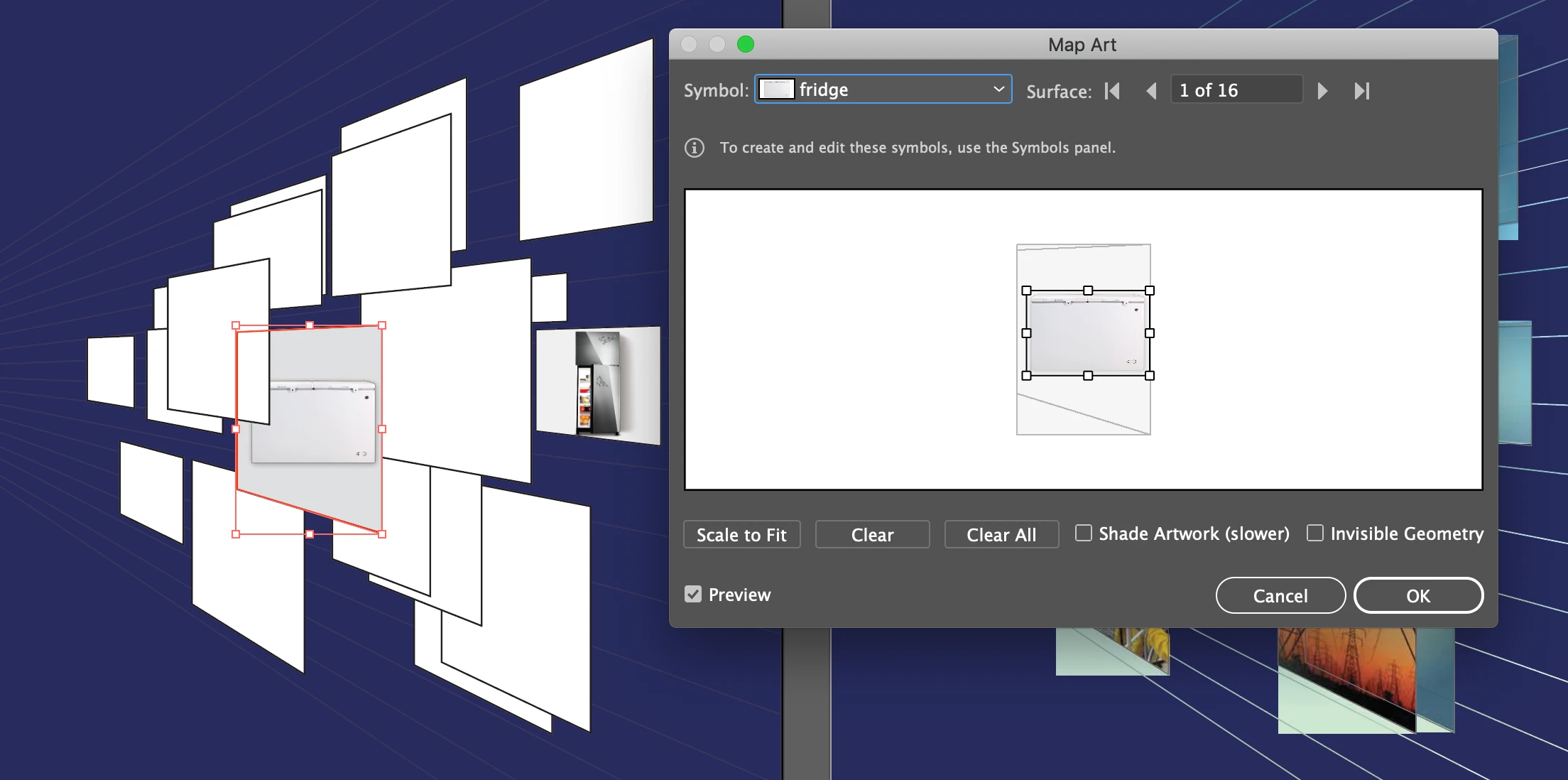
 

thanks in advance

Prespective

This topic is closed to new replies. Start a new post to keep the conversation going.

3 replies

Monika Gause
Community Expert
Community Expert
Dec 15, 2022 12:51 PM UTC

Please show us the result with the envelope distort.

And also tell us how you did it.


Another option would be Effects > 3D > classic > Rotate

Translate
rehana36276218
Known Participant
Dec 17, 2022 8:11 AM UTC

in illustrator 24.0.2 there is no option effects > 3D > Classic > Rotate

and envelope disort with top option just stretch and fit the image according to the prepesctive shape... , 

you see in the above i shown the image fridge is properly center  with no strech , but  i am just facing direction issues here

so please help in making this design.

Translate
Monika Gause
Community Expert
Community Expert
Dec 17, 2022 10:36 AM UTC

Effects > 3D&Material > 3D (classic) > Rotate - not there? Which version is it?


"and envelope disort with top option just stretch and fit the image according to the prepesctive shape."


I don't understand what you mean with that. Please show. Because that's a description of what should happen, no?

Translate